Capture the contents of your entire desktop at the same time as your video camera, microphone and computer's audio. Sophisticated editing tools allow you to create incredible screencasts in no time.
 United States


The best Screenshot Capture alternative to VokoscreenNG is OBS Studio, which is both free and Open Source. If that doesn't suit you, our users have ranked more than 100 alternatives to VokoscreenNG and loads of them are Screenshot Capture Tools so hopefully you can find a suitable replacement. Other interesting Screenshot Capture Tool alternatives to VokoscreenNG are ShareX, SimpleScreenRecorder, Bandicam and Camtasia.
Capture the contents of your entire desktop at the same time as your video camera, microphone and computer's audio. Sophisticated editing tools allow you to create incredible screencasts in no time.
United States
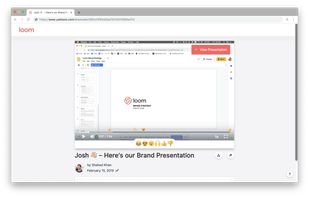
Easy and free screen recorder for Mac, Windows, and Chromebooks. Record your camera and screen with audio directly from your Chrome browser and share the video with your team, friends, and family.
United States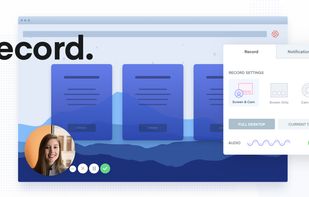


 Sweden
 EU


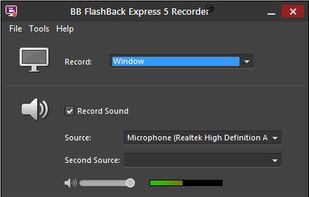
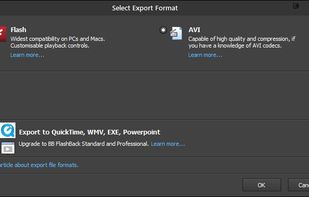
Free software records screen, webcam, and audio; supports picture-in-picture overlays, lossless format storage for frame referencing, export to Flash or AVI, and fast sharing options including direct YouTube upload. Suitable for tutorials, demos, or sharing online.
 United Kingdom
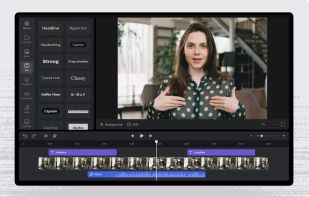
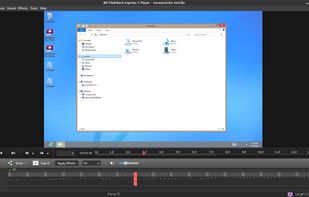


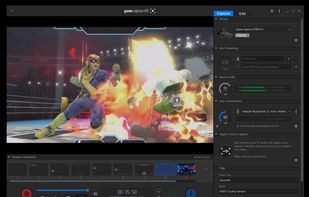
Designed for content creators, Elgato Game Capture is a professional videogame recording and live-streaming software for Windows.
 GermanyEU


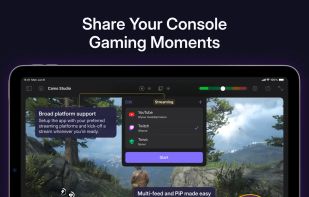
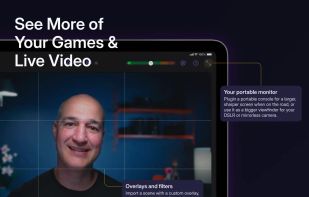
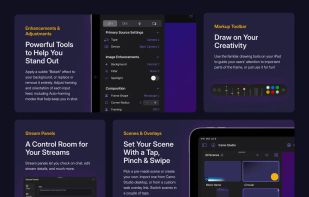
Start a stream or record your next video in a few taps – hone your scenes, connect a camera, and start creating with ease.
United Kingdom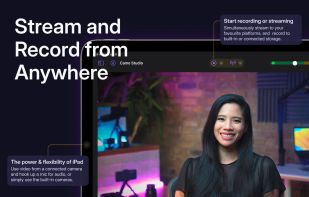


Wink is a Tutorial and Presentation creation software, primarily aimed at creating tutorials on how to use software (like a tutor for MS-Word/Excel etc). Using Wink you can capture screenshots, add explanations boxes, buttons, titles etc and generate a highly effective tutorial...
 India


Get to know Game Bar on Windows Open Game Bar to take control of all your favorite gaming activities while playing on your Windows 10/11 device.


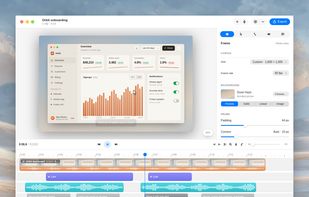
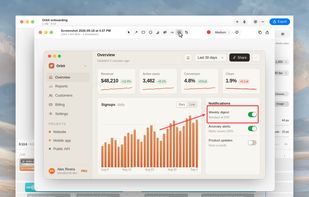
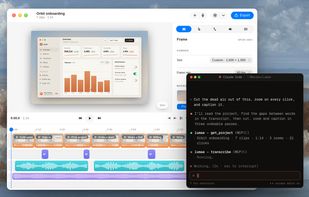
A free native Mac studio for recording displays, windows or areas, then editing with automatic click-based zooms, a redrawn cursor and motion blur. It also creates editable annotated screenshots, transcribes captions locally, records voiceovers, and stitches takes.
 Canada


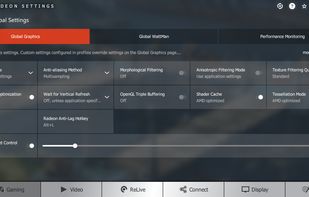
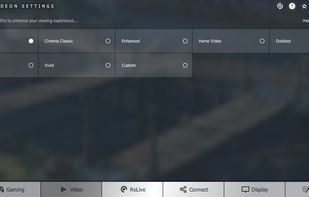
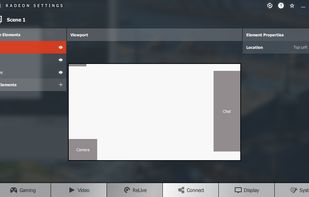
Capture, stream and share your greatest moments and gaming wins with Radeon ReLive. Modify settings quickly, conveniently, and play seamlessly with the easily accessible in-game toolbar. Express yourself in bold new ways with custom scene layouts.
United States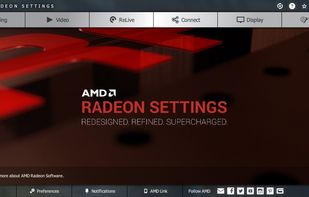


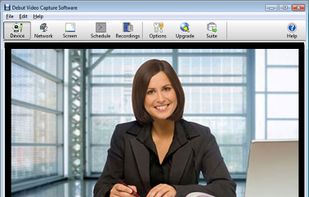
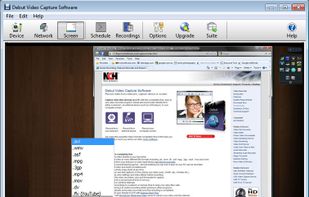
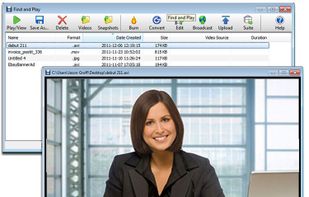
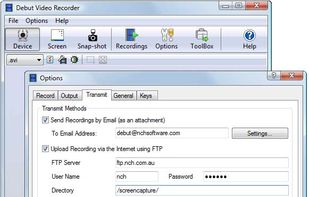
Debut is a screen capture and video recording software that records videos from your screen, webcam or other video devices.
 Australia


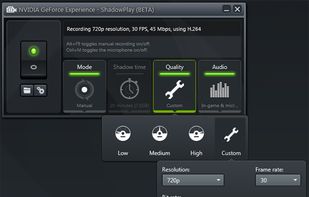
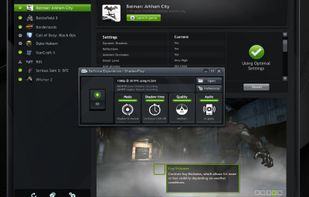
ShadowPlay is a graphics-accelerated overlay to record and share high-quality gameplay videos, screenshots, and livestreams.
United States