Cost / License
- Free
- Open Source (MIT)
Application typeApplication types
Since
- Since 2016
GitHub
- GitHub stars: 19.4k
 Sweden
 EU


VokoscreenNG is not available for Mac but there are plenty of alternatives that run on macOS with similar functionality. The best Mac alternative is OBS Studio, which is both free and Open Source. If that doesn't suit you, our users have ranked more than 100 alternatives to VokoscreenNG and loads of them are available for Mac so hopefully you can find a suitable replacement. Other interesting Mac alternatives to VokoscreenNG are OpenScreen, Recordly, Bandicam and Camtasia.
SwedenEU
 China
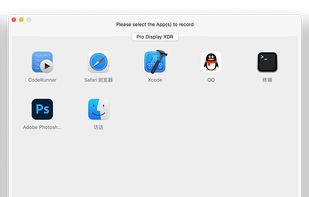
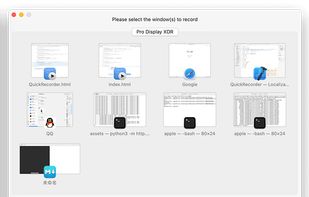
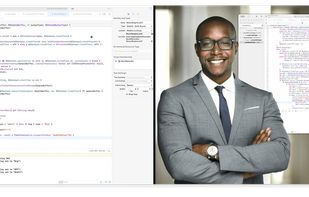


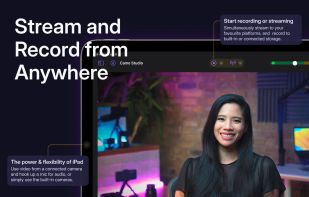
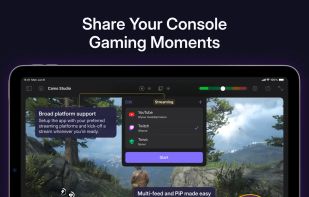
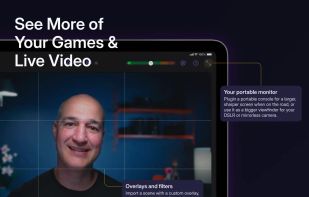
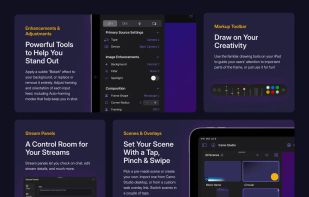
Start a stream or record your next video in a few taps – hone your scenes, connect a camera, and start creating with ease.
 United Kingdom


Open-source macOS screen recording app with auto-zoom, cursor effects, and timeline editing — Screen Studio alternative.
 South Korea
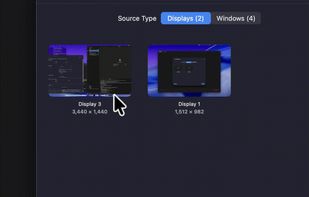
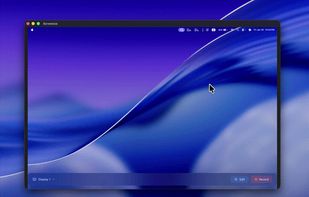


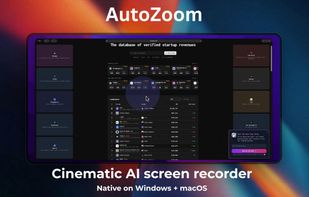
Screen recording app providing native Windows and macOS support, adds AI-driven auto-zoom following actions, motion blur, 3D effects, animated backgrounds, captions, keystroke and click highlights, webcam overlays, and fast 4K or GIF exporting without watermark.
 Bangladesh


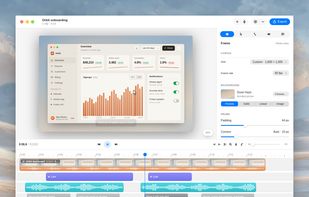
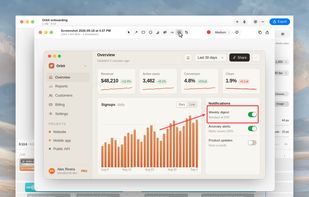
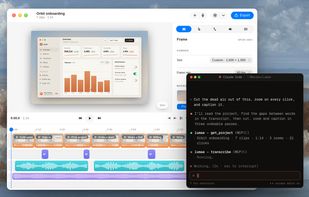
A free native Mac studio for recording displays, windows or areas, then editing with automatic click-based zooms, a redrawn cursor and motion blur. It also creates editable annotated screenshots, transcribes captions locally, records voiceovers, and stitches takes.
 Canada


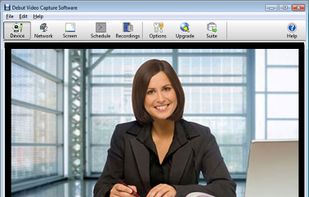
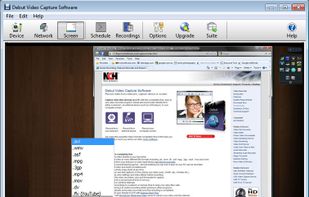
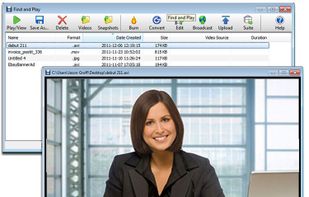
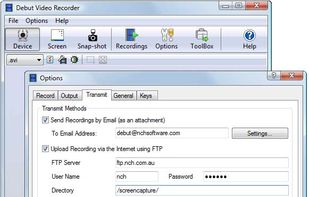
Debut is a screen capture and video recording software that records videos from your screen, webcam or other video devices.
 Australia


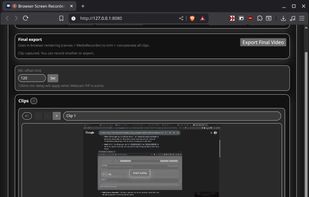
Record your screen, trim the clips and export single video file with result. No nonsense screen capture and recording to make quick videos. Zero dependencies. No build system.
 United States


Wirecast software lets you produce professional-looking live events with just a camera, an internet connection and a computer. Stream or record live internet shows, broadcast breaking news or sporting events, stream live concerts, transmit church services, corporate meetings...
United States
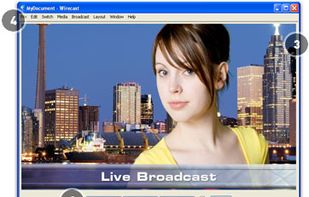


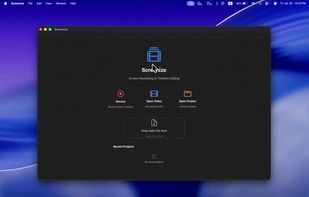
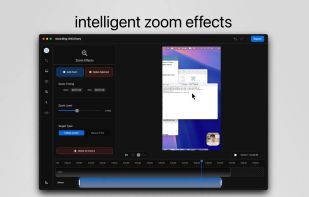
macOS tool for detailed screen recording, timeline-based video editing, customizable cursor animations, camera and audio capture, background editing, and easy sharing. Suitable for tutorials, presentations, or social media creation with a user-friendly workflow.
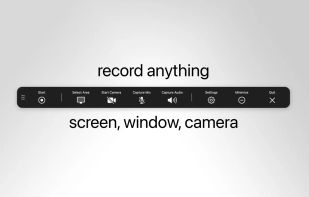
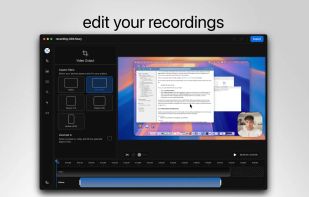
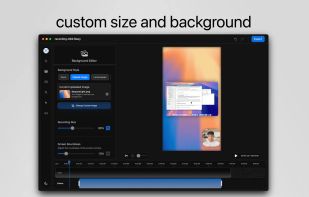


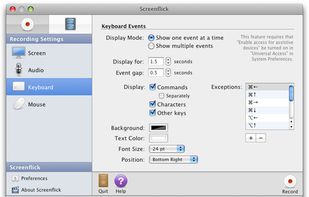
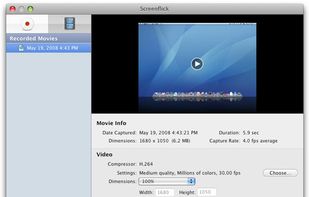
Screenflick features high performance screen capturing for smooth, fluid motion up to 60 fps. Screenflick can record any portion of the screen, simultaneously recording audio from internal or external microphones and the system audio.
United States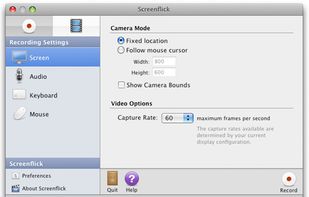


Open-source screen recorder with instant share links, self-hostable on your own Cloudflare account.
 Uzbekistan