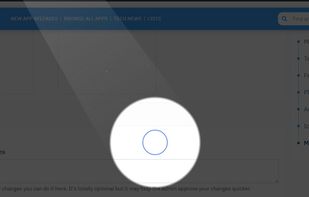
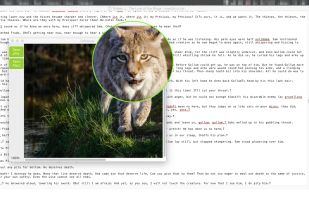
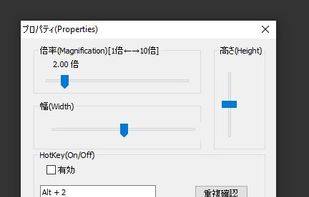
Screen magnifier system tray tool; once started, a floating window appears after clicking on the tray icon.


M


Virtual Magnifying Glass has been discontinued. Similar apps include SHARA, which has a free version. Other options are ZoomIt, LumiZoom, Magnifixer and Eyedropper. Screen Magnifiers like Virtual Magnifying Glass are a crowded field, with more than 25 alternatives for Windows, Linux, Mac and Android.
Screen magnifier system tray tool; once started, a floating window appears after clicking on the tray icon.

 United Kingdom


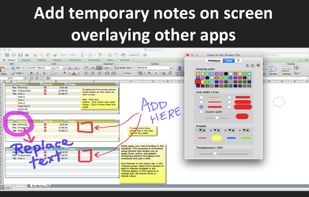

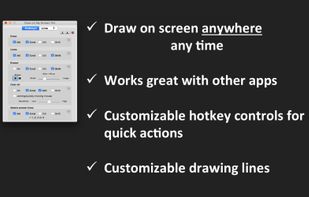


iZoom Screen Magnifier & Reader represents a leap in screen magnification technology. iZooms patent-pending ClearPoint font smoothing maintains crystal clear text quality regardless of zoom level. iZoom makes viewing web pages and emails easier than ever with SmartAlign, our...


You need zoom? We got some! Desktop Lens is a simple application to work with small fonts and hi-res images.
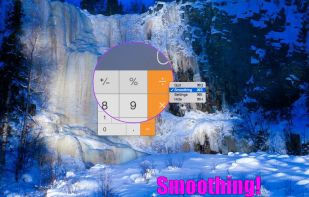

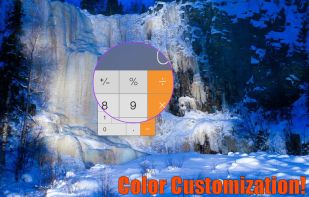


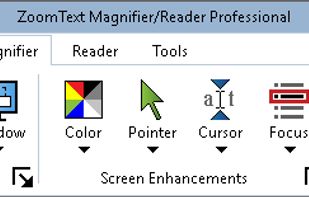
Screen magnification tool designed for low vision users, providing adjustable magnification, clear text rendering with xFont technology, color and pointer customization, multiple monitor support, speech output, cursor enhancements, and application compatibility.
 United States


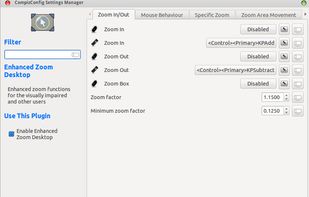
The Enhanced Zoom Desktop plugin allows the whole screen to be zoomed in for improved legibility. It is possible to continue working with other applications while zoomed in.


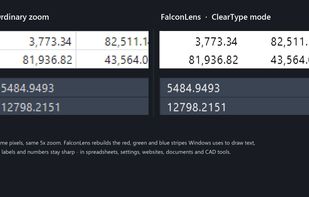
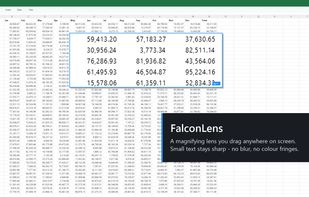
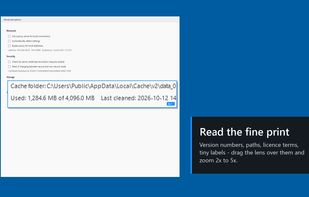
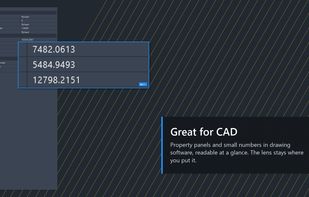
FalconLens is a small magnifying window you can drag anywhere on your screen. Put it over text you can't read and it shows what's underneath, enlarged 2x-5x. It works with every program: spreadsheets, documents, websites, settings windows, chat apps and design or CAD...


Kokodeka is a magnifier software. Magnifier window also appears in the mouse position while zooming in near the mouse position. In other words, the vicinity of the mouse is always enlarged, and the enlarged part moves with the mouse movement.


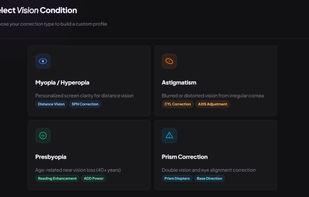
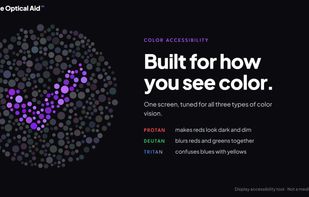
DOA (Device Optical Aid) is a free Windows app that adjusts your screen in real time to make it more comfortable to look at without wearing your glasses.


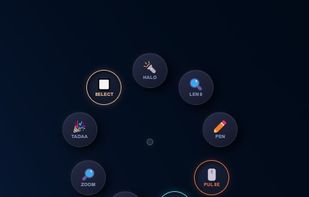
Turn every screen share into a polished presentation. Cursaura adds beautiful cursor highlights, click effects, zoom, annotations, keystroke display, and focus tools directly on your screen — perfect for demos, tutorials, livestreams, online courses, and remote meetings.