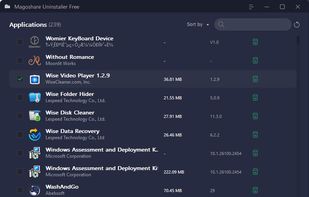
Safarp is a small and fast alternative to the Add or Remove Programs Control Panel applet of Windows 2000/XP. It displays a list of the installed programs and allows one to uninstall / repair them.
Platforms
- Windows
 France
 EU
EU
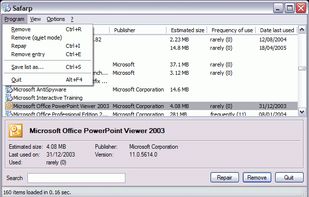


Apps similar to Total Uninstall include Bulk Crap Uninstaller, which is free and open source. Other options are Revo Uninstaller, Geek Uninstaller, HiBit Uninstaller and Uninstalr. There's no shortage of Software Uninstallers like Total Uninstall, with more than 25 alternatives for Windows, Mac and Android.
Safarp is a small and fast alternative to the Add or Remove Programs Control Panel applet of Windows 2000/XP. It displays a list of the installed programs and allows one to uninstall / repair them.
FranceEU
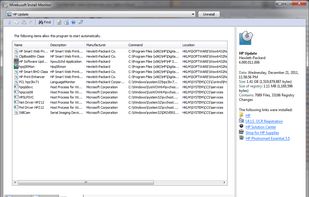
Install Monitor provides a better application management platform for Windows. This includes the ability to monitor application resource usage and uninstall completely. It helps to solve the problems of software rot and bloat.
 United States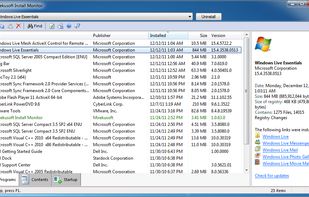


ZSoft Uninstaller is the better and easier way to uninstall programs on your computer.
United States

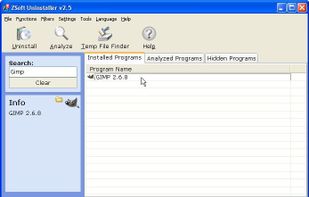


UninstallView is a tool for Windows that collects information about all programs installed on your system and displays the details of the installed programs in one table ... providing an easy way to remove unused or unneeded apps.
 Israel


Clean up Sketch/Xcode caches, remove stubborn apps & put the real-time monitor on macOS. Reclaim gigabytes of free storage on Mac in few clicks.
 China
China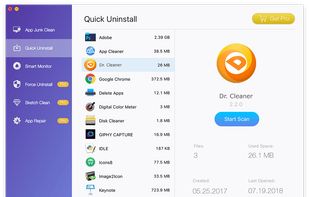


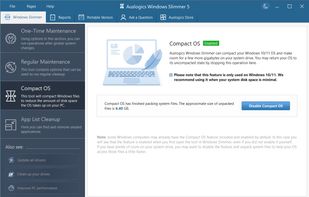
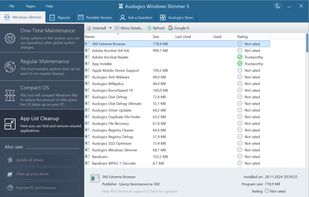
Optimizes Windows settings, removes unused apps, reduces OS footprint, and blocks data transmissions to free space and enhance performance with easy maintenance modes for improved privacy.
 Australia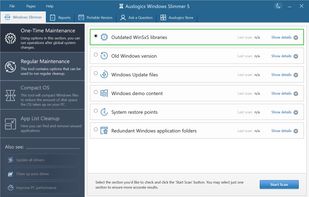



Windows Uninstaller is Windows Explorer menu extension for fast and simple removal of Windows software.
 GermanyEU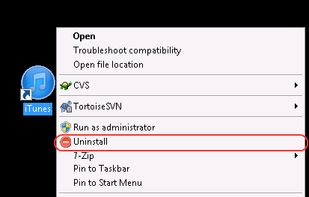


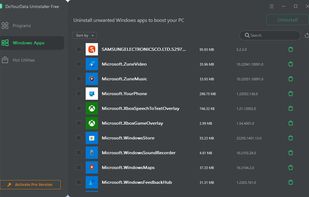
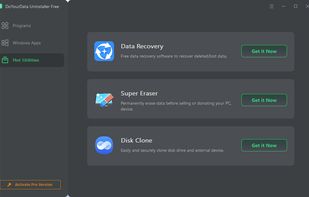
Powerful & smart free uninstaller - easily uninstall programs, Windows Apps, plug-ins one by one or in batches and remove related files, clean up all leftovers.
China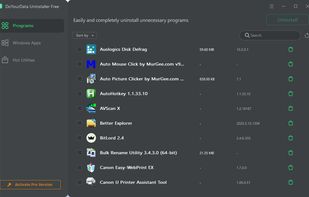


CleanMyPC Uninstaller offers smooth and safe uninstall of unnecessary apps. The Uninstaller can remove any app you want and cleans leftovers after each uninstall. No junk remains. Apps are erased completely and accurately.
 Ukraine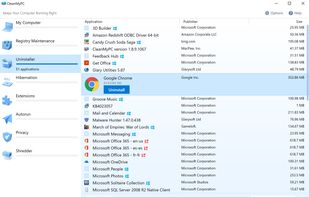


The Program and Features applet within the Windows Control Panel allows the user to manipulate software installed on the system in a number of ways;


Master Uninstaller is an advanced, user-friendly software removal tool designed to simplify the process of uninstalling unwanted programs with just 1 click.
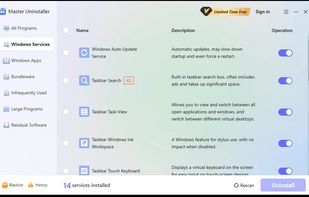

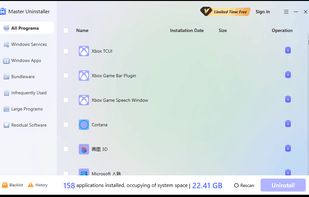


It can help you easily uninstall programs one by one or in batches and remove all leftovers.
China