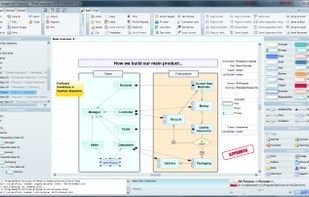
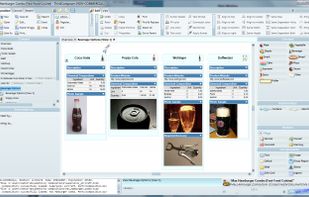
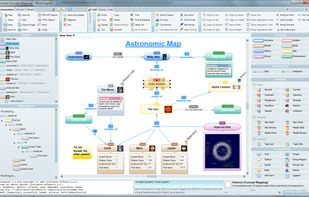
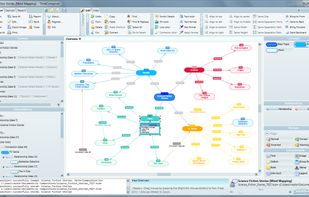
Create deep visual documents, adaptable and multi-level diagrams, flowcharts, concept maps, mind maps and models.
Platforms
- Windows
 Spain
Spain EU
EU



+3


Apps similar to Tot include Zim, which is free and open source. Other options are CherryTree, HelixNotes, Trilium Notes and Cryptee. Note-taking Tools like Tot are a crowded field, with more than 100 alternatives for Mac, Windows, Android, iPhone and the web.
Create deep visual documents, adaptable and multi-level diagrams, flowcharts, concept maps, mind maps and models.
SpainEU
Collect your thoughts, think, write, brainstorm, and create the perfectly looking notes with this powerful, all-purpose, productivity tool.
 Ukraine




Flashnote is a quick notes manager created for such cases. When you need a rough copy to save or to process some pieces of a text, Flashnote is small, quick and convenient. Press the shortcut-key combination and a rough copy is on the screen in a flash of a second.
Ukraine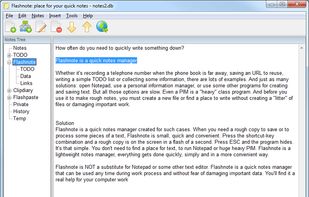


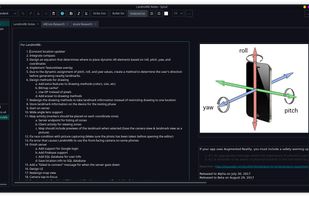
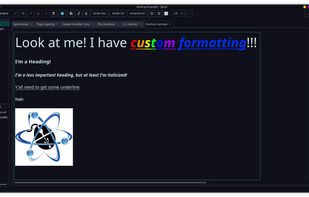
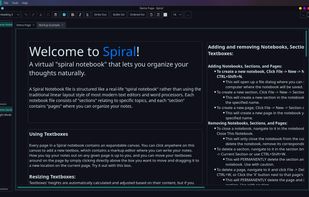
Spiral is a program that allows users to take notes in a format similar to a spiral notebook. Unlike traditional word processors and text editors that are configured in a way that makes it difficult to document things in a non-linear fashion, Spiral pages allow users to click...


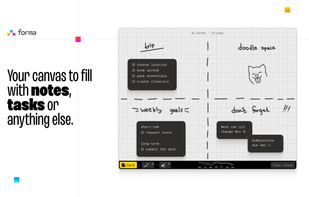
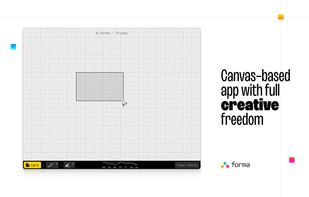
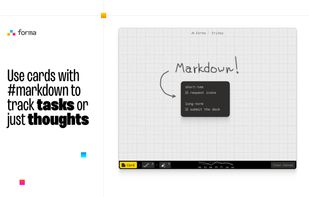
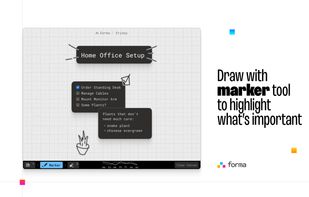
Forma gives you an open canvas where you can drop ideas anywhere. Move things around, group them visually, draw connections, and keep a clear picture of everything you’re working on.


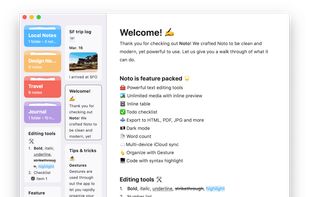
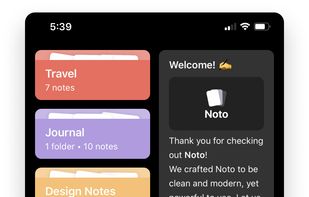
Noto is a modern writing app. With delightful interactions, powerful editing tools, and a beautiful design, Noto helps you capture the best of your everyday life.
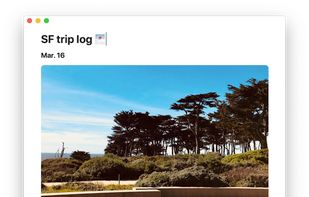
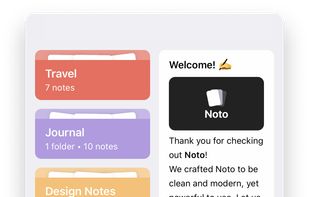


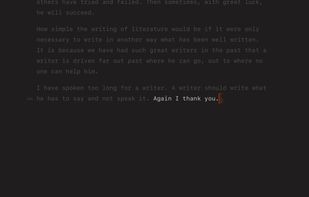
Super-clean writing space with a lot of configurability that stays out of sight when you don’t need it.




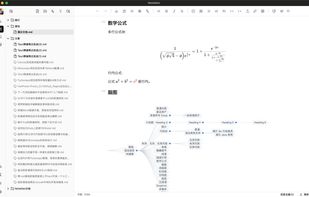
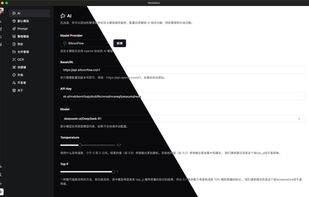
A cross-platform Markdown note-taking application dedicated to using AI to bridge recording and writing, organizing fragmented knowledge into a readable note.
 China
China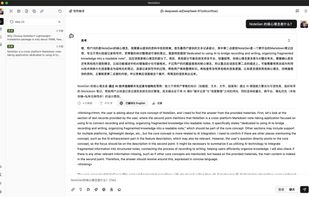


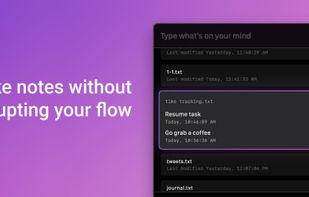
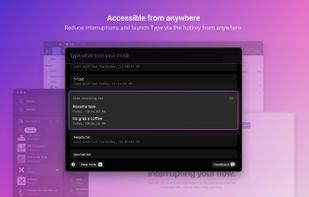
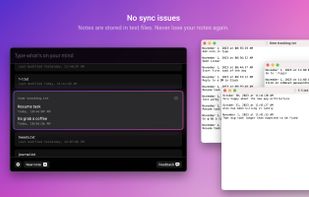
Type lets you quickly jot things down with the timestamp attached, without interrupting your flow.
 United States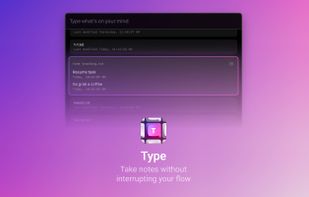


A simple todo-List manager with a focused clutter-free design to help you get things done.
 Switzerland


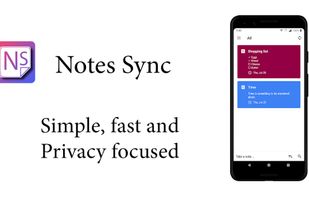
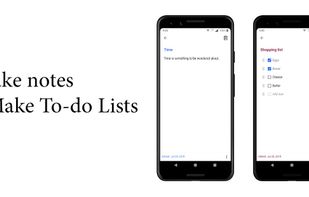
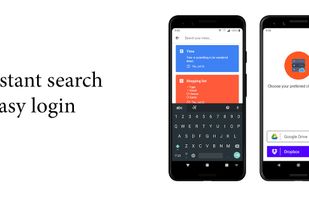
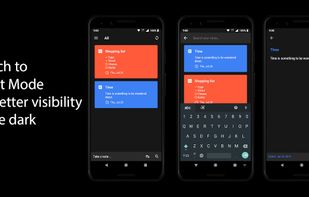
Notes Sync is the answer to your everyday note taking requirements. It comes with a feature to sync everything to the user's own Google Drive or Dropbox accounts.