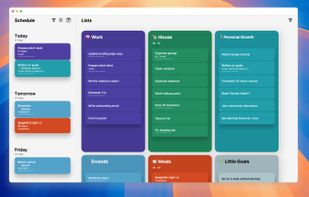
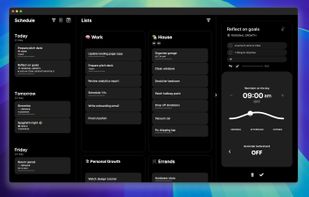
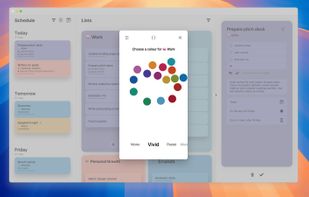
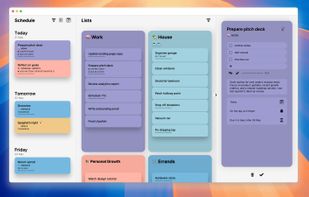
Todo.txt is described as 'Track your tasks and projects in a plain text file, todo.txt. A todo.txt is software and operating system agnostic; it's searchable, portable, lightweight and easily manipulated' and is a popular todo list manager in the office & productivity category. There are more than 100 alternatives to Todo.txt for a variety of platforms, including Android, iPhone, Web-based, Mac and Windows apps. The best Todo.txt alternative is Notion, which is free. Other great apps like Todo.txt are Super Productivity, Trello, Google Keep and Todoist.


All-in-one organizer - integrates all your PIM needs in the well-organized interface: to-do list management, time planning, contacts, reminders, recurring options and notes. Portable software.
RightTasks places your Google Tasks in a right sidebar in Gmail, like in Google Calendar.


TeamTodoList is like a giant whiteboard in the sky. It lets everyone see what everyone else is working on. It's free.


This application allows to create lists of tasks which can be individually managed. Each list contains a set of tasks. Each task can have a deadline, a reminder time and a list of subtasks. By setting a reminder time the user will be informed by a notification.


With Black Hole Organizer you can store all of your notes and documents in one convenient place AND you can get them back out again.


Taskline, task management software for Microsoft Outlook, automatically schedules tasks to puts you in control of your task list.


Eggscellent (formerly Pomodorable) offers an exciting and adorable approach to get work done! Based on effective time management principles, Eggscellent transforms your to-do list into manageable activities.


It’s an AI-powered mobile application engineered to help you achieve your life goals. It removes the annoyances and stress of keeping up with your task list by automatically prioritizing it and delivering perfectly-timed reminders.


MenuBarTodoList is a MacOS application that allows you to manage your todo task list directly on the Menu Bar.