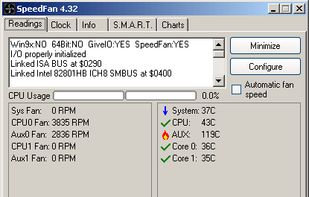
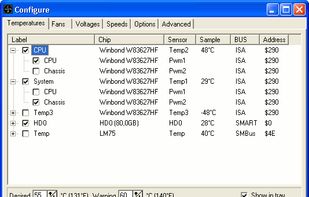
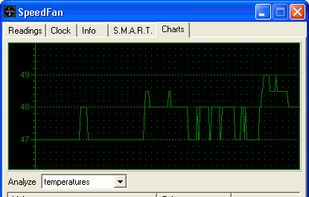
SpeedFan is a program that monitors voltages, fan speeds and temperatures in computers and controls the fans if possible.
Platforms
- Windows
 Italy
Italy EU
EU



+4
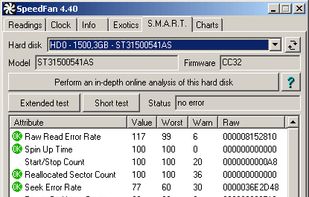


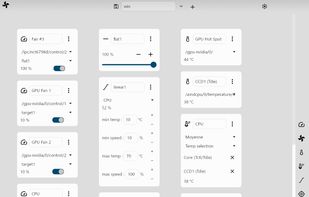
Apps similar to thinkfan include SpeedFan, which is free. Other options are CoreCtrl, Macs Fan Control, fan-control and Lm-Sensors. In total there are nine System Information Utilities like thinkfan for Windows, Linux and Mac.
SpeedFan is a program that monitors voltages, fan speeds and temperatures in computers and controls the fans if possible.
ItalyEU
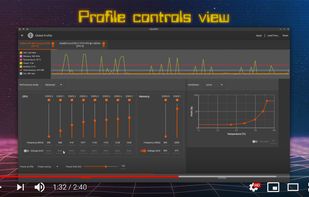
CoreCtrl is a Free and Open Source GNU/Linux application that allows you to control with ease your computer hardware using application profiles.


System utility enabling manual control over fan speeds, real-time monitoring of temperatures and RPM, custom preset creation, support for third-party drives and Windows via Boot Camp, noise reduction features, compatibility with T2 chip models, and multilingual options.
 United States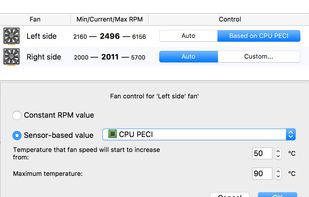




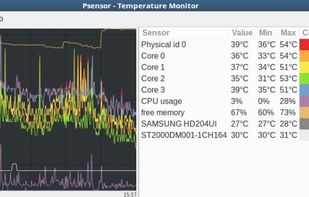
Lm-Sensors is a free and open-source application that provides tools and drivers for monitoring temperatures, voltage, and fans.

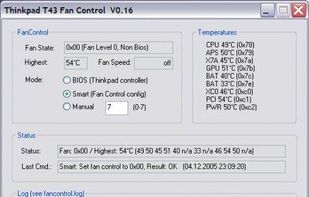
Solution to the cooling fan noise annoyances Thinkpad T4x (T40/T41/T42/T43) notebook series. Allows the user to control fan activity based on the system temperature. Win XP Visual C++ project controls the fan via port IO to the embedded controller.

fancontrol is a shell script for use with lm_sensors. It reads its configuration from a file, then calculates fan speeds from temperatures and sets the corresponding PWM outputs to the computed values.
 GermanyEU


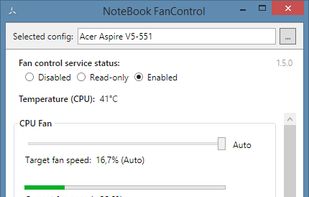
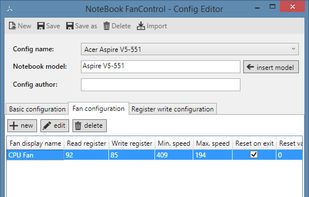
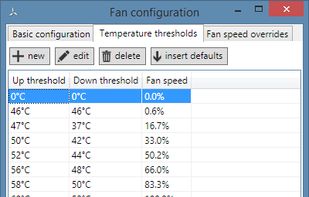
This software detects and optionally controls speed of CPU fan of many PC-Systems. Furthermore you are able to configure the handling of the EC-registers on your own (risk). To determine the EC-registers use e.g. software like "rw everything".


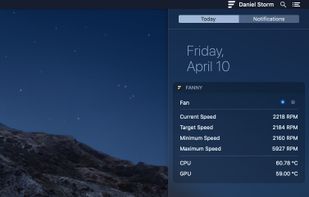
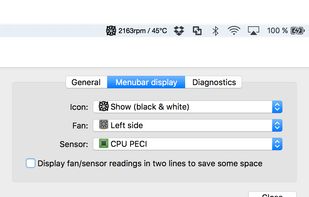
Track Mac fan speed, target speed, minimum and maximum speeds, number of fans, and CPU or GPU temperature in real time from the Notification Center or Menu Bar using a compact widget designed to provide hardware stats without workspace clutter.
United States