

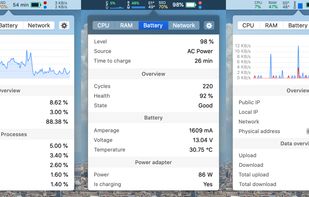
Menu bar tool for macOS shows real-time CPU, GPU, memory, disk, network, battery status, sensor data, fan speed, Bluetooth device info, multi-time zone clocks, customizable widgets, and historical graphs while ensuring privacy.
 Ukraine


Apps similar to ThermPort include Stats, which is free and open source. Other options are iStat Menus, Macs Fan Control, TG Pro and Hot. In total there are five System Information Utilities like ThermPort for Mac and iPhone.
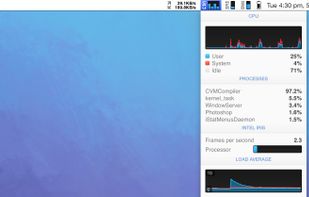
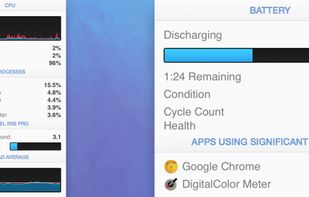
Menu bar tool for macOS shows real-time CPU, GPU, memory, disk, network, battery status, sensor data, fan speed, Bluetooth device info, multi-time zone clocks, customizable widgets, and historical graphs while ensuring privacy.
Ukraine
Advanced Mac utility with menubar monitoring for CPU, GPU, memory, disks, network, and sensors, including fan control, S.M.A.R.T status, Bluetooth battery tracking, weather, notifications, and deep customization. Combines multiple stats in a single view while prioritizing privacy.
 Australia


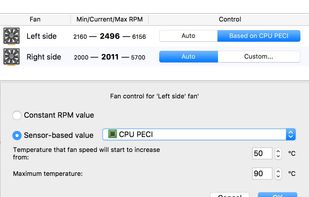
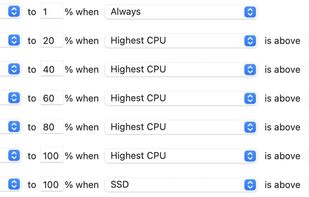
System utility enabling manual control over fan speeds, real-time monitoring of temperatures and RPM, custom preset creation, support for third-party drives and Windows via Boot Camp, noise reduction features, compatibility with T2 chip models, and multilingual options.
 United States
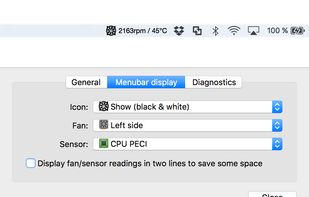


Monitor and manage all internal Mac temperatures, enhancing longevity by ensuring components remain cool. Supports auto/manual fan speed adjustments and offers comprehensive diagnostics with local or email alerts. Secure and compatible with Macs from 2008 onward.
United States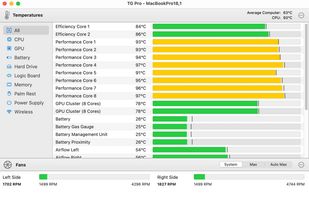
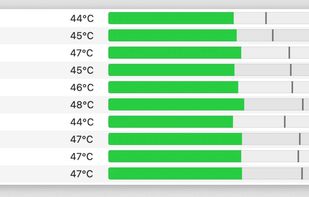
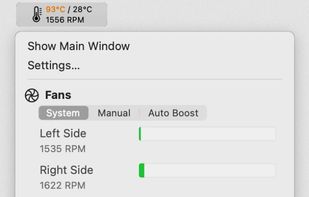


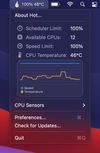
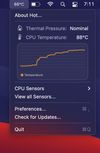
Displays macOS CPU thermal throttling, temperature, scheduler limit, available CPUs, and system thermal pressure with color-coded alerts. Offers real-time sensor graphs and at-a-glance hardware health feedback for both Intel and Apple Silicon Macs from the menu bar.
 Switzerland