Cost / License
- Free
- Open Source (MIT)
Application typeApplication types
Platforms
- Mozilla Firefox
- Global
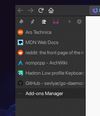






Apps similar to Tagpacker include Raindrop.io, which has a free version. Other options are wallabag, Karakeep, Linkwarden and Pinterest. There's no shortage of Bookmark Managers like Tagpacker, with more than 100 alternatives for the web, iPhone, iPad, Android and Mac.

Pinboard is a bookmarking website intended for people who want to reliably keep track of large numbers of links. Its goals are to be useful, fight bloat, keep things fast, and stay small. Social bookmarking for introverts. m.pinboard.
 United States


Centralize bookmarks, notes, to-dos, and files in a customizable online desktop featuring a Mac and Windows-inspired interface, drag-and-drop organization, and cross-device access with search, tagging, visual customization, and no installation needed.
United States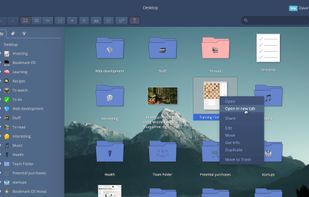
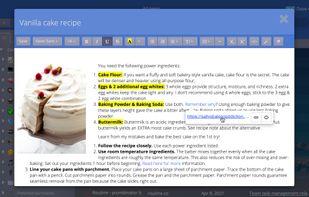
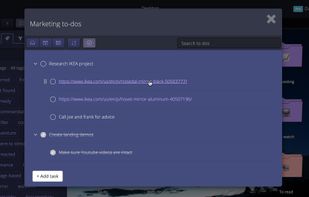


Collect any article you want to read later, image that inspired you or video you want to watch later. Save anything, never lose it and view it without ever leaving GGather. Organize your bookmarks with tags and notes. And GGather tags are special.
 Poland
 EU
EU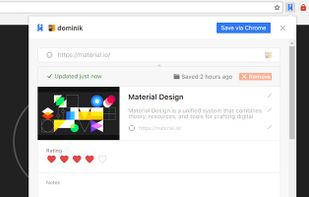
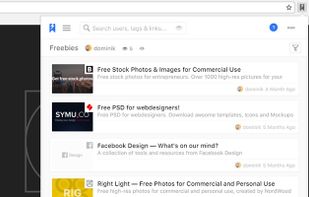
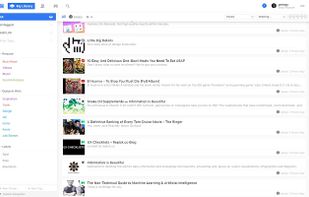
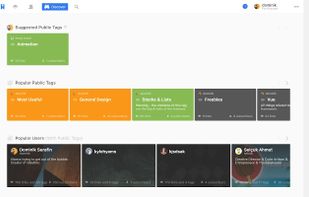


Dive into a vibrant social bookmarking experience by exploring, collecting, and sharing interests. Create or join communities, manage collections set to various privacy levels, and save diverse media from images to articles on desktop, tablets, and smartphones effortlessly.
 FranceEU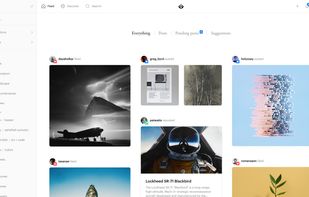


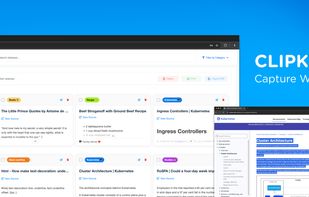
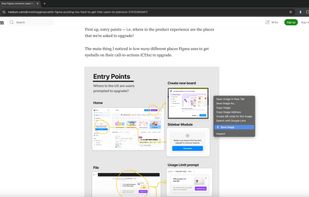
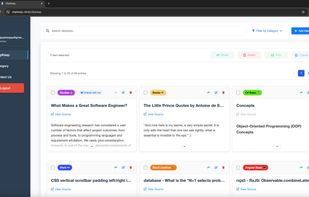
ClipKeep is a simple web clipper that simplifies how you save, organize, and access digital insights. Capture web pages effortlessly, categorize your content, and retrieve it instantly—all with just a click.



 Japan
Japan

 United States
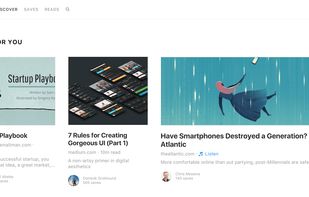
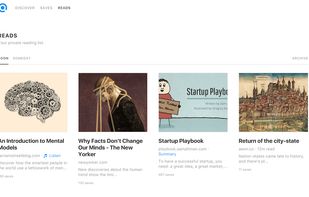



Pearltrees is a social curation tool. It lets you organize, discover and share the stuff you like on the web.
FranceEU





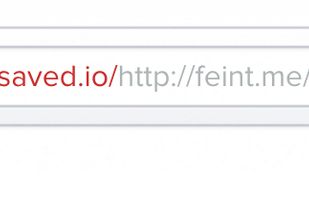
In your browsers address bar, type "saved.io/" in front of the URL of the site you want to save. Hit enter and you'll be redirected to saved.io where you can see the saved link. All you need is a web browser. You don't need to install any apps or extensions.
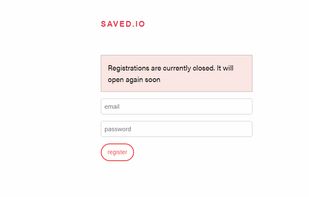



Online bookmark manager. Store your favorite bookmarks online. Available everywhere. Private. Customizable. Fast.


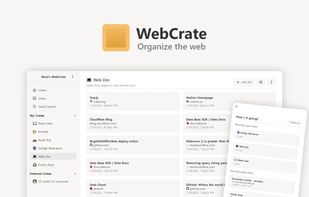
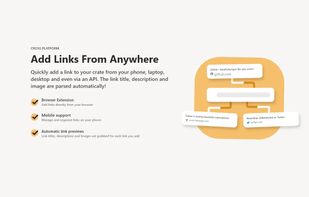
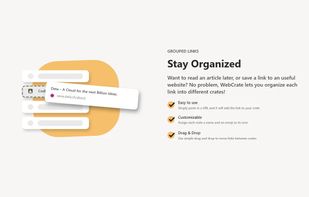
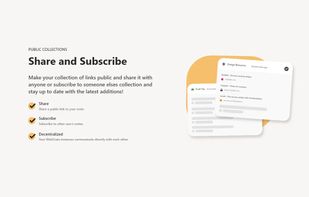
Group, organize and share links from around the web with WebCrate. It's more than just a bookmarking tool.
 GermanyEU