


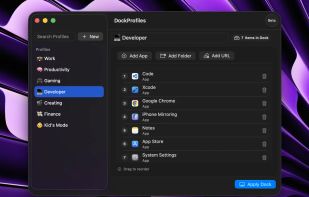
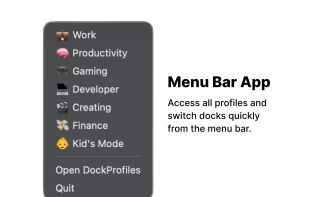
DockProfiles lets you save and switch between different macOS Dock layouts instantly. Whether you’re gaming, working, designing, or studying, one click loads the right apps, folders, and websites.



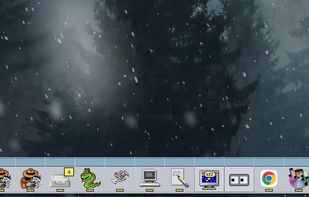
Apps similar to Sulguni Taskbar include DockProfiles, which is free. Other options are ActiveDock 2, uBar, DockDoor and Taskbar for macOS. You can choose from more than 10 Dock Utilities like Sulguni Taskbar for Mac and Windows.
DockProfiles lets you save and switch between different macOS Dock layouts instantly. Whether you’re gaming, working, designing, or studying, one click loads the right apps, folders, and websites.

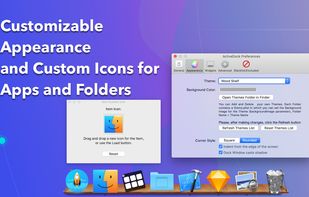
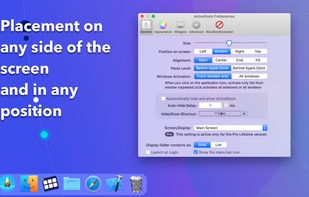
ActiveDock 2 is a customizable alternative to the standard macOS Dock, offering advanced features for app launching, window management, appearance customization, and more. It fully replaces the classic Apple Dock and Launchpad while preserving their familiar look and behavior...
 Ukraine

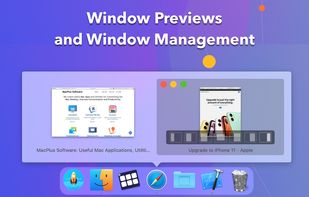


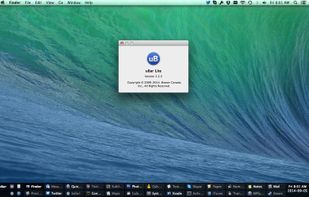
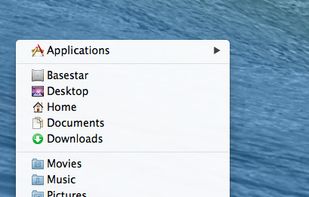
uBar is the task bar for the Mac. Whether you've never really liked the Dock, always wanted the one thing that Windows does right, or are switching from Windows to OS X, uBar is the perfect solution.
 United States




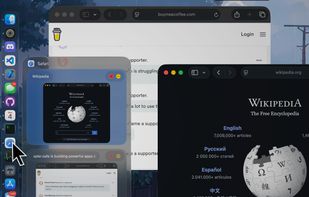
Extends the built-in Mac Dock with hover previews for every open window, including minimized, hidden, other-Space, and other-display windows. A custom window switcher cycles or searches individual windows, while preview controls can focus, close, minimize, or quit them.
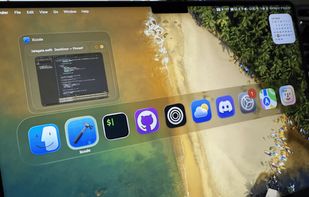
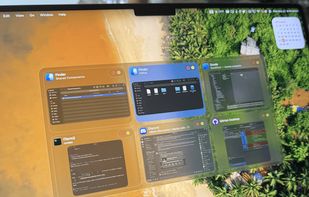


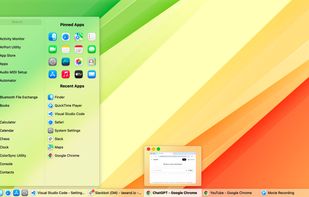
Windows-style taskbar for macOS which simplifies multi-tasking and working with many apps and windows as an effective Dock replacement.

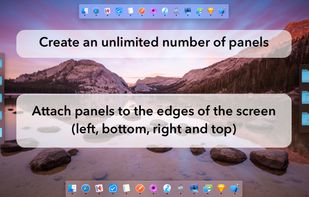
MultiDock 2 gives your Mac extra panels for the apps, files, and folders you use together. Keep a separate panel for each project and switch between sets of shortcuts with tabs.
Ukraine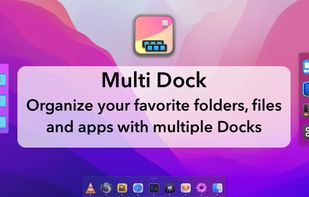



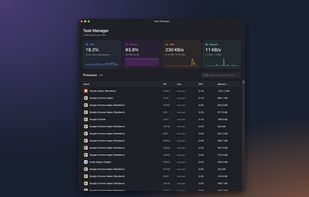
A Windows-inspired taskbar for macOS with live window previews, a Windows-style task manager, multi-monitor support, and an option to preserve window order when minimizing apps. It runs locally, works offline, and requires Accessibility and Screen Recording permissions.
 United Kingdom
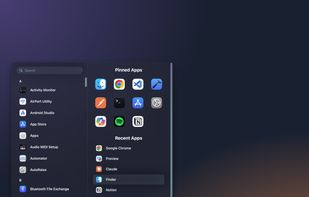
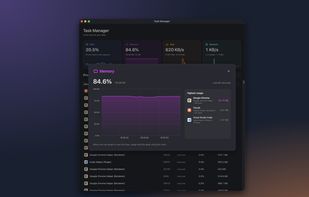


The macOS Dock is built around apps, not windows. Multiple displays and desktops make it hard to track what's open where. boringBar keeps windows organized by desktop, with instant previews, one-click desktop switching, and pinned apps within reach.
United States
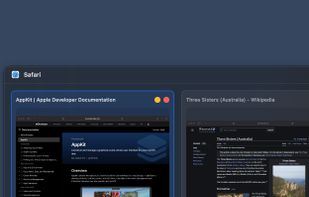




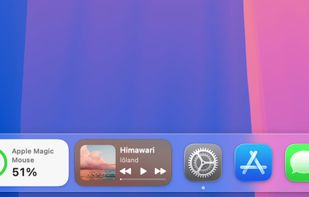
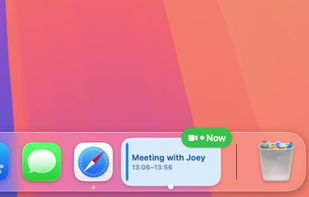
A macOS Dock replacement built with Swift, adding status badges for meetings, updates, and Force Quit, plus press-and-hold app previews. It includes weather, media, and world-clock widgets, searchable Finder-style folders, drag-and-drop, and grouped window minimization.
 Italy
 EU
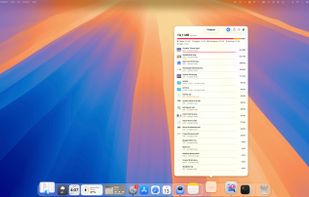
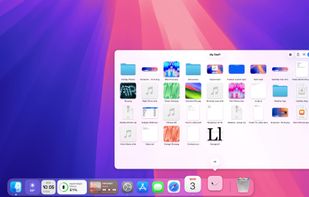


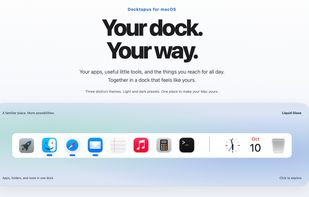
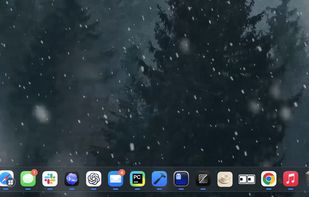
Replaces the standard macOS dock with customizable layouts, app and folder pinning, window previews, keyboard switching, clipboard search, an expandable top panel, per-app audio mixing, system stats, activity history, and local screenshot-based recall.
 GermanyEU






 Georgia


