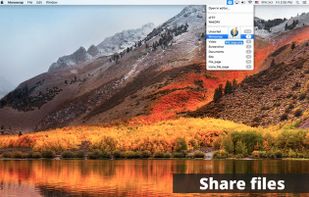
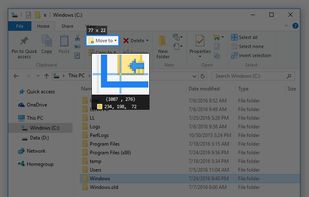
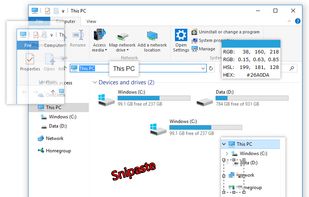
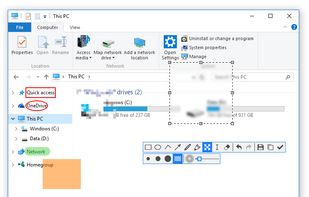
Snipaste is a simple but powerful snipping tool, and also allows you to pin the screenshot back onto the screen. Snip. Then paste. Free. Customizable. Portable.



+1
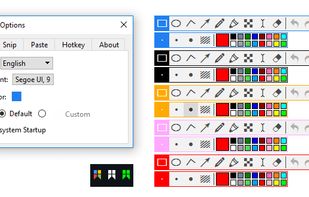


Snipaste is a simple but powerful snipping tool, and also allows you to pin the screenshot back onto the screen. Snip. Then paste. Free. Customizable. Portable.

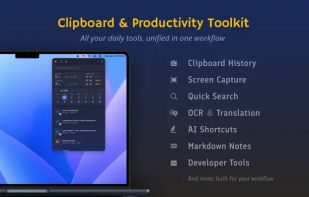
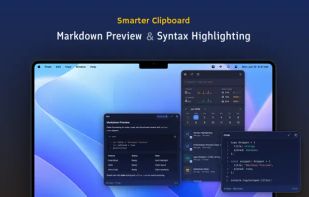
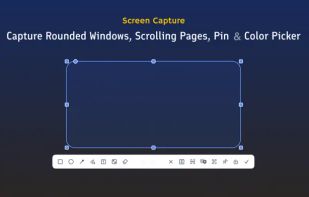
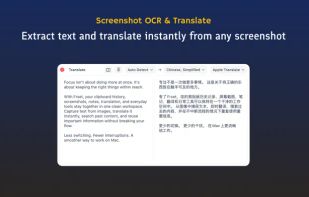
Frset is an all-in-one macOS productivity app combining clipboard management, screenshots, OCR, translation, AI shortcuts, and useful utilities in one place.


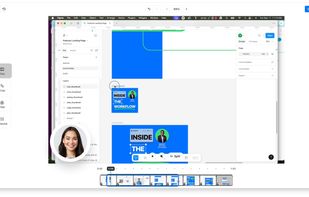
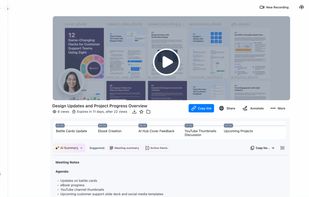
Enables screen and webcam capture, detailed video and screenshot editing, organized meeting notes, AI-powered transcription, and cloud-based instant sharing of annotated visual content via direct links or drag-and-drop integration with communication apps on Windows and Mac.
 United States
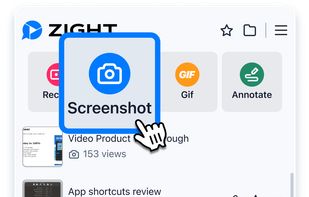
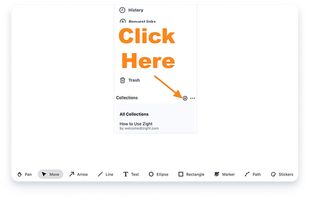


Gyazo lets you instantly grab the screen and upload the image to the web. You can easily share on Chat, Social, Email, or anywhere!
United States


Capture full and partial screenshots, record screen or webcam videos with extensive editing tools, including annotations, video conversion to gif/mp4, and sharing options. Create step-by-step guides enhanced by AI, save in multiple formats, and utilize cloud storage integration.
United States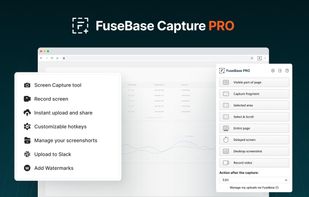
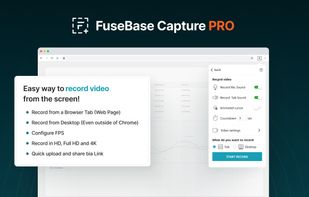
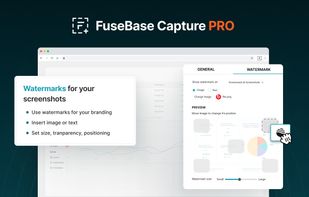
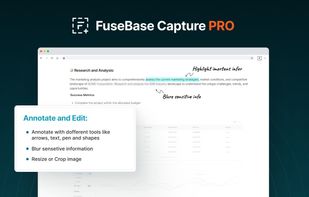


Vibrantsnap turns one rough screen recording into the tutorials and product demos your customers need. Record a tab, a window or your whole screen with the Chrome extension, or import a video you already have, and talk through your product however it comes out.
 Canada
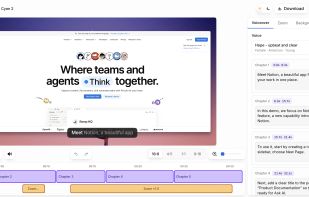



Capture full web page screenshots in Firefox, Chrome, Opera, Pale Moon or Internet Explorer Quick screenshots and annotations!
 Russia
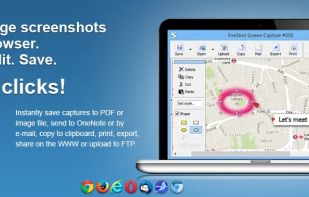
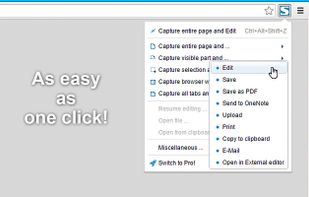


Intuitive screenshots baked right into the browser. Capture, save and share screenshots as you browse the Web using Firefox.


The simplest way to take a full page screenshot of your current browser window. Click on the extension icon (or press Alt+Shift+P), watch the extension capture each part of the page, and be transported to a new tab of your screenshot where you can download it as an image or PDF...
United States
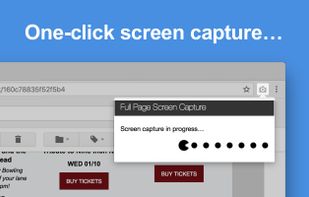
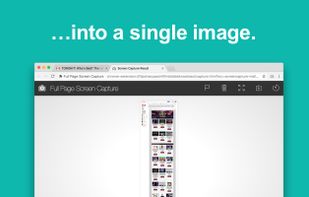


Capture the whole page or any portion, annotate it with rectangles, circles, arrows, lines and text, one-click upload to share.
United States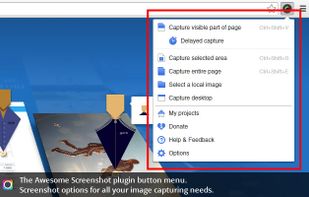

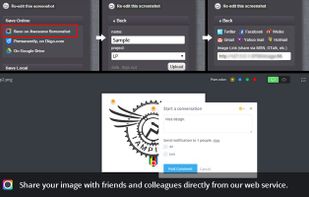


Monosnap allows you to save screenshots easily, conveniently, and quickly, sharing them with friends and colleagues at once.
 Cyprus
 EU