


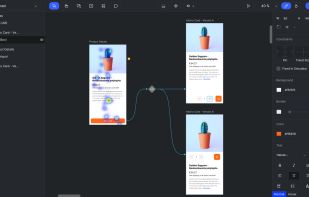
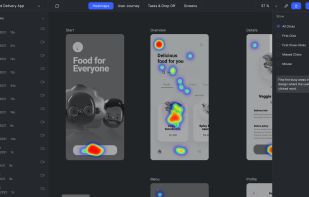
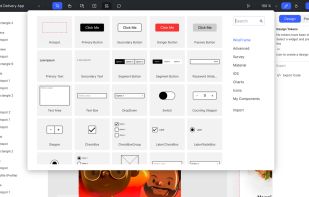
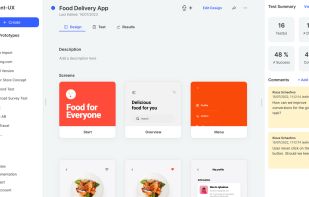
Quant-UX is an integrated Prototyping and Analytics software. It allows you to design, test and analyze interaction prototypes.
Cost / License
- Free
- Open Source (GPL-3.0)
Application typeApplication types
Since
- Since 2016
GitHub
- GitHub stars: 2.8k



+2


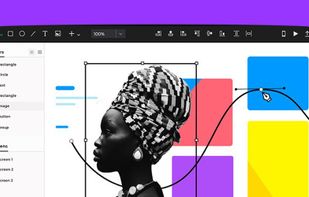
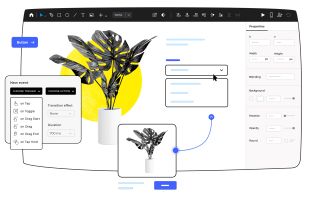
Sites and apps similar to Studio.Design include Figma, which has a free version. Other options are Lunacy, Napkins.dev, Frame0 and Balsamiq Wireframes. Prototyping Tools like Studio.Design are a crowded field, with more than 50 alternatives for Mac, Windows, Linux, iPhone and iPad.
Quant-UX is an integrated Prototyping and Analytics software. It allows you to design, test and analyze interaction prototypes.

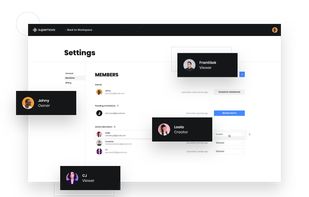
A collaborative design tool offering wireframing, prototyping, and design specs creation in a single browser-based platform. Integrate seamlessly with your workflow via API, sync with Sketch and Photoshop, and utilize a vast library of assets. Streamline design-to-dev with automated code generation.
 United Kingdom
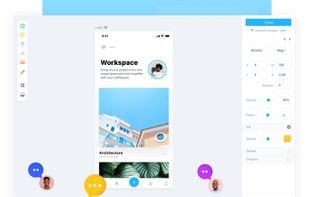
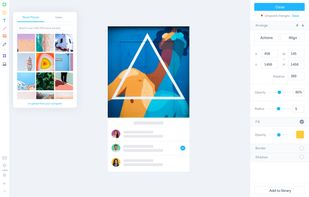
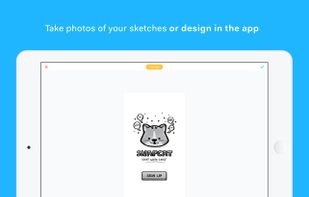
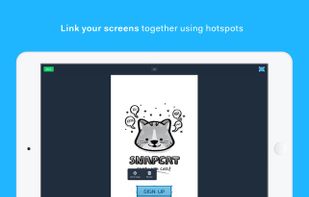


Presentator is a free web application that allows you to present your designs in an easy, organized and interactive way.
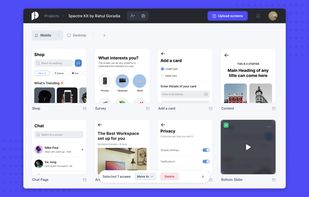
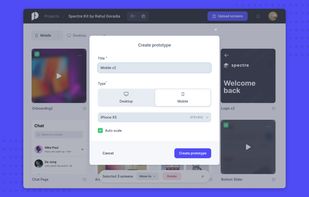
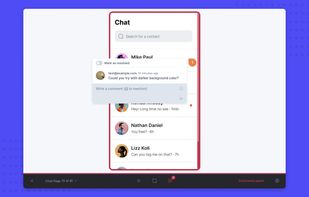


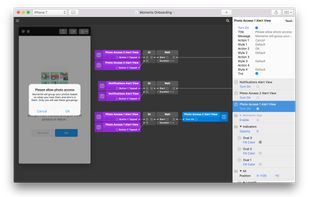
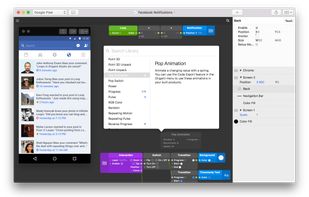
Origami Studio is a free design tool built by Facebook designers for creating interactive UI prototypes. An elegant, layer-based interface allows designers to repaidly create prototypes with layers, build interactions and then share them with others.
 United States
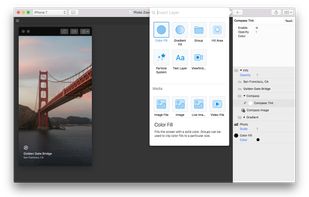


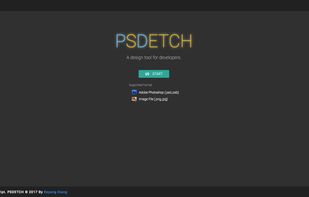
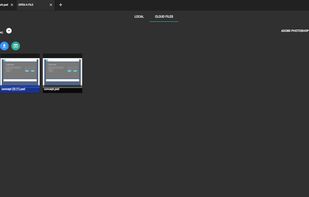
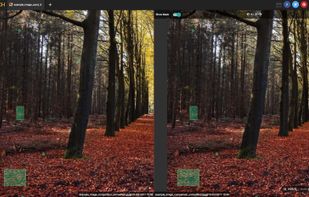
Figpea opens PSD, Adobe XD, and Figma (.fig) files directly in your browser — nothing is uploaded, and no account is needed just to view a file.


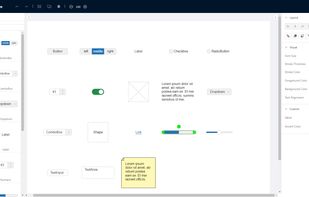
Open source wireframing tool written in typescript, react and redux.
 Germany
 EU


Flinto for Mac is a comprehensive app prototyping tool that allows you to create anything from simple tap-through prototypes, to comprehensive prototypes with impressive interactions. We’ve carefully designed Flinto for Mac to minimize complexity.
United States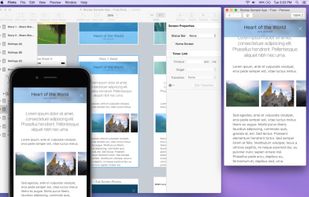
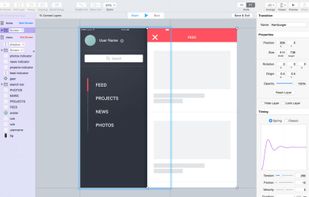
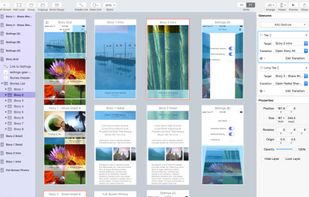


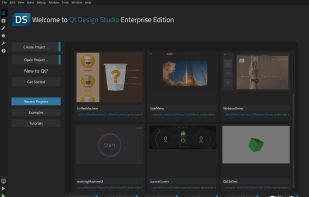
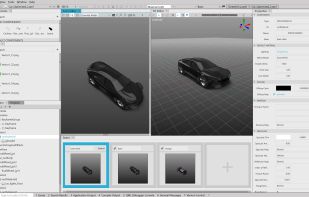
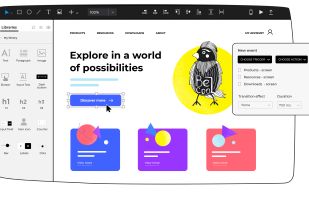
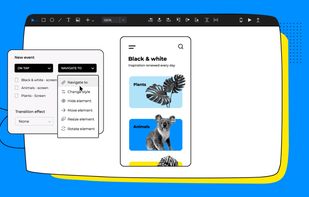
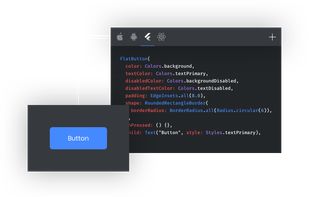
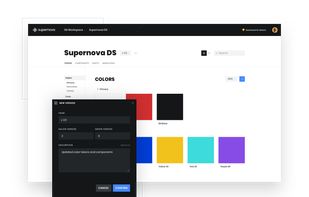
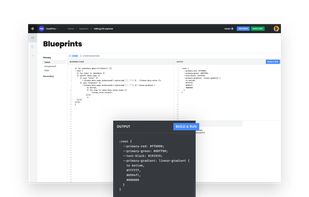
Revolutionize your development process by bridging the gap between designers and developers to turn your design visions into production-ready UIs.
 FinlandEU
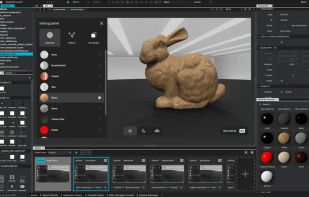
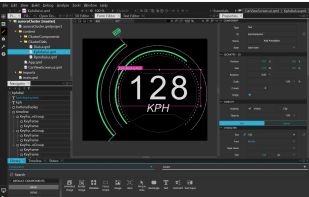


Justinmind is the best solution to prototype any web or mobile app you can think of. You can define websites and apps for Web, iOS, and Android with our intuitive drag-and-drop interface. No code involved.
 SpainEU




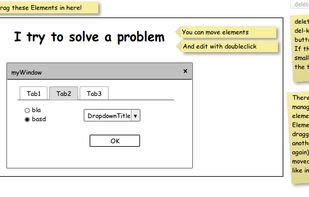
Online tool for creating mockups in the browser. Use your browser’s save function to save the file (just html for view only, complete save for an editable version) or export to codepen for others to view.


 China