


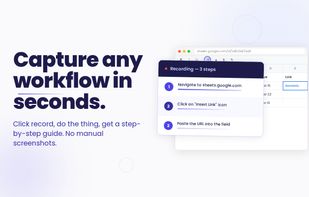
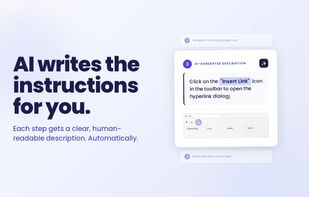
Auto-capture any browser workflow into a step-by-step guide with screenshots. Local-first, open source, bring your own AI key.
 United Kingdom




+1
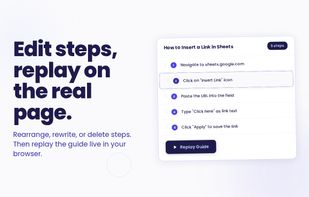




Auto-capture any browser workflow into a step-by-step guide with screenshots. Local-first, open source, bring your own AI key.
United Kingdom
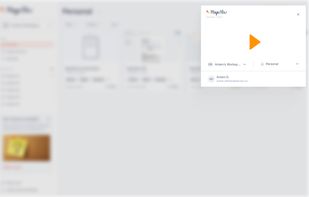
MagicHow is a free step-by-step guide creation tool for automatic process documentation and creating instructional documents like how-to guides, manuals, tutorials, and standard operating procedures (SOPs).
 Estonia
 EU
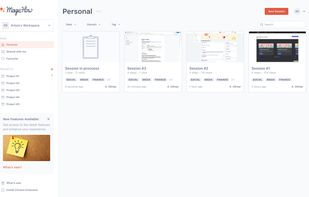
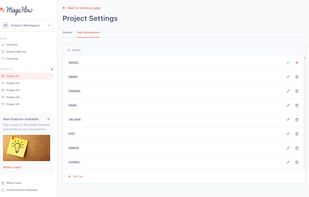
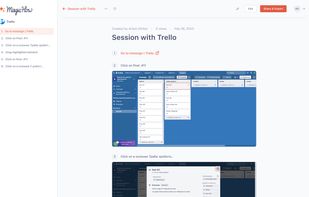


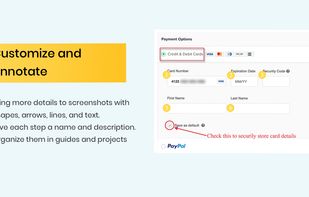
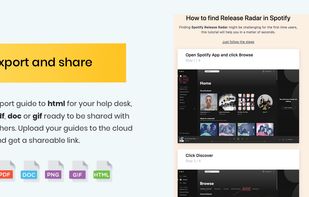
The fastest tool for creating step-by-step guides. A desktop tool to capture steps with every click of the mouse, customize screenshots, create annotations, and generate the final guide in HTML, .doc, PDF, and more.
 GermanyEU

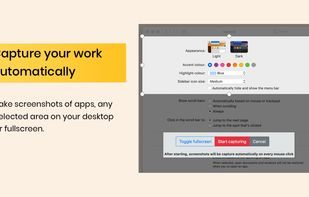


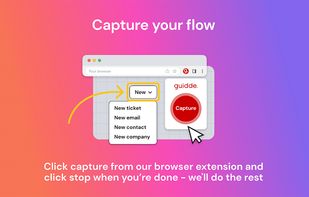
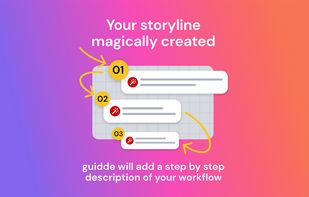
Generate instant video and document guides with generative AI, highlight automation, drag-and-drop editing, multi-language voiceovers, team collaboration, workflow integration, custom branding, sensitive data blurring, and browser-based sharing for fast training, support, and onboarding.
 United States




Automates step-by-step workflow guides by capturing browser or desktop actions, using AI to create editable, customizable manuals with screenshots, supporting sharing, integration, exporting to multiple formats, and enabling organizations to maintain up-to-date SOPs, training, and documentation.
United States
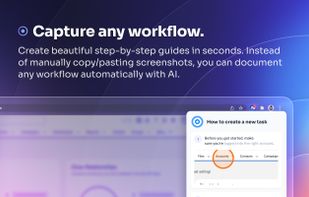

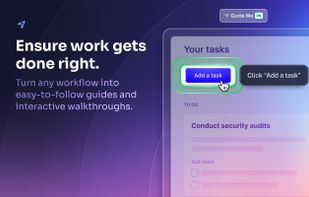


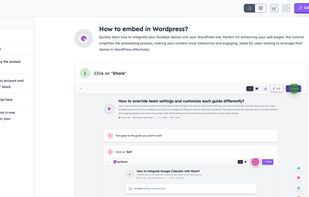
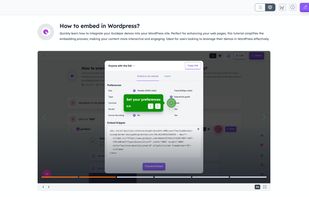
Transform documentation with AI-powered guides and demos. Enjoy seamless workflow capture via the browser, embed online, and customize with branding. Optimize guide visibility with SEO and enhance engagement using no-code features like click targets and CTAs.
 India
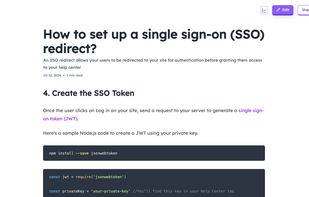
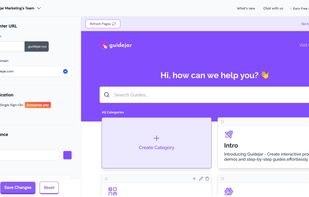


It creates workflows based on screenshots in a very simple and intuitive way. Tango is a magical tool for creating how-to guides.
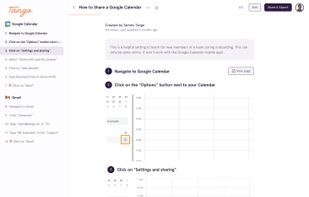


Dubble watches how you work and translates your actions into written step-by-step guides, videos and screenshots - so you don’t have to.
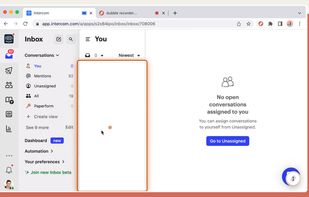
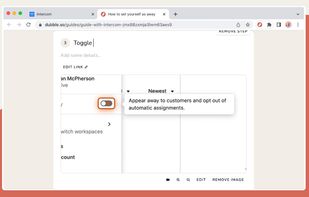


Tired of showing your teammates what to click in yet another web-based service added to your project? Worry not, you can now generate a step-by-step documentation of the workflow as you go! Start recording, go through the workflow, and adjust descriptions if necessary.

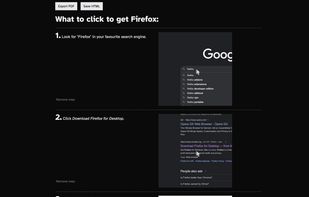



Capture Windows workflows as screenshot-backed SOPs using UI Automation control names, keyboard steps, and an always-on-top widget. Edit timelines, mask PII, move hotspots, and export to PDF, Word, HTML, or Markdown while keeping guides on your PC offline.
 NetherlandsEU
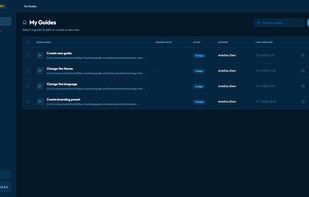
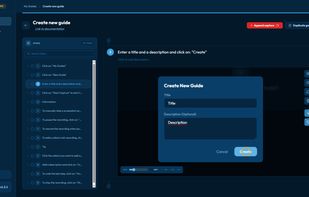
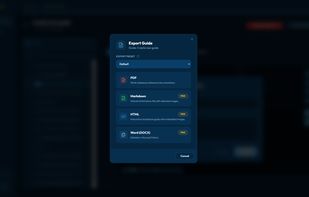
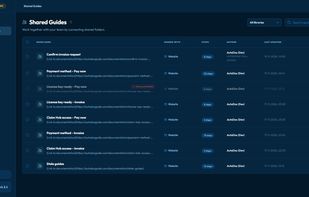


Fastest way to create step-by-step guides. Perfect for automatic process documentation, screenshot instructions, how-to guides and SOP documents! Great free alternative to ScribeHow or Guidde.
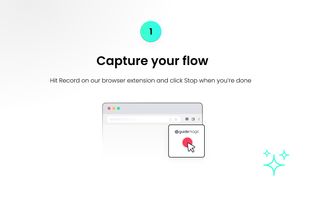
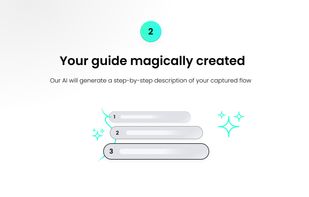


Capture your company’s unique procedures with customizable, step-by-step guides that enhance employee performance.





