


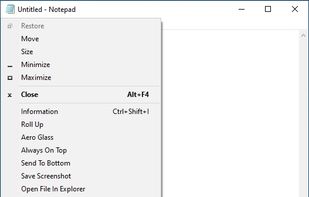
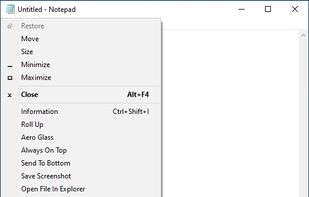
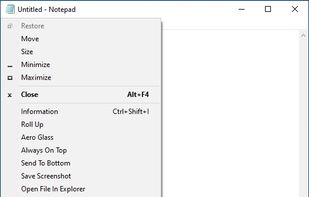
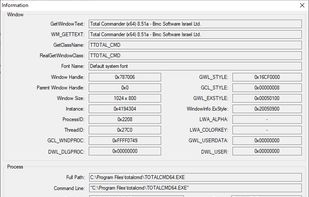
SmartSystemMenu extends system menu of all windows in the system. It appends next custom items to menu:
Cost / License
- Free
- Open Source (MIT)
Application typeApplication types
Platforms
- Windows
 United States



+1


S


Apps similar to Stay On Top include SmartSystemMenu, which is free and open source. Other options are MenuTools, PowerToys - Always on Top, WindowTop and SmartContextMenu. You can choose from more than 10 Window Managers like Stay On Top for Windows and Mac.
SmartSystemMenu extends system menu of all windows in the system. It appends next custom items to menu:
United States
📣 This app is part of the Microsoft PowerToys bundle and cannot be downloaded separately.
United States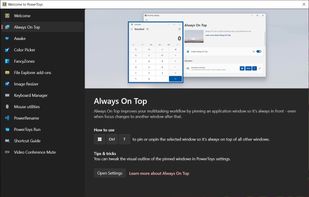
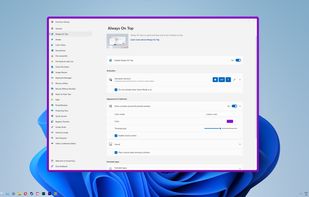
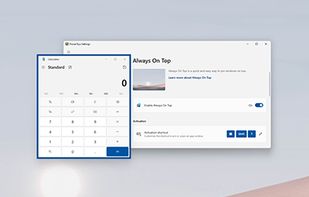


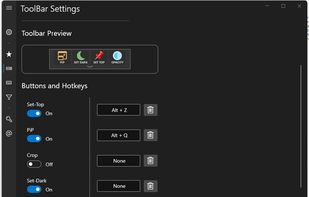
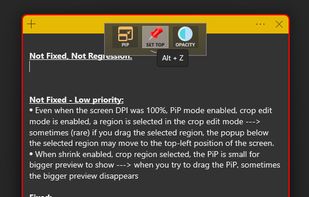
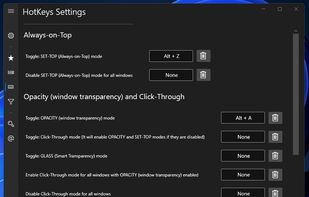
Boost your multitasking with Always-on-Top, Interactive Picture-in-Picture & Crop, Opacity & Click-Through, Anchors, Dark Mode and more!.
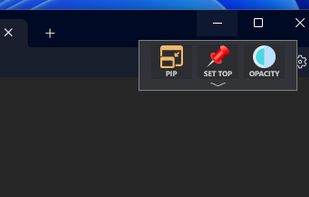


SmartContextMenu adds a context menu to all windows in the system. This program is enhanced version of SmartSystemMenu. I hope it will be more convenient, because it supports all types of windows, including windows without a system menu.
United States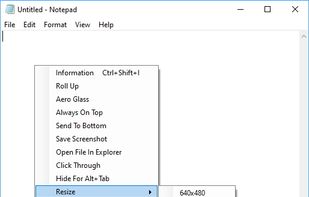


PinWin is a minimal Windows system tray application that allows you to pin any windows to the top of the screen with one click.
 Germany
 EU
EU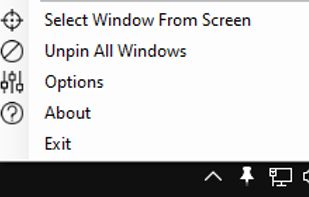


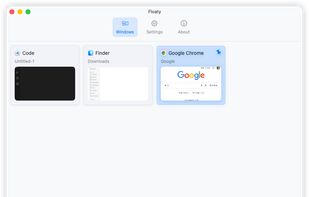
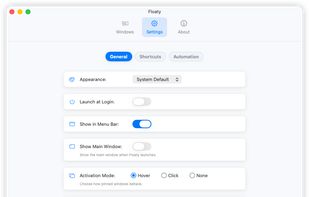
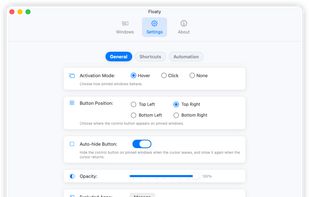
Floaty is a lightweight macOS utility that lets you pin any window so it always stays on top of other applications.
 Singapore


DeskPins can be used to make any application topmost, that is, to keep it above all other windows. Just grab a pin from the DeskPins icon in the system notification area (a.k.a. taskbar tray) and click on any window.
 GreeceEU


Like the "Always on Top" feature that some programs have? TurboTop lets you set any window to be "Always on Top!"
United States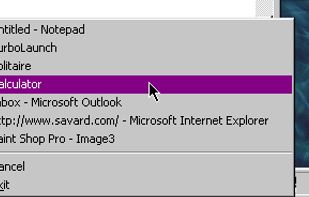


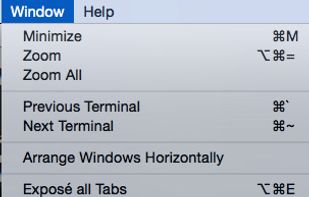
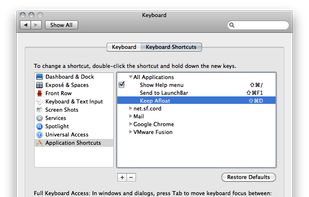


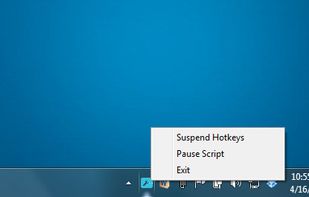
"Window On Top" is a small gadget made by Compzets.com which keeps any specific window on top of other windows. It does not have any user-interface (UI), it just sits on your tray bar and works with only a single keyboard shortcut.
United States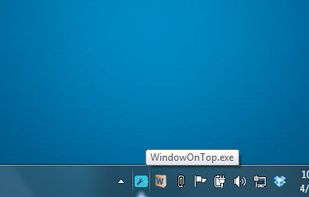


 Brazil


