





Stash - Asset Manager
2 likes
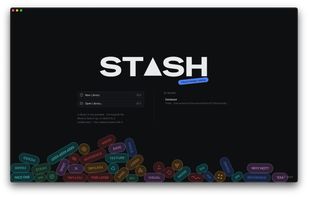
A lightweight, offline-first creative asset manager for editors and designers — asset organization, usage tracking, fast search, and interactive brand guidelines in one portable workspace.

Cost / License
- Free
- Open Source (MIT)
Application type
Platforms
- Mac
- Windows
- Linux


Features
Stash - Asset Manager News & Activities
Highlights All activities
Recent activities
- Ben liked Stash - Asset Manager
- morphy added Lightweight as a feature to Stash - Asset Manager
- morphy liked Stash - Asset Manager
- morphy added Stash - Asset Manager
- Paul updated Stash - Asset Manager
 morphy added Stash - Asset Manager as alternative to Adobe Bridge, digiKam, XnView MP, RapidRAW and 1 more
Stash - Asset Manager information
Developed by
 Nixentric
 Licensing
Open Source (MIT) and Free product.Written in
Alternatives
5 alternatives listedBadge
Get an embeddable badge for Stash - Asset ManagerSupported Languages

AlternativeTo Categories
File Management, Video & MoviesGitHub repository
- 5 Stars
- 0 Forks
- 2 Open Issues
- Updated


No comments or reviews, maybe you want to be first?