


Cost / License
- Freemium
- Proprietary
Application type
Platforms
- Windows
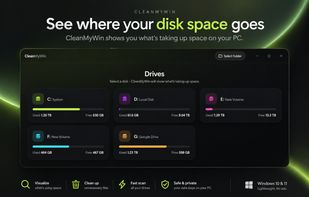

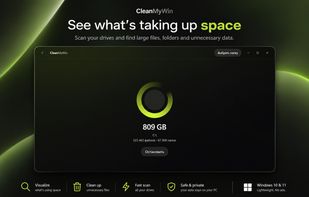

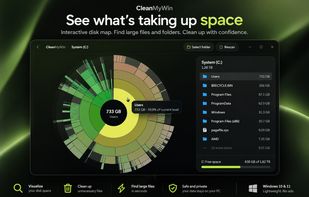


Apps similar to SpacePeek include WinDirStat, which is free and open source. Other options are WizTree, Baobab Disk Usage Analyzer, Filelight and SD Maid SE. There's no shortage of Disk Usage Analyzers like SpacePeek, with more than 50 alternatives for Windows, Mac, Linux and Android.

SpaceBrowser scans a folder or volume and displays its contents as a size-proportional treemap, making large files and directories easy to identify.
 France
 EU
EU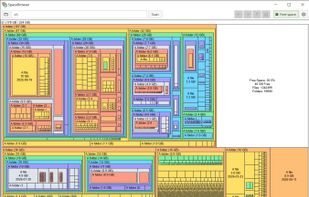

 Canada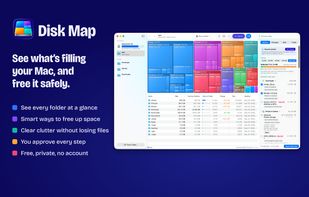



"DiskMapper is a remarkable utility that frees up megabytes and megabytes of hard disk space - quickly and easily by showing you a useful, graphical, color-coded map of your hard disk. DiskMapper lets you quickly delete or compress programs and files you dont need or rarely...
 United States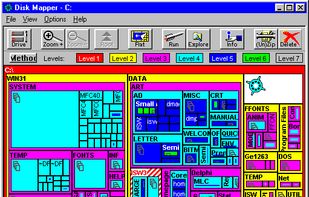


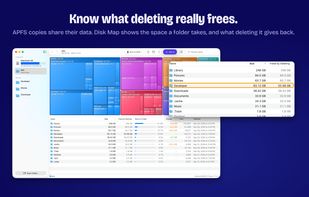
Find what is filling a disk, mark what should go, and remove it — with the volume's free space in view the whole time.
Canada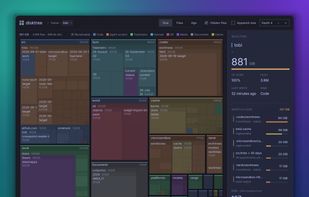

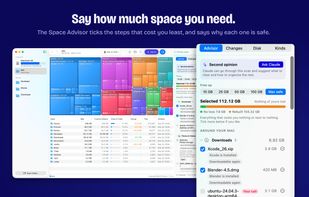
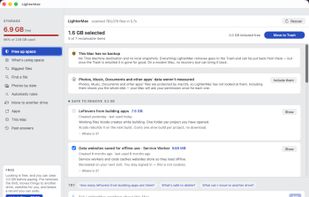
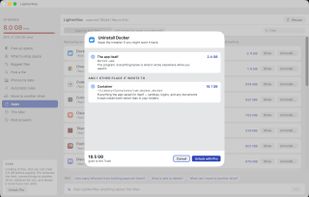
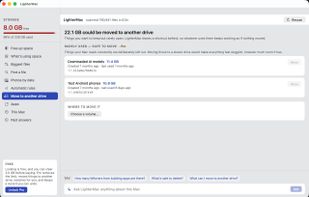
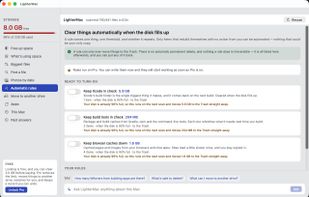
LighterMac opens up the “System Data” your Mac won't explain and tells you, item by item, what each thing is and what happens if you delete it (“Xcode rebuilds it on the next build”, “this may be your only copy”).


MacDirStat is a free, open-source disk space analyzer for macOS, inspired by WinDirStat. It scans a drive or folder and draws every file as a color-coded rectangle sized by its disk usage, so the biggest files and folders stand out at a glance.
United States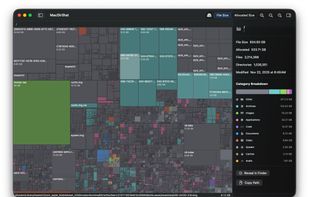


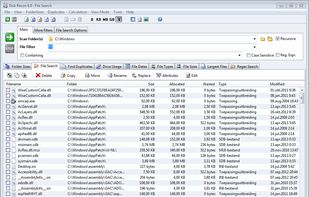
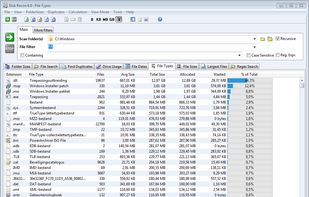
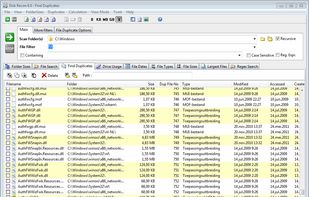
Disk Recon is a disk space utility that reveals all the crucial information that you need to find out where all your disk space has gone and how you can recover it.
 NetherlandsEU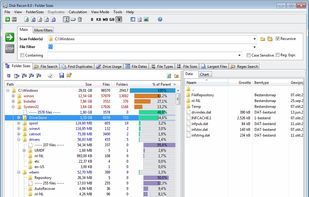


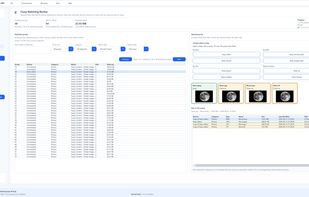
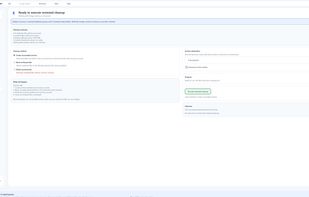
Zenovix Storage Manager is a Windows storage management app designed to help users understand, clean, and organise their disk space.
 United Kingdom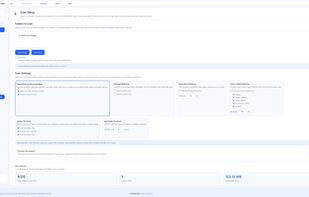
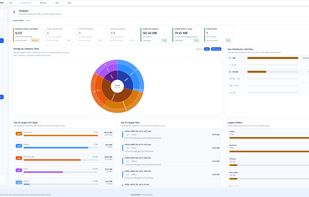


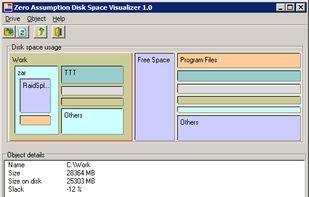
Disk Space Visualizer digs for a free disk space. This freeware program was created to simplify "garbage collection" procedures. In a typical usage the hard drive space is slowly filled up by the useless data. This may include temporary files, rarely used software, and.


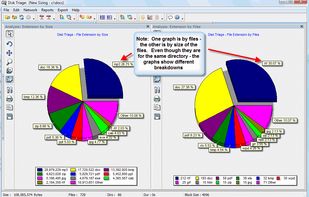
The most powerful disk space sizing and analysis utility there is! Answering the Who/What/Where/When of your Disk Space.


Disk Space Finder helps visualize your data to find wasted space. It shows you a graphical diagram of what is takeing up your space.


