


Twinkle Tray enables brightness control on external displays in Windows 10 & 11. Even th Windows is capable of adjusting the backlight on most monitors, it doesn't support external monitors natively.
 United States


Apps similar to Solar Screen Brightness include Twinkle Tray, which is free and open source. Other options are winddcutil, Brightintosh, Lunar and Bright Master. In total there are nine Screen Dimmers like Solar Screen Brightness for Windows and Mac.
Twinkle Tray enables brightness control on external displays in Windows 10 & 11. Even th Windows is capable of adjusting the backlight on most monitors, it doesn't support external monitors natively.
United StatesWindows implementation of the ddcutil Linux program for querying and changing monitor settings, such as brightness and color levels.

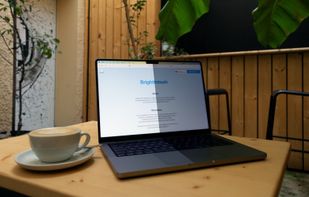
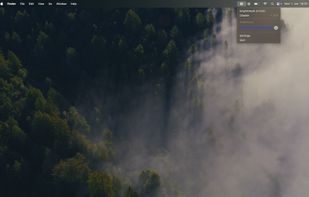
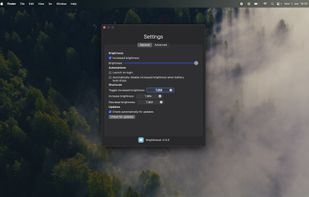
BrightIntosh is lightweight, works system-wide, has optional launch-at-login functionality and includes a global hotkey to toggle the extra brightness.


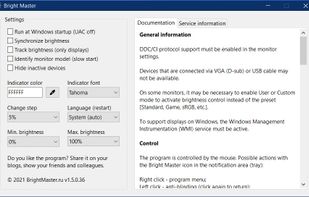
The program is designed to adjust the brightness of monitors, laptop displays and other equipment. Runs on Windows 7+ and does not require installation. Works with all external monitors that have DDC/CI support, as well as with built-in displays of laptops, all-in-ones and...

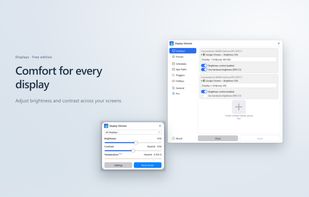
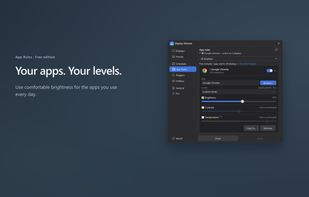
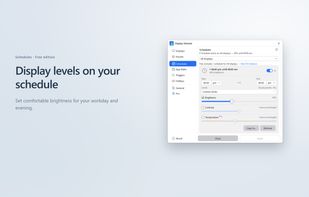
Control brightness and contrast across multiple Windows displays with hardware and software dimming, schedules, app rules, hotkeys, and automatic triggers.
 Canada
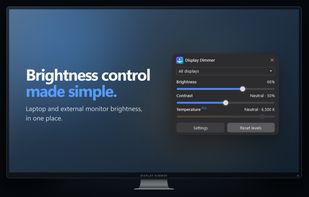

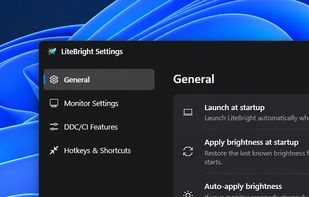
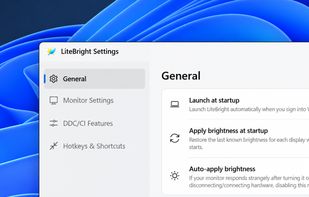
LiteBright is a lightweight native brightness controller for Windows 10 and 11. It lets you control brightness across multiple monitors from the system tray, adjust displays independently or together, and use global keyboard shortcuts for quick changes.
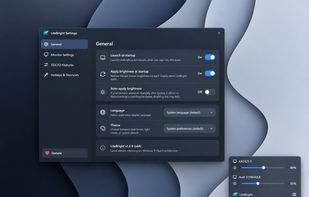

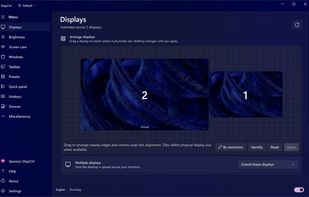
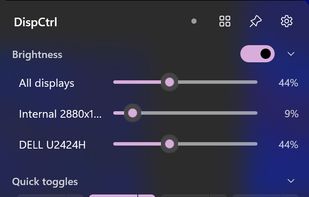
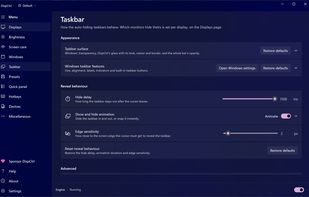
Free, open-source display control for Windows 11: one brightness slider for every monitor (DDC/CI and laptop panels), night light, focus mode, keep awake, per-monitor taskbar hiding and glass, OLED care, your monitor's own settings, hotkeys and a CLI.
 India


 Romania
 EU


