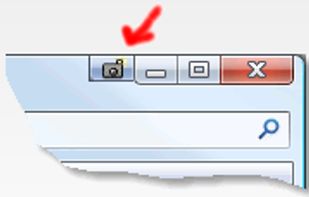
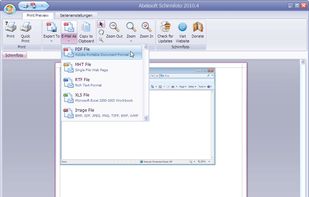
Schirmfoto is the easiest way of creating screenshots. Schirmfoto integrates itself into your Windows system by adding a new button in the title bar of each window. Clicking this icon will create a screenshot for you.
 Germany
 EU



The best alternative to Snipping Tool is Greenshot, which is both free and Open Source. If that doesn't suit you, our users have ranked more than 100 alternatives to Snipping Tool and many of them are from the EU so hopefully you can find a suitable replacement. Other interesting alternatives to Snipping Tool are macshot, Ksnip, Spectacle and CleanShot X.
Schirmfoto is the easiest way of creating screenshots. Schirmfoto integrates itself into your Windows system by adding a new button in the title bar of each window. Clicking this icon will create a screenshot for you.
GermanyEU
Annotate screenshots on macOS with drawing tools, brushes, shapes, text, and pointer emojis. All processing is local for privacy. Preview and export in JPEG, PNG, or WebP, downscale high-res images, set export paths, and enjoy a small, responsive app.
GermanyEU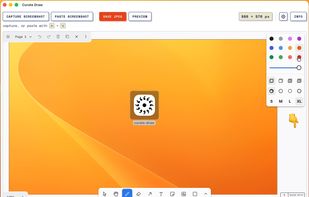


QuickScreenshot is a lightweight and very easy to use application that enables you to take screenshots of your desktop with a few mouse clicks. Just press the wanted screenshot key (or press it multiple times) and your screenshots are done!
GermanyEU


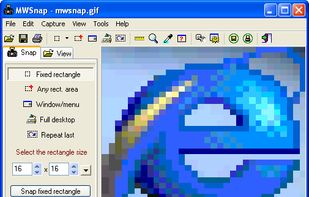
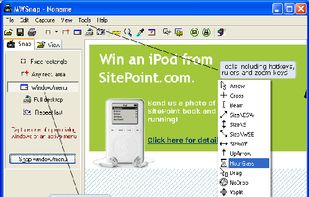
MWSnap is a small yet powerful Windows program for snapping (capturing) images from selected parts of the screen.
 PolandEU


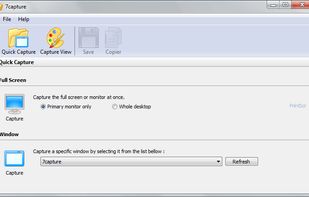
7capture is free screen capture software for Windows 7, Vista and XP. 7capture automatically handles complicated transparency problems such as rounded corners and Aero semi-transparent windows backgrounds.
No matter what Windows version you are using, 7capture will do it's m.
 FranceEU


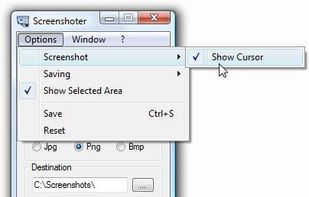
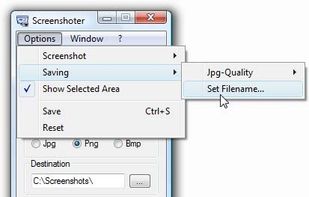
Every annoying feature is consistently excluded. Make a screenshot with a click on the button or by pushing the "Print Screen" key and it will be directly saved as an image - thats it!
GermanyEU


KnowMinder is an AI-powered personal knowledge management system designed to help users capture, and retrieve information efficiently.
FranceEU


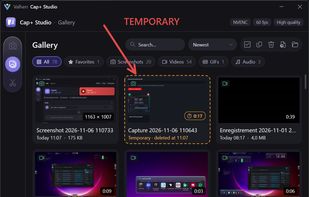
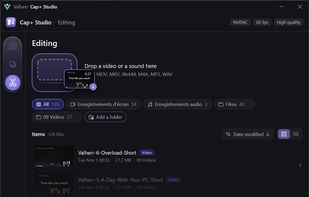
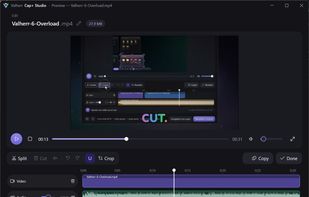
Screen capture, recording and quick editing photo, audio, video and gifs for Windows, with independent audio source selection.
FranceEU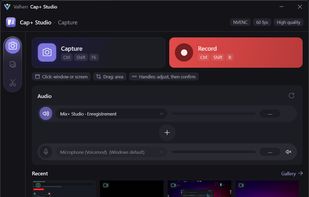


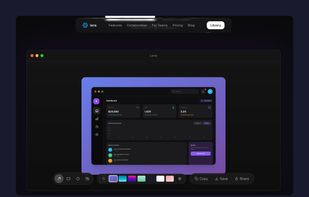
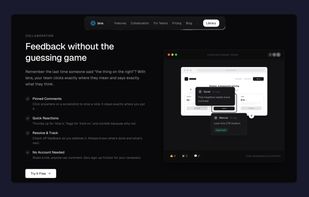
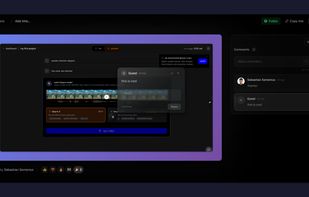
Capture screenshots, annotate, and share a link where your team pins feedback directly on the image — no sign-up needed for reviewers.
 RomaniaEU


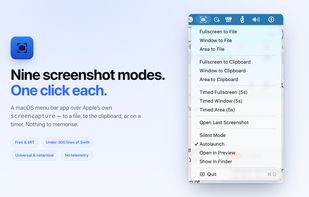
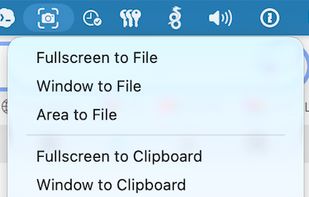
ScreenshotMenu is a small menu bar app that puts all of macOS's screenshot modes into one menu, so you don't need to remember keyboard shortcuts.
 CzechiaEU


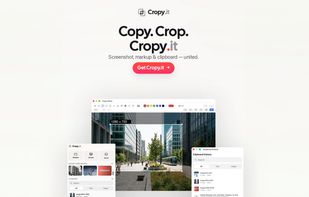
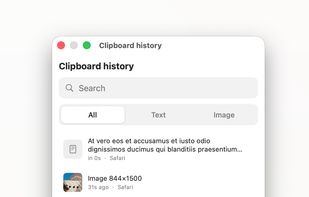
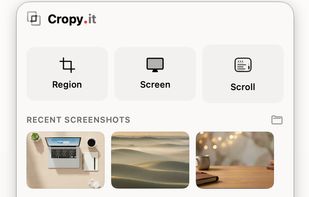
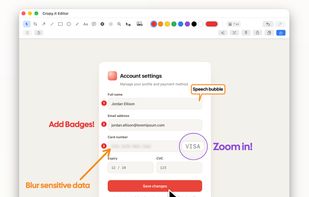
Captures regions, windows, full screens and scrolling pages, then provides arrows, shapes, text, numbered badges, blur, pixelation and pixel-precise cropping. OCR copies image text, while pinned snippets and searchable local clipboard history retain text and images.
GermanyEU