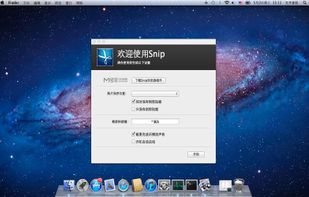
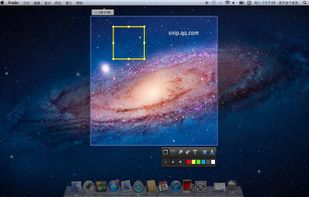
Snip is a screen-capture application that can capture the active window or custom areas. Drag to zoom in/out the screen shot; add labels, texts and handwriting contents of your choice and save it to your device or the clipboard.
 China
China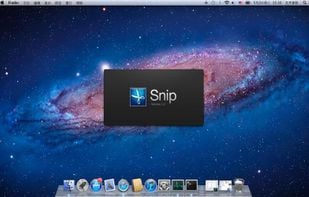


Smartshot is described as 'Gives you the easiest way to capture your screen and share it with one-click uploads' and is a screenshot capture tool in the photos & graphics category. There are more than 100 alternatives to Smartshot for a variety of platforms, including Windows, Mac, Web-based, Google Chrome and Mozilla Firefox apps. The best Smartshot alternative is ShareX, which is both free and Open Source. Other great apps like Smartshot are Greenshot, Snipping Tool, FastStone Capture and PicPick.
Snip is a screen-capture application that can capture the active window or custom areas. Drag to zoom in/out the screen shot; add labels, texts and handwriting contents of your choice and save it to your device or the clipboard.


Zappy is a macOS screen capture tool made for internal use by Zapier and released free for all. It's built for speed and provides the perfect set of features for remote teams to work with screenshots and GIF recordings quickly and effectively.
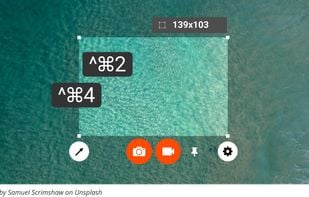
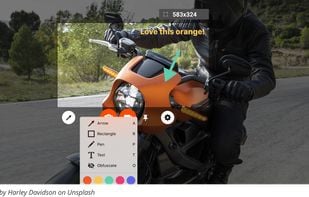
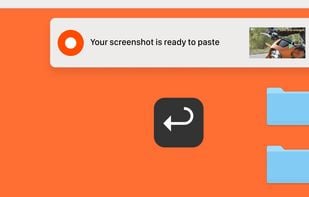
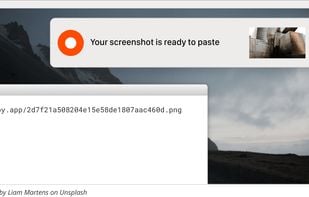

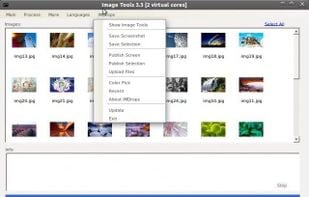
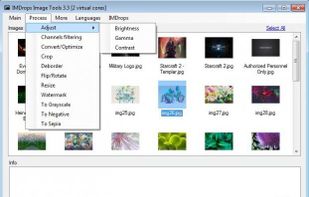
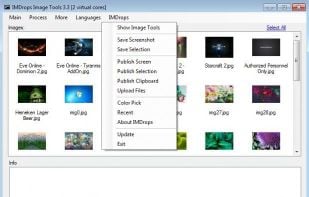
Image Tools is a screen capture, file sharing and image processing tool. It features multi-threaded batch image resizing, conversion, cropping, flipping/rotating, watermarks, decolorizing (grayscale, negative, sepia), and optimizing.

You grab Screens or Windows using the standard PrtScn and Alt-PrntScn keys and MGrab will intercept the saved data as it is sent to the clipboard and put it into your chosen folder as a BMP or JPG file leaving the clipboard free for you to take another screenshot.


 United States