
Free web and desktop application that enables quick screen grabs, easy URL-based sharing, and live, multi-person drawing and sketching.
 United States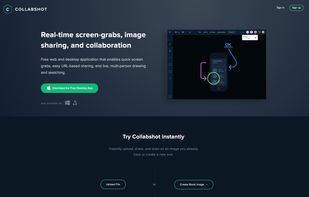
+2


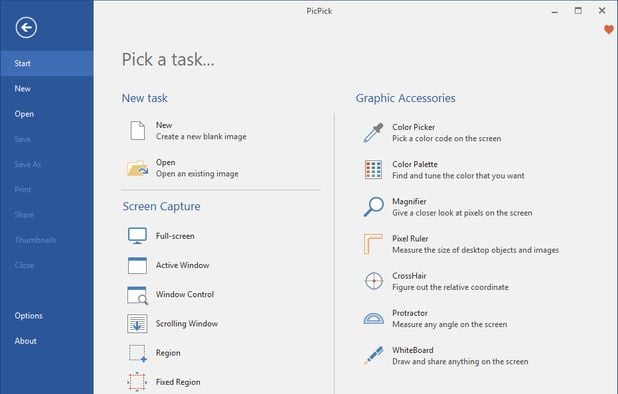
Smartshot is described as 'Gives you the easiest way to capture your screen and share it with one-click uploads' and is a screenshot capture tool in the photos & graphics category. There are more than 100 alternatives to Smartshot for a variety of platforms, including Windows, Mac, Web-based, Google Chrome and Mozilla Firefox apps. The best Smartshot alternative is ShareX, which is both free and Open Source. Other great apps like Smartshot are Greenshot, Snipping Tool, FastStone Capture and PicPick.
Free web and desktop application that enables quick screen grabs, easy URL-based sharing, and live, multi-person drawing and sketching.

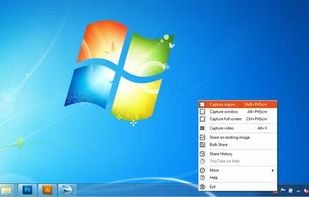
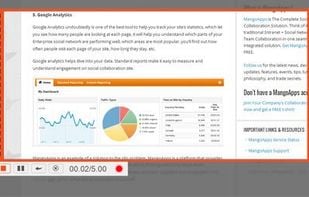
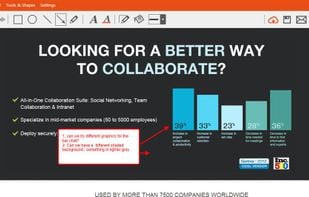
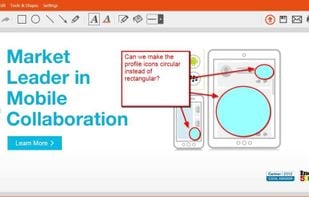
TinyTake is a free screen capture software for Microsoft Windows. With TinyTake, you can capture images and videos of your computer screen, add comments and share them with others in minutes. TinyTake is built by MangoApps and is available for free.

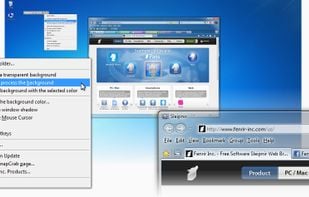
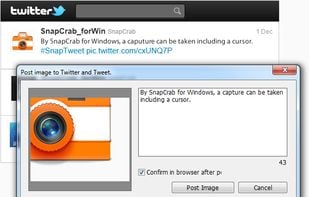
SnapCrab is a photo capture software that can capture any part of your screen. Files are saved in PNG format. Capture the whole screen, specified windows or areas, or wherever you like. With SnapCrab you can directly post captured images to Twitter, or save them to Evernote.

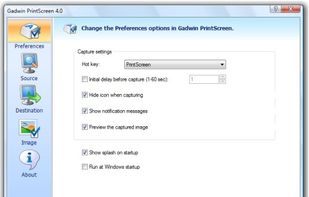
Captures the contents of the screen with a single keystroke. The captured screen can then be sent to the printer, or saved to disk as a file in 6 different graphics file formats. 15 languages.

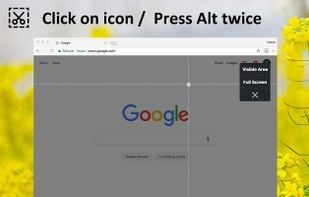
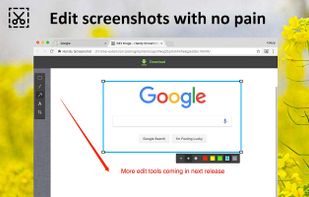
Capture the web page, either part of it or full page. Edit your screenshots in a very user-friendly interface.

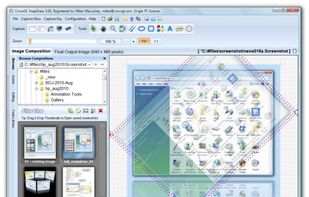
In SnapDraw Free, all the complicated annotation graphics such as Callouts and Magnifier Lens or nice looking effect such as 3D perspective and Reflections - are built-in tools.

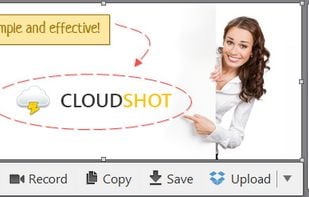
Make a screenshot, add your notes on top and share it instantly. Need to show some action? Record what you do, and share a GIF in a few seconds.

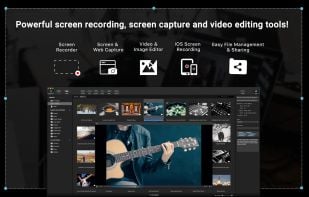
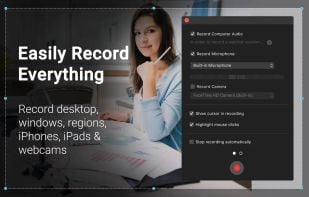
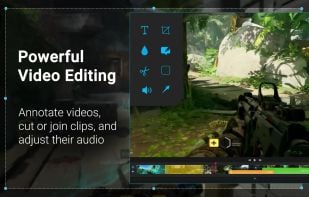
Capture HD video at 60 FPS, record iOS devices, and edit screen or image content with annotation, voiceover, and advanced file management. Includes fullscreen, selection, and web capture, quick sharing to cloud, FTP, YouTube, and fast search for Mac users.


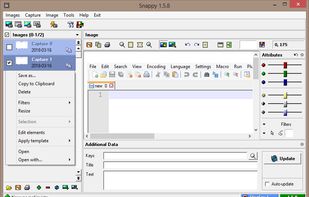
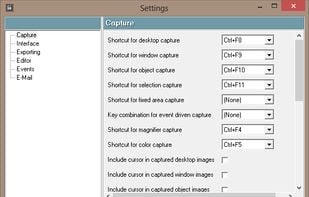
Snappy is a desktop-capture software for Microsoft Windows that allows to capture the screen of your monitor. Compared to other similar applications, Snappy could be less complete, but my purpose is to keep it as immediate as I can. Try it, and let me know if I'm wrong...
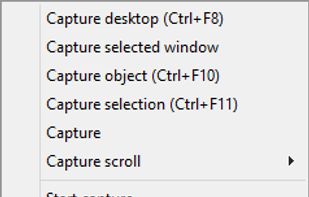

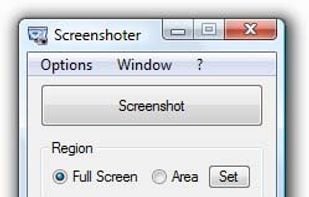
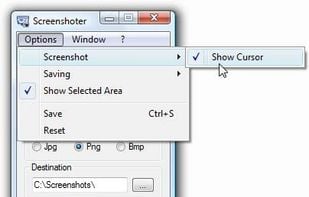
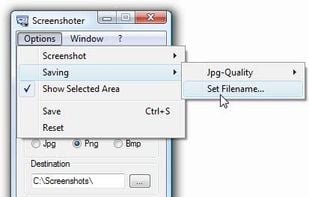
Every annoying feature is consistently excluded. Make a screenshot with a click on the button or by pushing the "Print Screen" key and it will be directly saved as an image - thats it!

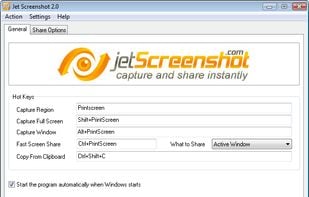
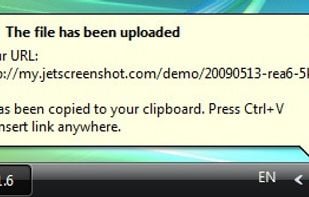
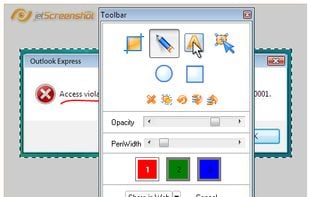
Jet Screenshot is a freeware utility enabling you to share screenshot via the internet in seconds. It allows you to take a screen snap, edit it and send it to the Web, so that you can immediately provide anyone with a link to the image.


Snapplr is a revolutionary tool to efficiently take and share screenshots. It completely replaces Mac OS Xs native capabilities and works in the same way as the system tool, but offers a wide range of options. Its main feature is to upload screenshots automatically to Snapplr.




 Czechia
 EU
EU

 India
India

 Germany
 Ukraine