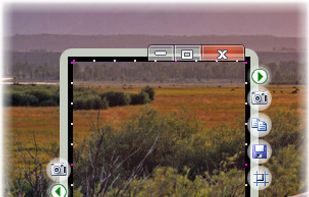
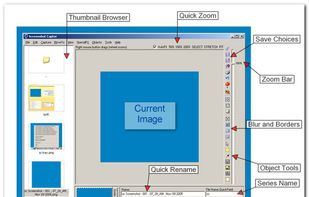
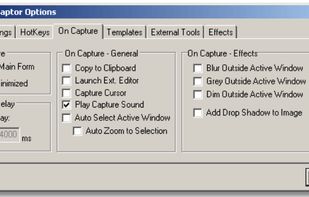
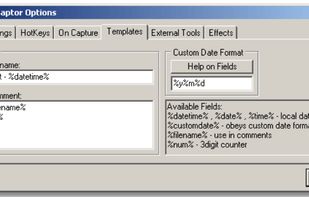
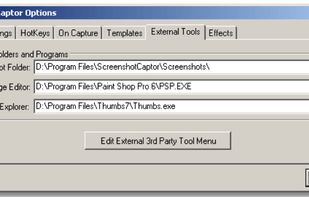
Screenshot Captor is a program for taking screenshots on your computer. Its different from other screenshot utilis in several notable ways:
Cost / License
- Free Personal
- Proprietary
Application type
Platforms
- Windows
 United States



+7


Skitch is not available for Windows but there are plenty of alternatives that runs on Windows with similar functionality. The best Windows alternative is ShareX, which is both free and Open Source. If that doesn't suit you, our users have ranked more than 50 alternatives to Skitch and many of them are available for Windows so hopefully you can find a suitable replacement. Other interesting Windows alternatives to Skitch are Greenshot, Flameshot, FastStone Capture and PicPick.
Screenshot Captor is a program for taking screenshots on your computer. Its different from other screenshot utilis in several notable ways:
United States
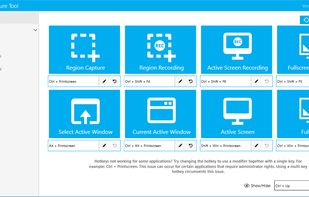
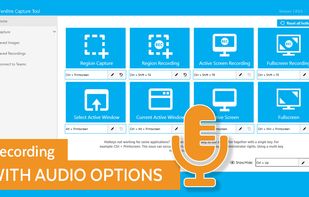
The Fenêtre Capture Tool for making professional screenshots and screen recordings. With advanced functions and abilities that other free capture tools don't offer.
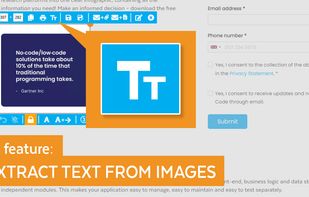
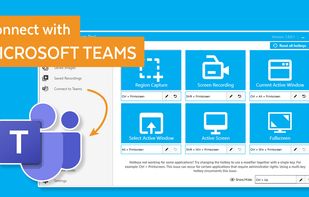


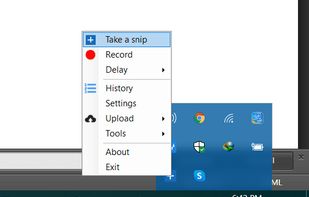
With Free Snipping Tool, not just you create snips, you can save your snips on major backup services like Imgur, Google Drive and Dropbox. Not just this you can also upload them via FTP or simple WebRequest.
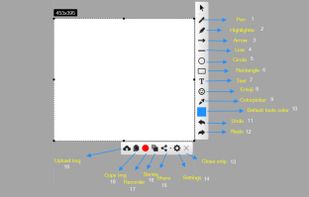
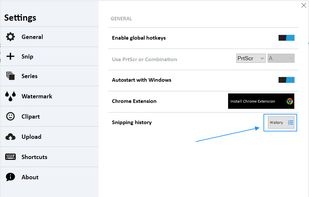
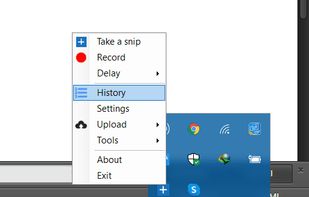


In SnapDraw Free, all the complicated annotation graphics such as Callouts and Magnifier Lens or nice looking effect such as 3D perspective and Reflections - are built-in tools.
 Czechia
 EU
EU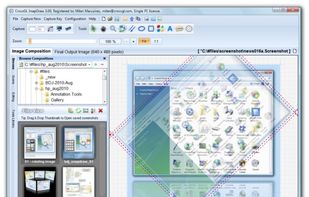


Make a screenshot, add your notes on top and share it instantly. Need to show some action? Record what you do, and share a GIF in a few seconds.
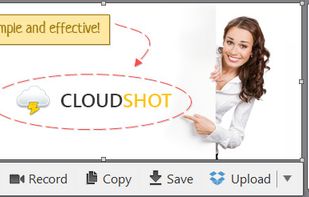


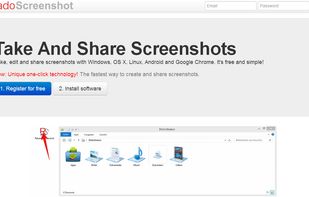
Take, edit and share screenshots with Windows, OS X, Linux, Android and Google Chrome. It's free and simple!
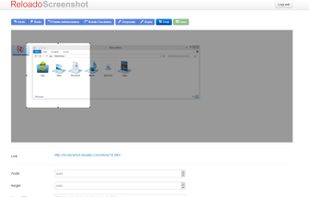


Capture screen and edit screenshot with Annotation Pilot.
This screen capture software allows you to add text and graphics to your screenshot, save your screenshot as a graphic file or send it by email.
With Annotation Pilot you can: Send a photo with annotations to your frie.
United States


The smallest free tool for taking screenshots of different size. Just open SnapaShot, resize it's window to fit the area you want to save, and press "save it" button.