


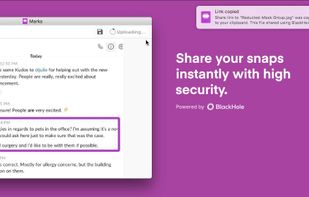
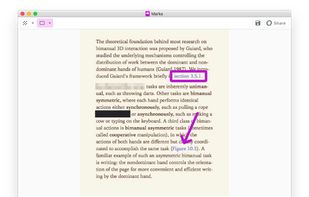
Redact & Annotate images. Hide or mark up essential parts of your image by simply clicking and dragging on it.
Cost / License
- Free
- Proprietary
Platforms
- Mac
- Windows
 United States



Apps similar to Skim include SumatraPDF, which is free and open source. Other options are Okular, Foxit PDF Reader, Xournal++ and PDF-XChange Editor. PDF Readers like Skim are a crowded field, with more than 100 alternatives for Windows, Mac, Linux, Android and iPhone.
Redact & Annotate images. Hide or mark up essential parts of your image by simply clicking and dragging on it.
United States
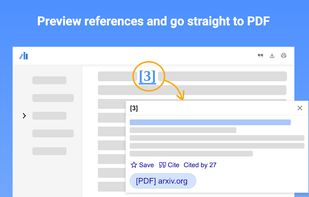
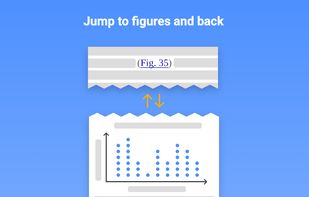
Supercharge your paper reading: follow references, skim outline, jump to figures, cite and save.
United States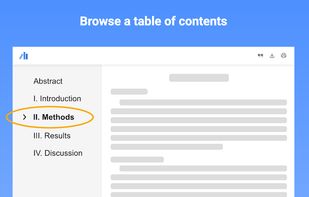
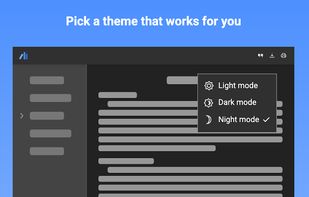


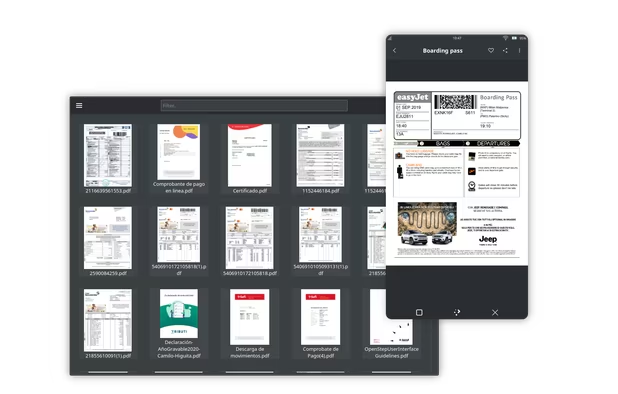
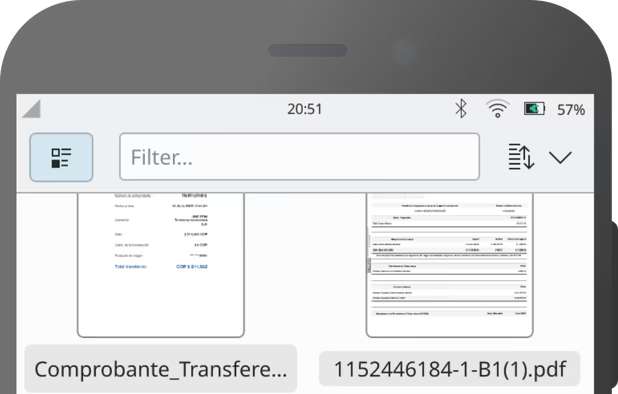
Shelf is a convergent document viewer that supports PDF and EPUB files. With Shelf, you can organize your document collection by creating tags, like other Maui applications.
 Mexico


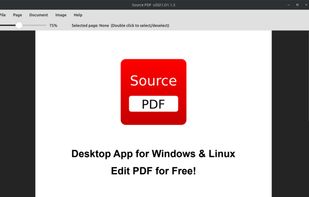
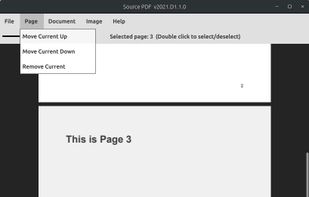
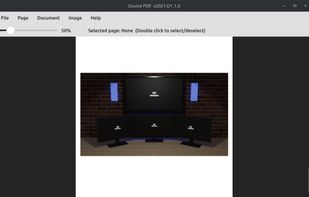
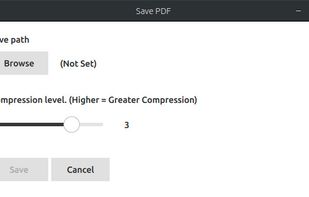


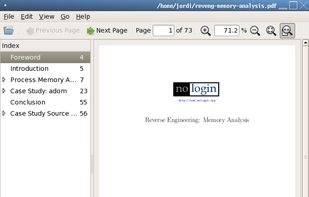
A simple PDF document viewer, in the lines of Evince but without using the Gnome libraries. ePDFView is a free lightweight PDF document viewer using Poppler and GTK+ libraries.


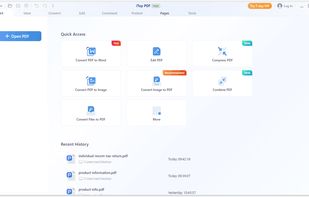
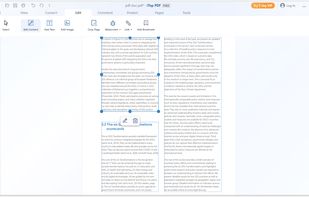
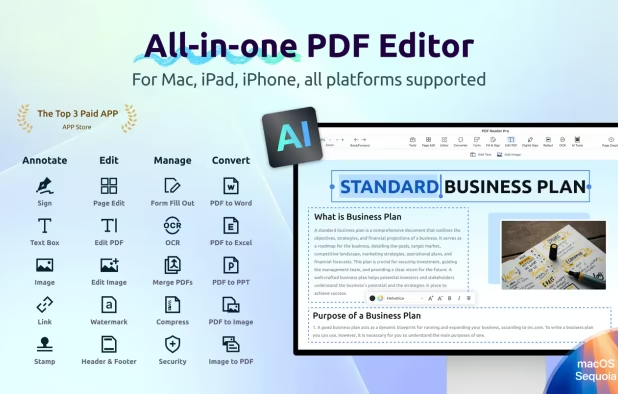
Comprehensive PDF tool for viewing, editing, annotations, and conversion between formats like Word, Excel, or PPT. Features include encryption, redaction, and fast batch processing.
 Hong Kong SAR China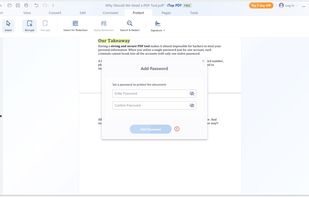


Xreader is a document viewer capable of displaying multiple and single page document formats like PDF and Postscript.


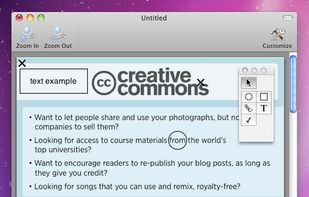
FormulatePro helps you open and write on PDF documents. You can fill out any PDF form document, drop in graphics, scribble with the mouse or a tablet, save and print.


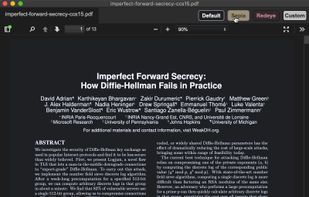
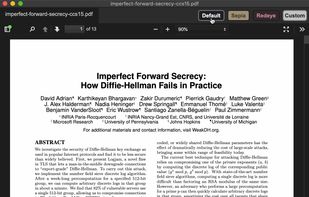


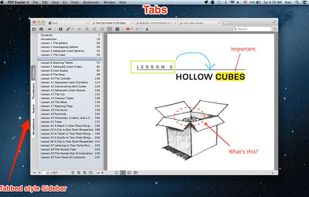
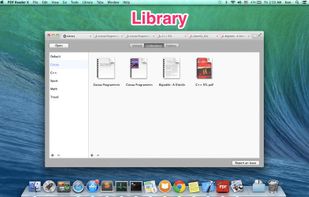
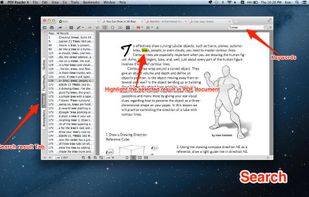


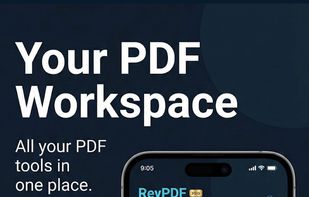
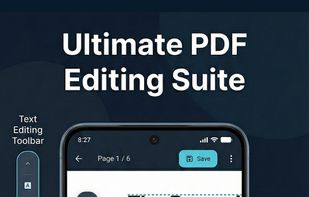
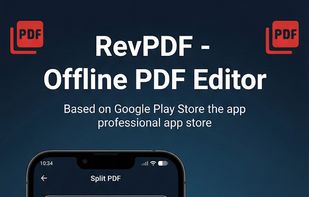
Professional PDF tools without the cloud. 100% offline, native performance, and zero data collection. Your documents stay where they belong: on your device.
 India
India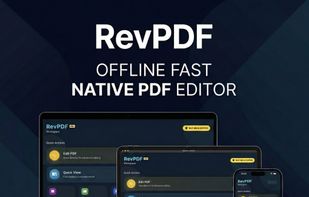


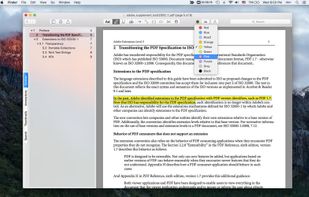
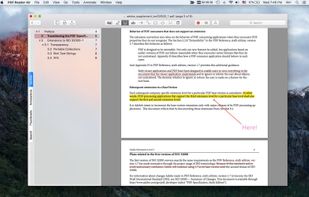
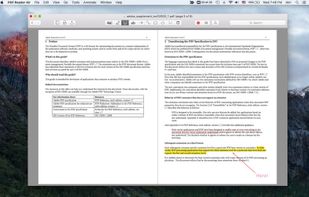
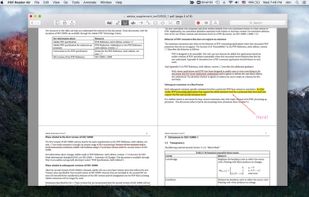
PDF Reader Air is the ideal app for anyone who works with PDFs in the office or at home. Optimizing your work quality and productivity couldn’t be easier!.







 Ireland
 EU
EU


