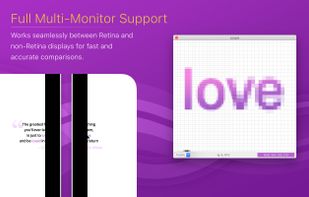
OneLoupe is a customizable screen magnification tool. It runs in the system tray and can be activated by clicking on the icon or setting a HotKey.


SHARA is described as 'Annotate any Windows app, highlight your cursor and clicks, magnify details, and show keystrokes—all from the cursor-centered SHARA Wheel' and is a cursor highligter in the os & utilities category. There are more than 25 alternatives to SHARA for a variety of platforms, including Windows, Mac, Linux, Python and PortableApps.com apps. The best SHARA alternative is CapyCursor, which is free. Other great apps like SHARA are Epic Pen, ZoomIt, gInk and Presentify - Draw on your screen.
OneLoupe is a customizable screen magnification tool. It runs in the system tray and can be activated by clicking on the icon or setting a HotKey.


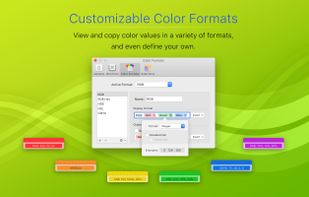
Offers real-time on-screen magnification under the cursor with a lightweight footprint, featuring a custom color picker, unlimited palette storage, color mixer, customizable harmonies, and workflow tools for inspecting artwork and aligning interface elements.


Pointer Cue is a lightweight presentation and demo tool that helps your audience instantly see where to look.


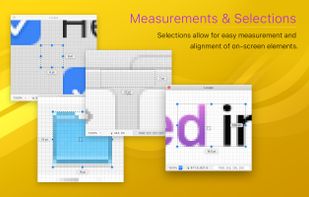
Whenever single-pixel-accuracy is required, Lens will assist you by magnifying the area around the mouse pointer.


Ultimate Pen is a software only solution which creates a full screen, transparent window, allowing you to draw on top of most applications. Think of Ultimate Pen as an incredibly easy way to doodle on your computer screen.


Screen annotation software which allows drawing directly on the screen. It is an open source and multiplatform (all systems that support Python) alternative to tools such as Epic Pen.

DemoPro is a simple and unobtrusive screen annotation tool for the Mac ideal for live demonstrations. Just press a customizable hotkey to draw on the screen. Release it to continue your demonstration. DemoPro also includes a countdown timer.


Glassbrick is a screen magnifier that makes zooming your screen quick and easy. It allows you to change the colours of your screen to enhance readability. It’s also customisable, lightweight, fast and efficient.

Highlights the pointer with a moving ring, animates mouse clicks for emphasis, dims surroundings to focus attention, and enables real-time screen drawing—ideal for teaching, video tutorials, presentations, or demonstrations requiring clear visual cues and explanations.


Displays pointer location, click events, wheel rotation, and keypresses using halos, crosshair, animated rings, and keyboard indicators. All elements are highly adjustable in size, color, shape, and transparency, supporting clear on-screen demonstrations and tutorials.