picBox enables you to share text, images, screen snips, and screen captures effortlessly and seamlessly to anyone on the internet.
Cost / License
- Free
- Proprietary
Platforms
- Windows
- Android
- Chrome OS
- Google Chrome
- Minecraft


Apps similar to Screenshot Captor include ShareX, which is free and open source. Other options are Greenshot, PicPick, FastStone Capture and Snagit. Screenshot Capture Tools like Screenshot Captor are a crowded field, with more than 100 alternatives for Windows, Mac, the web, Linux and iPad.
picBox enables you to share text, images, screen snips, and screen captures effortlessly and seamlessly to anyone on the internet.

The smallest free tool for taking screenshots of different size. Just open SnapaShot, resize it's window to fit the area you want to save, and press "save it" button.
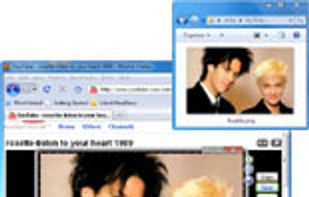
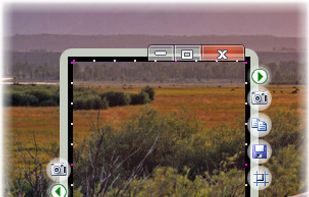


Every annoying feature is consistently excluded. Make a screenshot with a click on the button or by pushing the "Print Screen" key and it will be directly saved as an image - thats it!
 Germany
 EU
EU
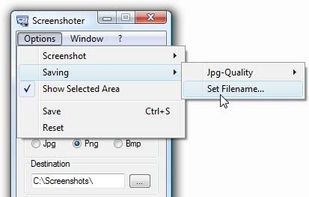


WebKut is an AIR application that allows you to capture web pages, or parts of them in a very simple way. It provides you 3 capture options: the entire page, the current view, or only a selection.


GNOME Screenshot is a utility used in the GNOME desktop environment for taking screenshots. It was part of the GNOME Utilities (gnome-utils) package, but was split into its own package for the 3.3.1 version in 2011.
 United States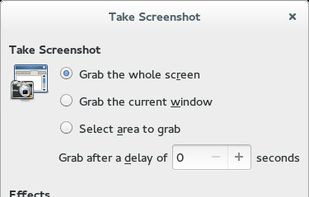


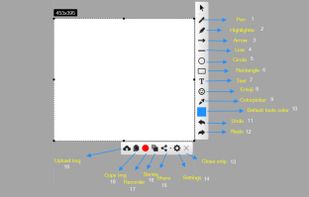
With Free Snipping Tool, not just you create snips, you can save your snips on major backup services like Imgur, Google Drive and Dropbox. Not just this you can also upload them via FTP or simple WebRequest.
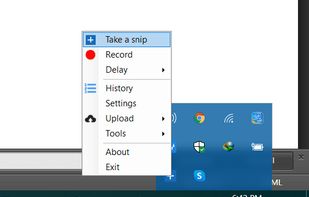
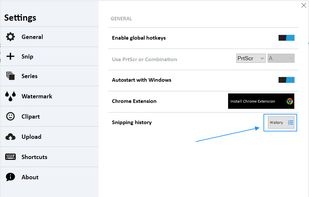
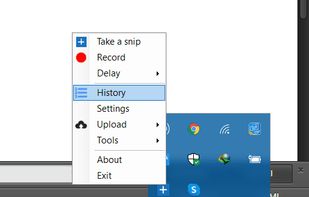


QuickScreenshot is a lightweight and very easy to use application that enables you to take screenshots of your desktop with a few mouse clicks. Just press the wanted screenshot key (or press it multiple times) and your screenshots are done!
GermanyEU


A freeware application that lets users stream high quality content similar to XSplit Broadcaster and Flash Media Live Encoder. Currently, the application is in early stages of development. This project is actively looking for dedicated testers.
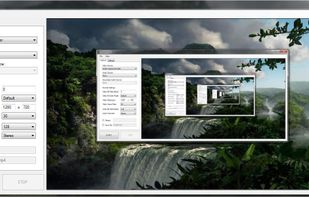


TPUCapture is an easy to use screenshot utility with a small memory footprint that resides in the system tray.
United States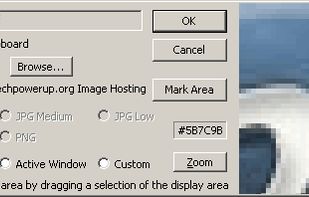


Snapplr is a revolutionary tool to efficiently take and share screenshots. It completely replaces Mac OS Xs native capabilities and works in the same way as the system tool, but offers a wide range of options. Its main feature is to upload screenshots automatically to Snapplr.


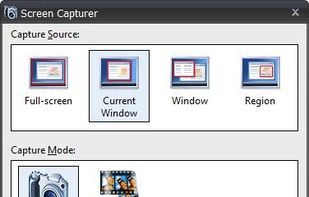
Screen Capturer allows you to instantly capture any area of the screen to a file or email.
United States