ShadowPlay is a graphics-accelerated overlay to record and share high-quality gameplay videos, screenshots, and livestreams.


ScreenRecorder.me is described as 'Easily create, edit, and share screen recordings in your browser with no login. Customize wallpapers and webcam effects, and animate using smooth physics-based features' and is a Screen Recorder in the video & movies category. There are more than 50 alternatives to ScreenRecorder.me, not only websites but also apps for a variety of platforms, including Windows, Mac, Android and Linux apps. The best ScreenRecorder.me alternative is OBS Studio, which is both free and Open Source. Other great sites and apps similar to ScreenRecorder.me are OpenScreen, GPU Screen Recorder, Bandicam and VokoscreenNG.
ShadowPlay is a graphics-accelerated overlay to record and share high-quality gameplay videos, screenshots, and livestreams.


Enhance Mac live streams and recordings with over 200 filters, 80 triggers, green screen, overlays, multi-cam input, drag-and-drop layers, MIDI, browser overlays, RTMP streaming, 4K 120fps capture, CoreML preview, vertical video, interactive shopping, and scene switching.


Free version Records up to 15 minutes, premium is $20/year or $48/year depending on features (as of January 2020).


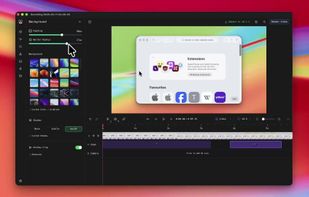
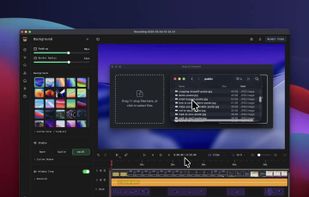
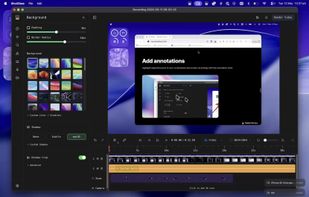
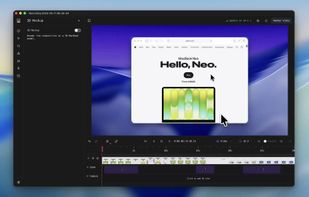
A screen recorder comes with automated editing. Automatically track cursor movement, apply dynamic zoom and click effects, add a pleasant background, and generate a professional-looking video/gif that is ready to use.
ScreenMix - Screen Recorder provides an easy, uncomplicated way of recording your desktop's screen and webcam sessions. Excellent for games and video stream recording, product demos, tutorials, webcam chats, and more!.


Screenify is free software for capturing screen, audio, webcam, and mic on Windows and Mac. It supports 4K at 60fps, offers noise reduction, and customizable settings. Export in various formats including MP4, GIF, MOV. No limits on duration or ads, ensuring professional videos.


VSDC Free Screen Recorder is an easy-to-use lightweight screen recorder software that lets you capture your PC screen and save it in the MP4 format. It lets you capture the entire desktop screen, a selected area or even a videogame window of any resolution.


Enables screen video, audio, and webcam capture with support for system sounds, microphone input, annotation tools, zoom, custom watermarks, automated scheduling, screenshot upload, adjustable quality, region selection, and support for over 45 languages.


Versatile screen recording and live streaming tool, broadcasting to over 30 platforms. Enhances streams with stickers, templates, and images. Supports lectures and games, offers scheduled recording and operates as a virtual camera for meetings.


ScreenCam is a free and open-source Android app to record screen using native API and without root. It can record sound from the speaker and is configurable, letting you change the recording format and location of save files among other options.


oCam is a video recording program that can record video to be played on the monitor via your PC.