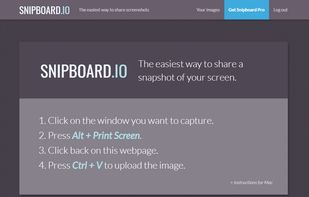
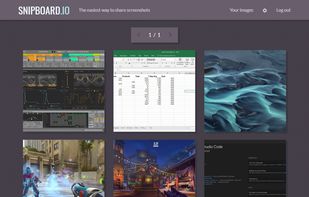
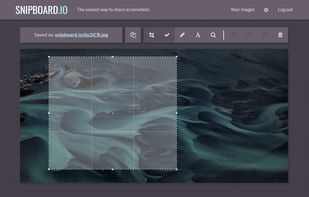
Snipboard (previously known as Snaggy) is an image host that lets you quickly paste and share images from your clipboard directly online.
Cost / License
- Freemium
- Proprietary
Application type
Platforms
- Online
 United States




Apps similar to Screenpresso include ShareX, which is free and open source. Other options are Greenshot, FastStone Capture, PicPick and Snipping Tool. There's no shortage of Screenshot Capture Tools like Screenpresso, with more than 100 alternatives for Windows, Mac, Linux, the web and iPad.
Snipboard (previously known as Snaggy) is an image host that lets you quickly paste and share images from your clipboard directly online.
United States
Captures the contents of the screen with a single keystroke. The captured screen can then be sent to the printer, or saved to disk as a file in 6 different graphics file formats. 15 languages.
United States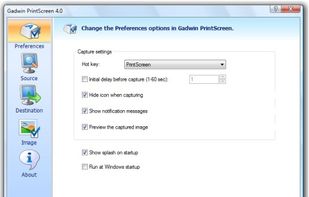


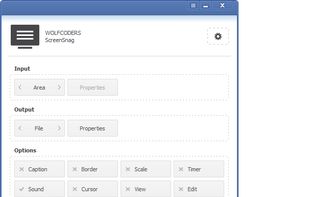
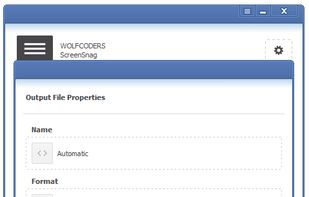
ScreenSnag provides a quick and easy way to take a photo of your computer screen. Capture the entire screen, a region of the screen, a window, or an element on the window with a single hotkey or click. You can also use Timer option to perform captures at intervals that you...
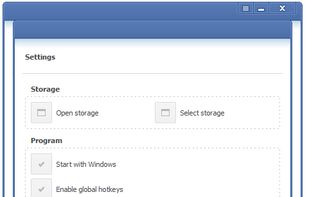


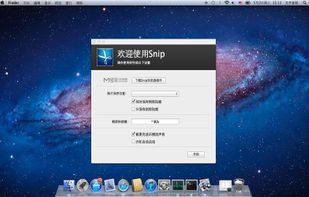
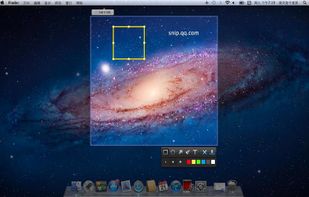
Snip is a screen-capture application that can capture the active window or custom areas. Drag to zoom in/out the screen shot; add labels, texts and handwriting contents of your choice and save it to your device or the clipboard.
 China
China


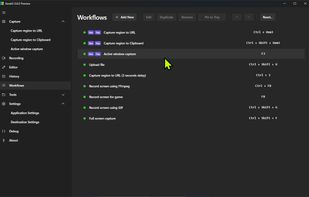
The most advanced screen capture tool for Windows, macOS, and Linux. ShareX reimagined with modern UI technologies, built from the ground up for cross-platform performance.
United States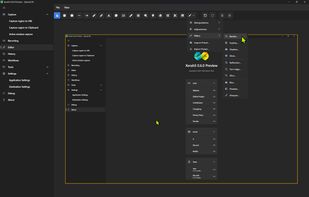


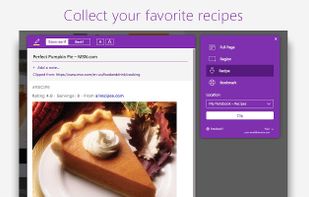
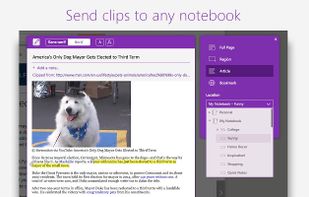
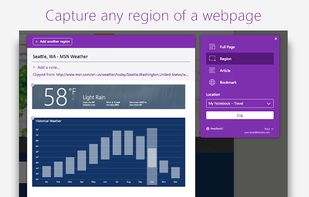
You're busy. OneNote Web Clipper lets you quickly clip all or part of a web page to OneNote, and save it for later. Clip images, pdfs, videos, or a visual bookmark of a page. Best of all, you can access them from any computer, tablet, or phone - even when you're offline.



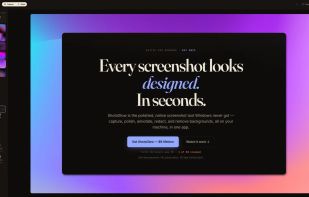
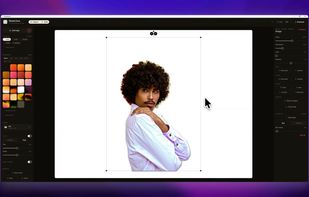
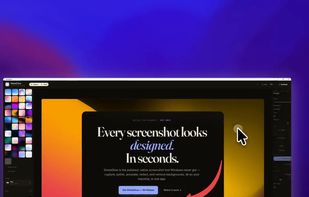
The polished, native Windows screenshot tool — capture, design, annotate, redact and remove backgrounds on-device, then export to 30 social & App Store sizes.
 Germany
 EU
EU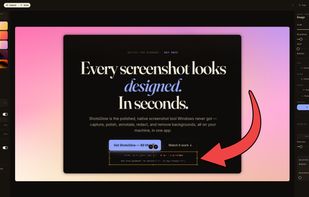


Say you're working on a blog post and want to take screenshots that look their best on both Retina and non-Retina Macs.
United States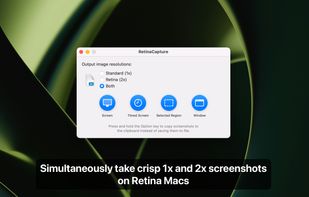
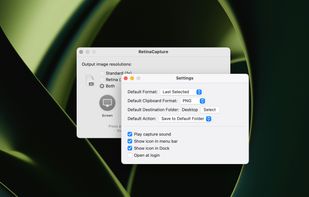


Snapplr is a revolutionary tool to efficiently take and share screenshots. It completely replaces Mac OS Xs native capabilities and works in the same way as the system tool, but offers a wide range of options. Its main feature is to upload screenshots automatically to Snapplr.
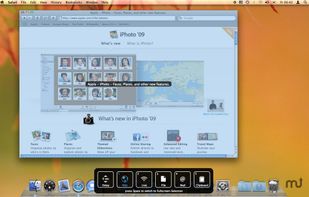


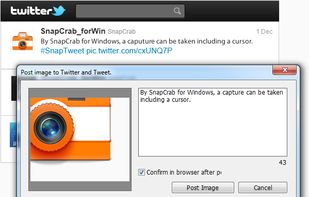
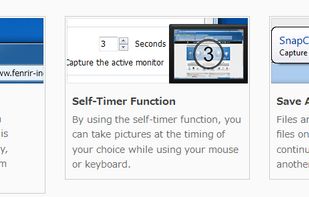
SnapCrab is a photo capture software that can capture any part of your screen. Files are saved in PNG format. Capture the whole screen, specified windows or areas, or wherever you like. With SnapCrab you can directly post captured images to Twitter, or save them to Evernote.
United States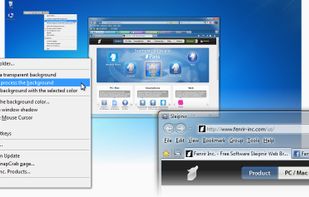


Schirmfoto is the easiest way of creating screenshots. Schirmfoto integrates itself into your Windows system by adding a new button in the title bar of each window. Clicking this icon will create a screenshot for you.
GermanyEU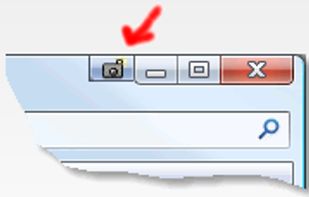
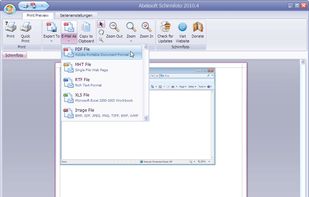


Freeware tool for taking fast and simple screenshots of the entire screen, windows and regions.
 Kazakhstan