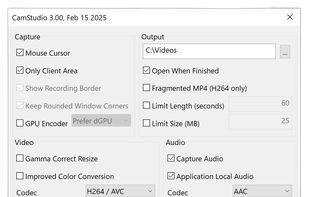
Record your computer screen with audio input from Mic or Speakers. Also shows mouse clicks in addition to the regular cursor. Simple interface with ability to record in AVI or export as swf.
Platforms
- Windows
- PortableApps.com
 United States


Apps similar to Screenize include OBS Studio, which is free and open source. Other options are OpenScreen, Recordly, SimpleScreenRecorder and ScreenArc. There's no shortage of Screen Recorders like Screenize, with more than 50 alternatives for Mac, Windows, the web, Linux and Android.
Record your computer screen with audio input from Mic or Speakers. Also shows mouse clicks in addition to the regular cursor. Simple interface with ability to record in AVI or export as swf.
United States
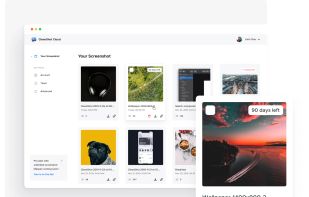
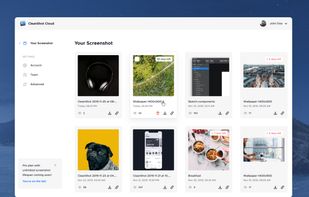
Capture and record screens on Mac with CleanShot X, featuring seamless recording, custom keyboard shortcuts, customizable wallpapers, Quick Access Overlay, and Desktop icon toggle for a tidy user interface.
 Sweden
 EU
EU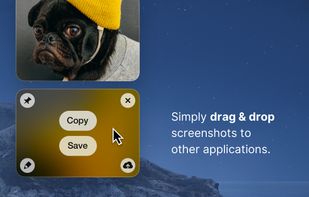
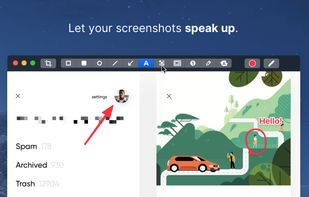


Record macOS screens with smoothed mouse movement, zoomed click highlights, cinematic motion blur, and customizable backgrounds while integrating webcam, microphone, system sound, and easy video editing. Output in HD for instructional and promotional videos.
 PolandEU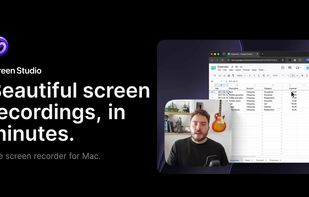
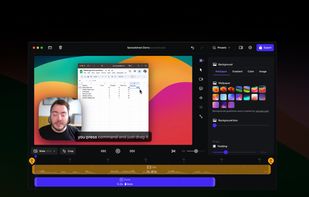
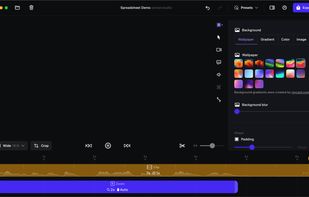


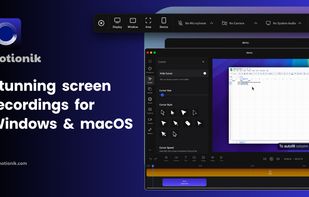
Motionik is a cross-platform screen recorder and editor for macOS (12.3+) and Windows 10+. It combines recording, zoom, cursor effects, and lightweight editing to help you create polished product demos, tutorials, and promo videos in minutes—no complex timeline editing required.
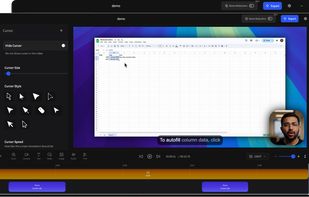
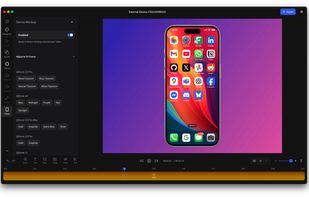


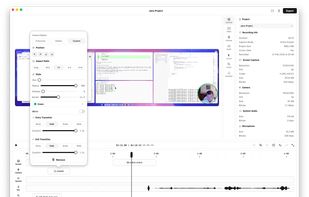
Native macOS recorder offers timeline-based editing, full screen, region, window, and iOS capture, webcam overlay, system audio and mic recording, customizable workflow including FPS and mouse clicks, advanced cursor effects, backgrounds, and high-quality export.
 SloveniaEU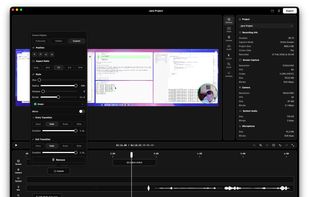


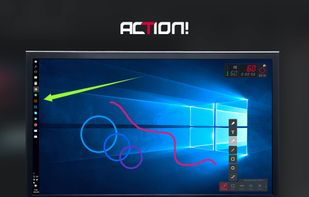
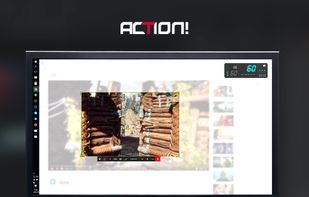
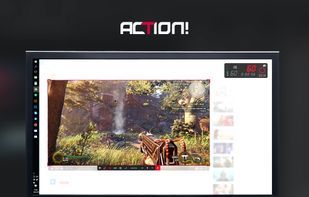
Action! enables HD, 4K, HDR10, and 8K streaming and recording, integrates fps displays, webcams, and live audio commentary. With overlays, monitoring tools, and benchmarking features, it offers a multifaceted solution for gaming capture.
PolandEU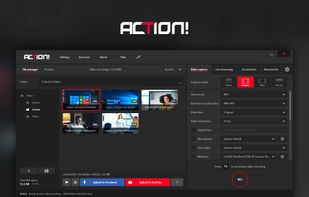


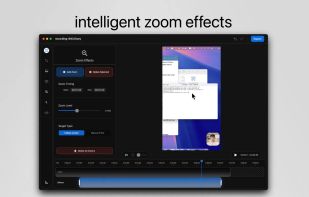
Screen recorder featuring fluid mouse motion, intelligent zoom, motion blur, customizable backgrounds, dynamic title animations, and mesmerizing scene transitions. Instantly share, embed, or edit videos for demos, tutorials, and presentations.
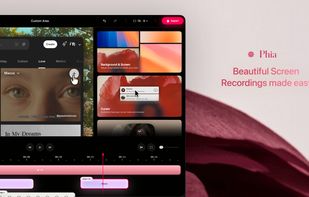
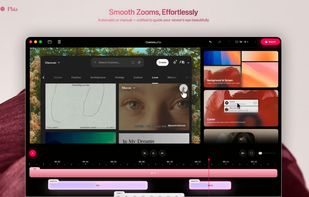
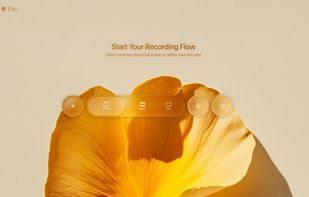
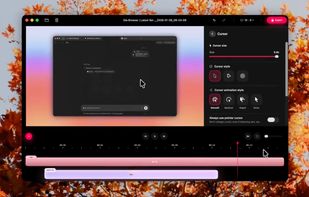


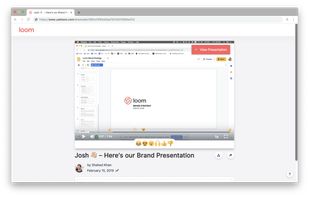
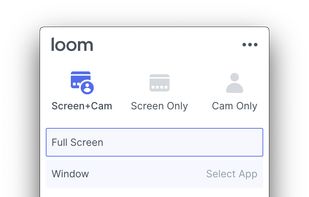
Easy and free screen recorder for Mac, Windows, and Chromebooks. Record your camera and screen with audio directly from your Chrome browser and share the video with your team, friends, and family.
United States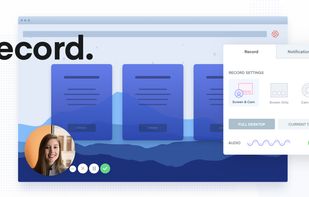


 China
China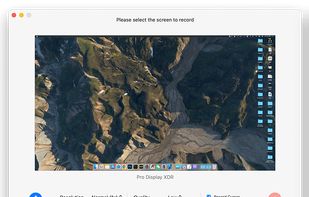
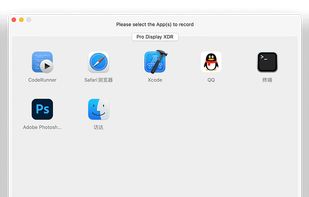
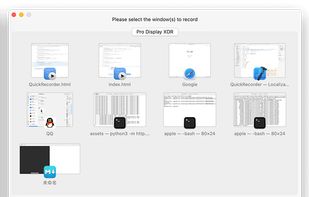
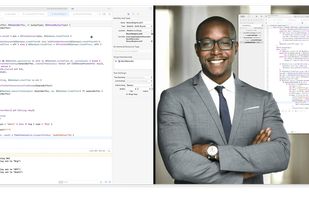


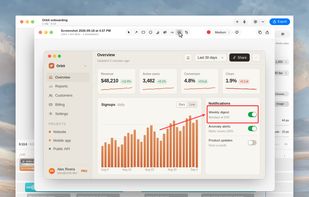
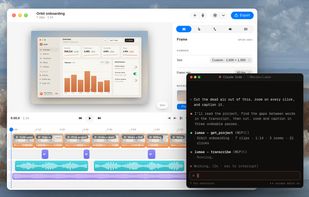
A free native Mac studio for recording displays, windows or areas, then editing with automatic click-based zooms, a redrawn cursor and motion blur. It also creates editable annotated screenshots, transcribes captions locally, records voiceovers, and stitches takes.
 Canada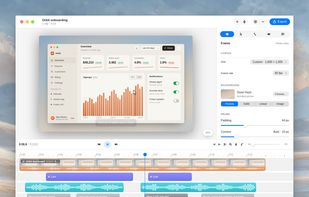


Kap is an open-source screen recorder built with Electron and designed to be easy to use but extensible.
SwedenEU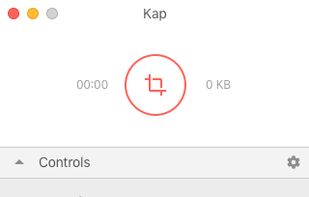


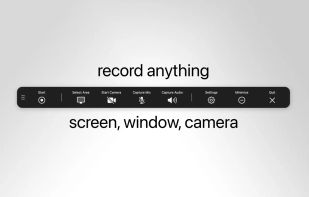
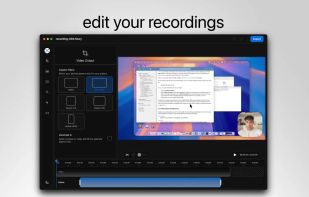
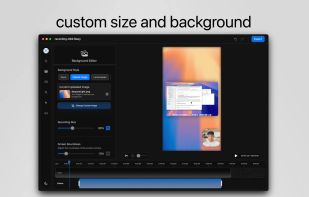
macOS tool for detailed screen recording, timeline-based video editing, customizable cursor animations, camera and audio capture, background editing, and easy sharing. Suitable for tutorials, presentations, or social media creation with a user-friendly workflow.