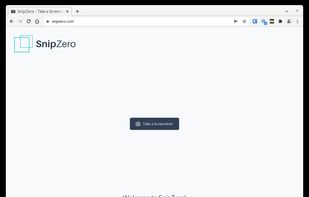
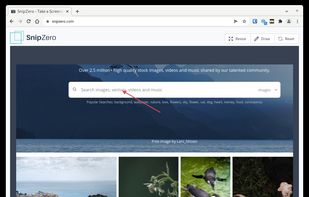
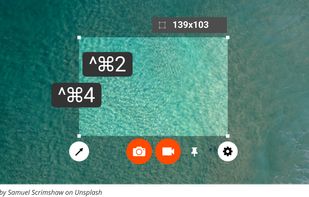
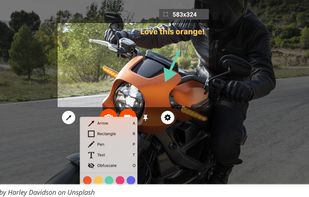
SnipZero is a convenient zero-install screenshot app that lets you take screenshots right from your web browser. No installation required. You can select any application window or browser tab as source.
 Germany
 EU



Apps similar to ScreenFloat include Greenshot, which is open source with a free version. Other options are Flameshot, Snagit, Spectacle and CleanShot X. There's no shortage of Screenshot Capture Tools like ScreenFloat, with more than 25 alternatives for Mac, Windows, the web, Linux and iPhone.
SnipZero is a convenient zero-install screenshot app that lets you take screenshots right from your web browser. No installation required. You can select any application window or browser tab as source.
GermanyEU
Capture macOS screenshots with a floating thumbnail for quick actions like renaming, copying, extracting text, scrolling capture, and local background removal. Supports custom folders, virtual desktops, Apple Silicon, temporary stashing, privacy, and customization.


Zappy is a macOS screen capture tool made for internal use by Zapier and released free for all. It's built for speed and provides the perfect set of features for remote teams to work with screenshots and GIF recordings quickly and effectively.
 United States



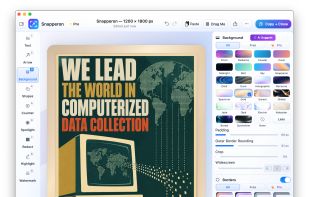
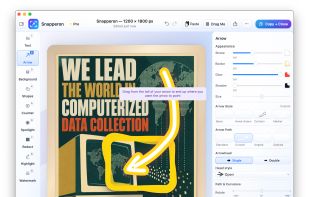
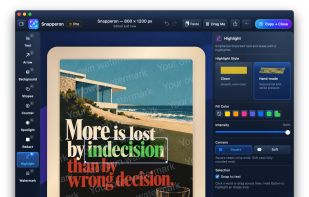
Snapperon is a native macOS app for capturing screenshots, annotating images and PDF pages, and preparing clear visuals for documentation, feedback and presentations. Add styled arrows, text banners, numbered steps, highlights, shapes, spotlights, freehand marks and redaction.


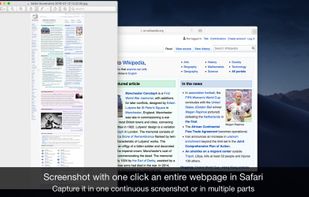
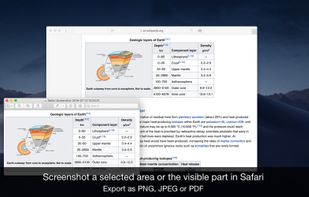
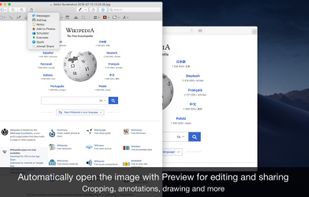
Page Screenshot for Safari is an awesome extension, just a click away, ready to use every time you need to capture a webpage screenshot, either the full page or just part of it.
 RomaniaEU


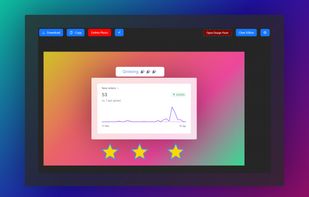
Add charming backgrounds to Images to share on social media and get x12 more engagement.
Become popular within your circle.

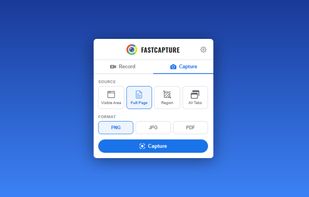
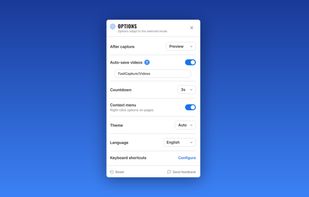
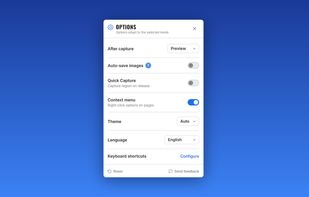
Record your screen, capture screenshots, annotate, and share them instantly. FastCapture is a lightweight, all-in-one Chrome extension for video recording, image capture, and annotation - no upload to external servers. Everything is processed locally in your browser.
United States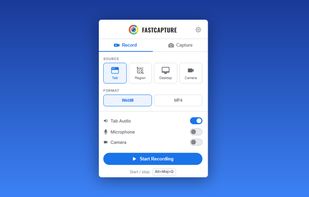

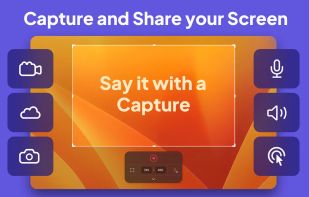
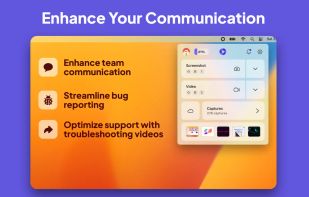
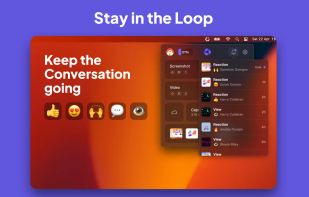
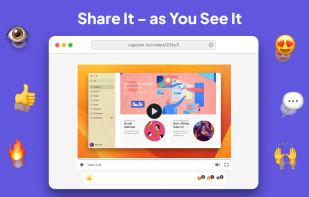
Capster helps you enhance your asynchronous communication with captures of your screen. Record your screen as you demonstrate a feature, idea, or bug, or take a screenshot and annotate it to better convey your point - and instantly share it through the cloud.


Captures regions, windows, full screens and scrolling pages, then provides arrows, shapes, text, numbered badges, blur, pixelation and pixel-precise cropping. OCR copies image text, while pinned snippets and searchable local clipboard history retain text and images.
GermanyEU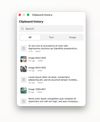
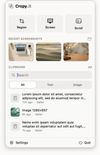


Capture any part of your screen and turn it into a floating card. On-device OCR, scroll capture, dock-to-edge gestures. Runs entirely on your Mac.
 Ukraine

Continuously creates a searchable archive of everything shown on screen by capturing frames with on-device text recognition, letting you recover any moment by searching for remembered words, with strong privacy controls and no data ever leaving your device.
United States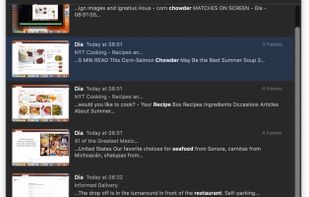
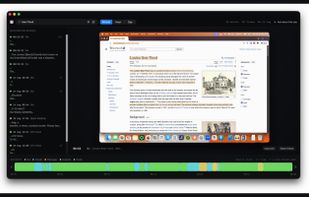
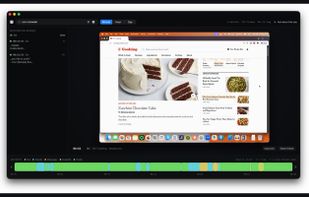


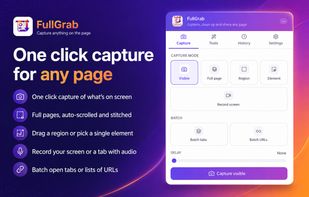
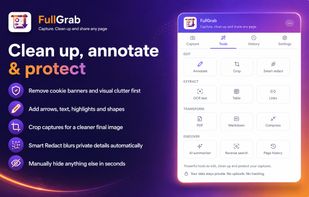
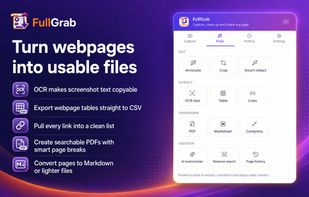
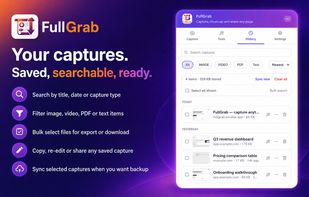
Capture visible areas, full pages, regions, elements and screen recordings, then remove clutter, annotate or redact details. Extract OCR text, tables, links or Markdown; create searchable PDFs, share results or send them to AI while keeping captures local by default.
United States