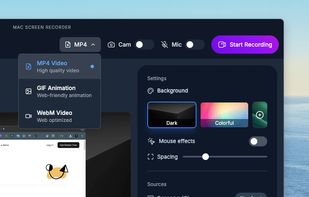
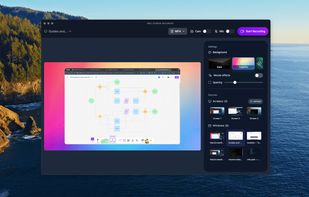
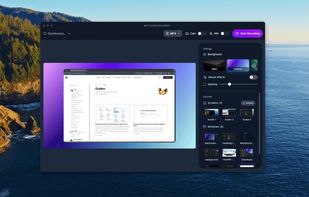
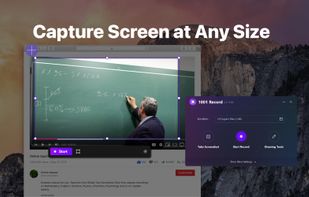
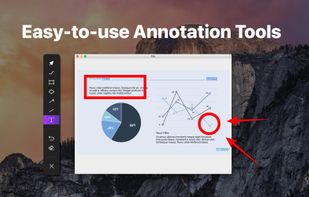
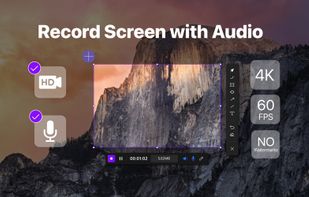
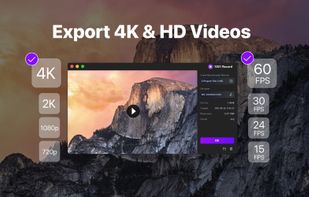
1001 Record, the simple and reliable Mac screen recorder that allows you to easily capture and save screen videos.
Cost / License
- Freemium
- Proprietary
Application typeApplication types
Platforms
- Mac
 Germany
 EU
EU



+1


Apps similar to Screen Studio include OBS Studio, which is free and open source. Other options are OpenScreen, Recordly, SimpleScreenRecorder and ScreenArc. Screen Recorders like Screen Studio are a crowded field, with more than 100 alternatives for Mac, Windows, the web, Linux and Android.
1001 Record, the simple and reliable Mac screen recorder that allows you to easily capture and save screen videos.
GermanyEU


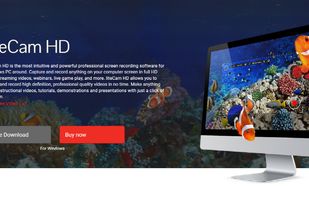
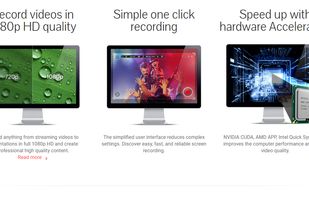
liteCam HD is the most intuitive and powerful professional screen recording software for Windows PC around. Capture and record anything on your computer screen in full HD from streaming videos, webinars, live game play, and more.
 South Korea

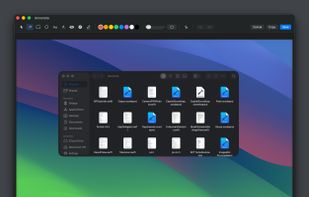
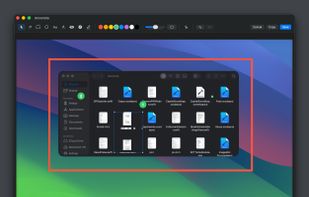
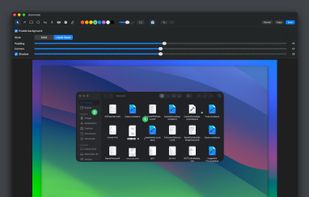
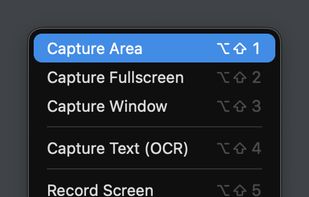
Capso is a free and open-source screenshot and screen recording app built natively for macOS in Swift. It offers annotation tools, scroll capture, GIF recording, OCR text recognition, and a smart OCR-powered highlighter. No Electron, no subscriptions, no watermarks.


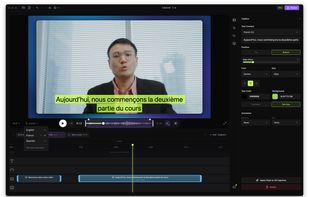
Native screen recorder for Mac and Windows with auto-zoom, segment recording, multilingual captions, and a one-time license.
 Serbia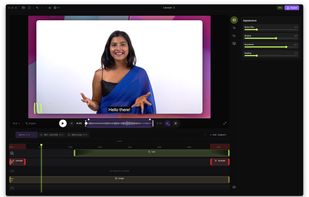
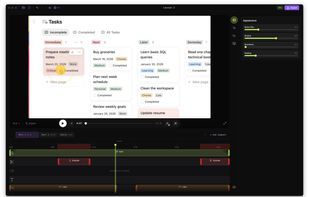
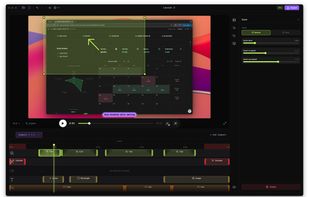


Screen recorder for Windows that turns raw captures into polished demos and tutorials. Auto zoom, cursor smoothing, motion blur, masking, and vertical export. Records screen, cursor, webcam, and audio as separate layers. The Screen Studio equivalent for Windows.
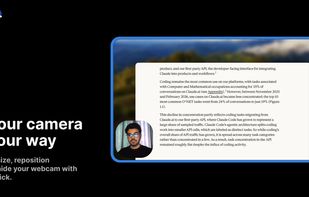
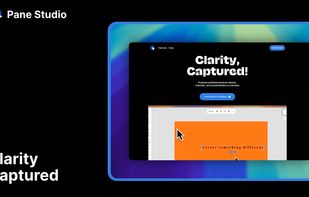
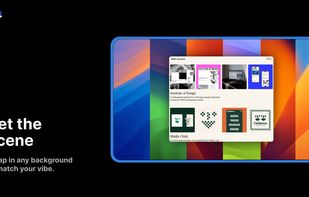
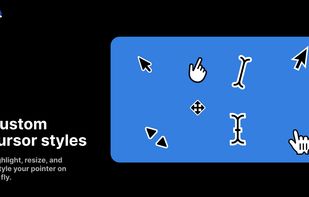

Mac screen recorder and multi-track video editor with separate camera clips, local background removal, animated titles, and MP4/MOV/WebM export.
 United Kingdom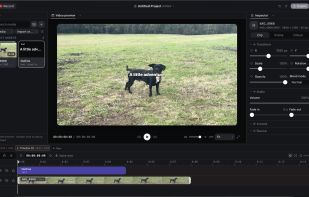


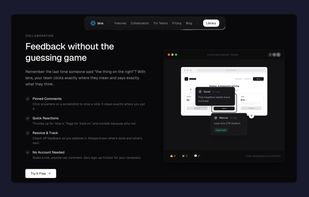
Capture screenshots, annotate, and share a link where your team pins feedback directly on the image — no sign-up needed for reviewers.
 RomaniaEU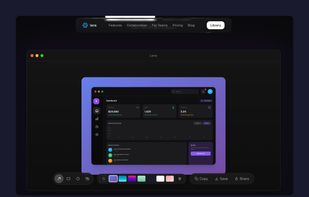
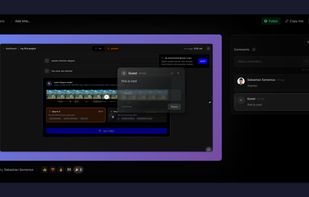


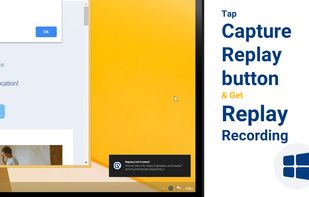

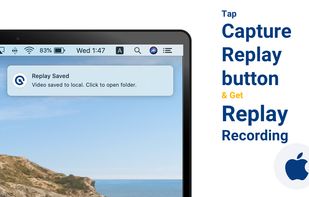


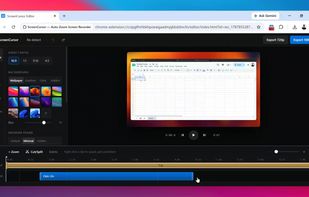
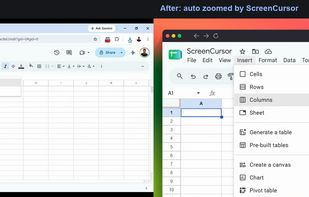
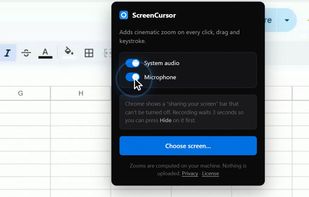
Chrome screen recorder that adds automatic zoom on every click, with an editor and MP4 export. One-time purchase, nothing uploaded.
 United States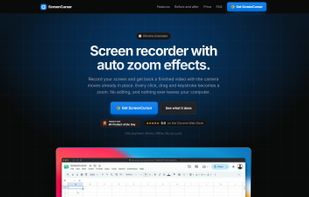

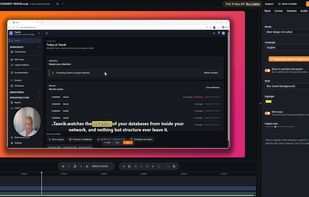
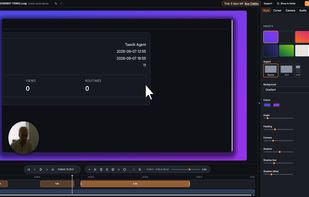
Screen recorder for Windows that turns a raw take into a demo that looks edited: automatic zoom on your clicks, clean cursor, styled backgrounds and captions written on your PC.
 ItalyEU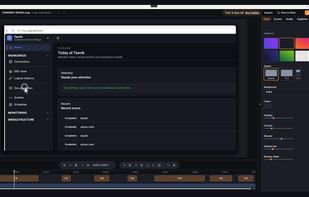

Effortless macOS screen recording with a streamlined interface, cursor trails, click animations, MP4, WebM, or GIF export, no watermarks, no account signups, lifetime access for a one-time fee, instant effect toggling, and features tailored for tutorials and demo creation.