This utility creates a bootable FAT filesystem and populates it with files and boot tools. It is mainly designed to create bootable USB and Fixed disk for the AdvanceCD project.


M


There are many alternatives to Rufus for Windows if you are looking for a replacement. The best Windows alternative is Ventoy, which is both free and Open Source. If that doesn't suit you, our users have ranked more than 50 alternatives to Rufus and loads of them are available for Windows so hopefully you can find a suitable replacement. Other interesting Windows alternatives to Rufus are balenaEtcher, UNetbootin, YUMI exFAT and Universal USB Installer.
This utility creates a bootable FAT filesystem and populates it with files and boot tools. It is mainly designed to create bootable USB and Fixed disk for the AdvanceCD project.

USB Image Tool can create images of USB flash drives and MP3 players, that are mounted as USB drives. It allows you switch between images with different music styles on your MP3 Player or to make an exact backup image of your USB Stick.


Automatically make a live bootable usb with ease with AutoBootDisk, a open-source program


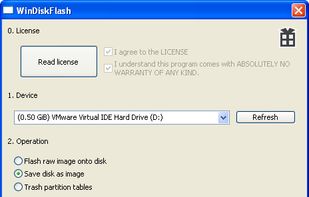
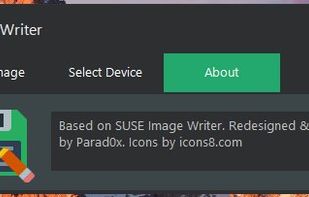
An application to write .raw .iso or .img files to USB disks. Easy to use. No install is needed. Raspberry Pi sd cards or Hackintosh USBs can be made with this.




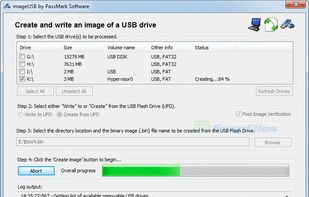
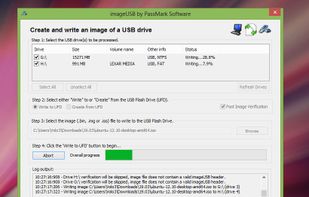
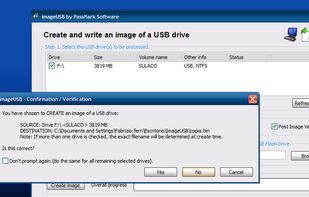
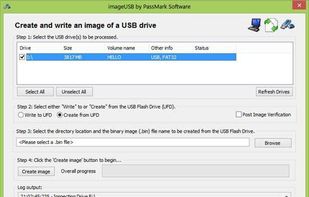
ImageUSB is a free tool for writing an image to multiple USB Flash Drives (or reading image from an UFD).
ImageUSB is designed for use with OSForensics.
 Australia


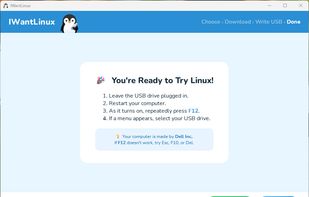
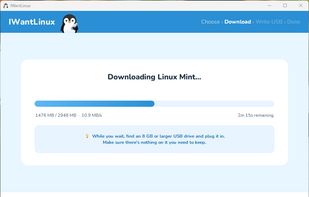
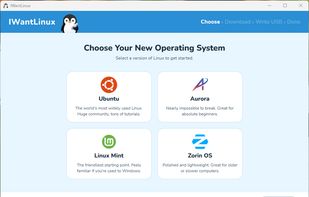
IWantLinux is a simple, beginner-friendly tool for Windows that helps you get started with Linux. Choose a distro from a curated list, and IWantLinux will download it and write it to a USB drive — ready to boot.
 United States


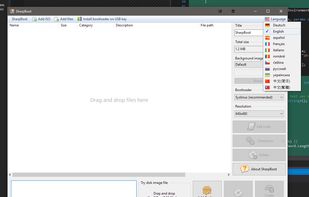
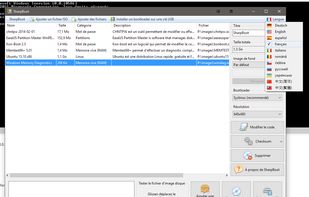
SharpBoot is a small utility for creating multiboot ISO or USB. You just need to drag-n-drop some iso files inside, and it automatically adds description and category (for supported ISO files, not shown in the screenshot). It uses Syslinux for the menu and bootloader.


This is a small utility tool that will help you format and create bootable flash drives for Windows 7/8. It can be useful if you want to create installation media from bootable ISOs and if you want to install Windows7/8 on a system that doesn't have a CD-ROM device installed.


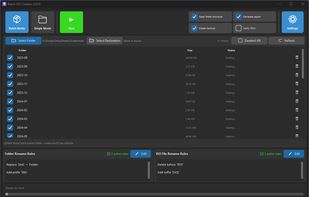
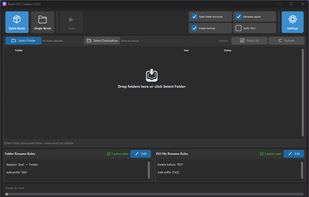
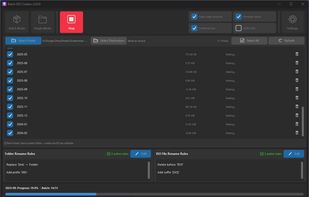
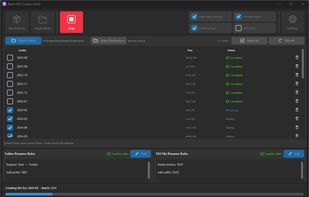
Batch ISO Creator is a Windows app for creating ISO files from folders with Batch Mode, Folder Mode, renaming rules, ISO Mounting, and an ISO Library.


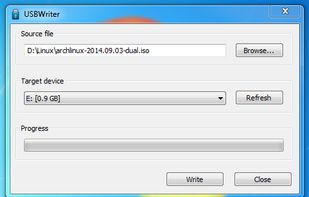
USBWriter is tiny Windows tool that lets you write an image file directly to an USB drive. It requires no installation and depends on no bloated framework, it's just a little program that you may put on your desktop.
 Belgium
 EU


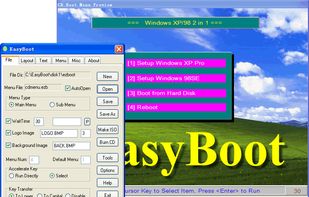
EasyBoot makes creating a bootable CD or bootable DVD a straightforward process. Whether you want to make a MultiBoot CD that starts up in your language or you need bootable CDs with the company logo, EasyBoot meets your requirements.
 China

 HungaryEU