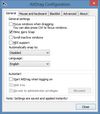
AltDrag allows you to move and resize windows much easier. When you have it running you can simply hold down the Alt key and then use your mouse to drag any window, and it doesn't matter where in the window you click.
Platforms
- Windows
 Sweden
 EU
EU



Apps similar to Rectangle include Microsoft PowerToys, which is free and open source. Other options are DisplayFusion, BetterTouchTool, AquaSnap and Loop - Window Management. Window Managers like Rectangle are a crowded field, with more than 100 alternatives for Mac, Windows, Linux and Android.
AltDrag allows you to move and resize windows much easier. When you have it running you can simply hold down the Alt key and then use your mouse to drag any window, and it doesn't matter where in the window you click.
SwedenEU
BetterSnapTool is a utility that mimics Windows 7 Aero snap, allowing you to easily manage your window positions and sizes by either dragging them to one of your screens corners or to the top, left or right side of your screen.
 GermanyEU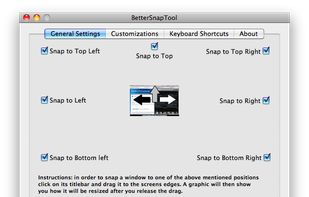
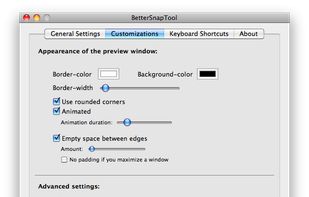
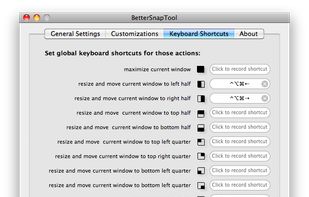


Customize layouts and sections for organizing windows into defined zones on macOS, easily snap and rearrange application windows, support multitasking needs, reduce desktop clutter, and enhance work efficiency for users managing multiple windows.
 Türkiye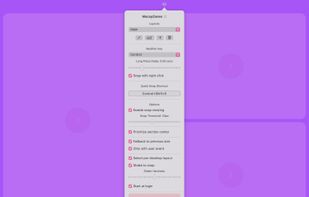


A native macOS window manager inspired by PowerToys FancyZones. Create custom layouts and snap windows via drag-and-drop or keyboard shortcuts.
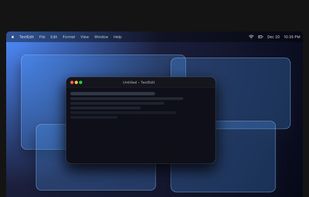
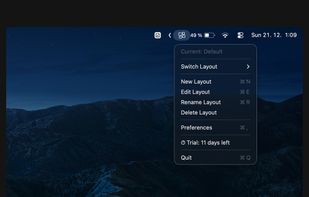
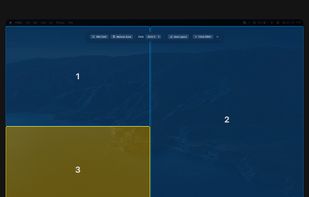
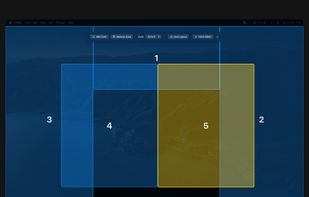


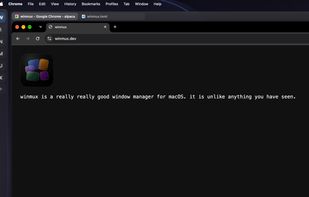
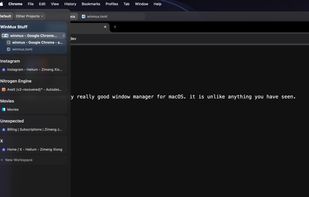
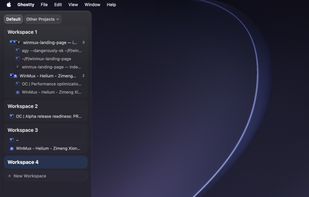
Sidebar-first macOS window manager supporting project hierarchies, drag-and-drop window and tab group organization, fully adjustable window gaps, browser-style tab groups with tab reordering, auto-hiding sidebar, Liquid Glass support, and robust workspace navigation.


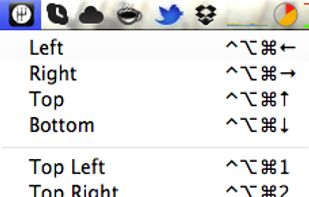
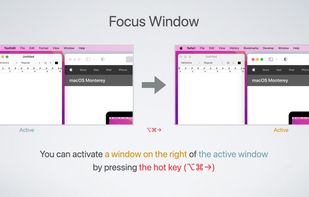
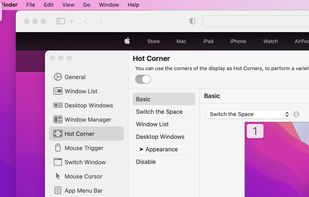
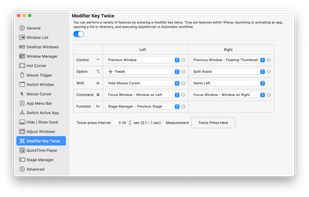
1Piece includes many features to improve the usability of your Mac. Window List that displays the list of all your open windows, a feature that switches the Space or the active window by using Hot Corner, a feature that resize and reposition the window and so on.


Amethyst is a tiling window manager for Mac similar to the xmonad tiling window manager popular on Linux. Amethyst is written in Objective-C and has configurable shortcuts, multi-monitor support, multiple layouts, and the option to float certain applications.
 United States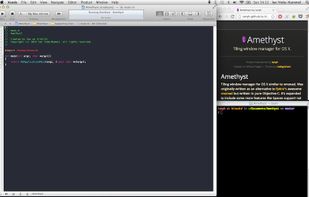
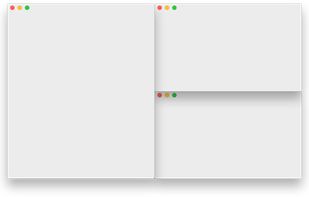


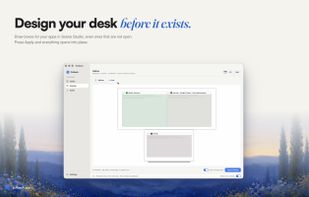
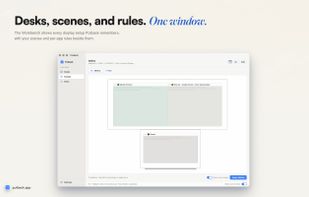
Automatically restores window layouts on macOS when display setups change, offering instant position recovery, desk scene customization with app placement and wallpaper settings, hotkey triggers, undo feature, strong privacy protections, and no subscription needed.
 Australia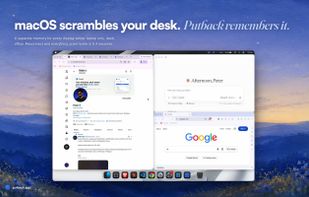



Keyboard-first window manager for Windows. Build your own grid on every monitor, then snap any window into place with one hotkey.
 Norway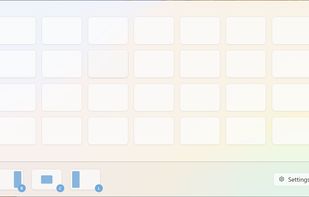
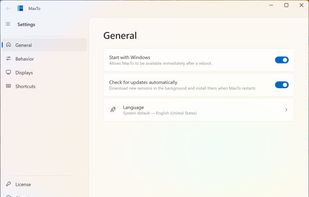
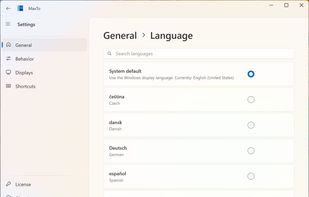
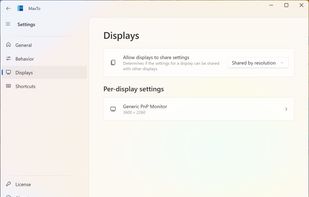


SizeUp allows you to quickly position a window to fill exactly half the screen (splitscreen), a quarter of the screen (quadrant), full screen, or centered via the menu bar or configurable system-wide shortcuts (hotkeys).
United States


ShiftIt is an application for OSX that allows you to quickly manipulate window position and size using keyboard shortcuts. It intends to become a full featured window organizer for OSX. It is a complete rewrite of the original ShiftIt by Aravindkumar Rajendiran which is not...
 CzechiaEU