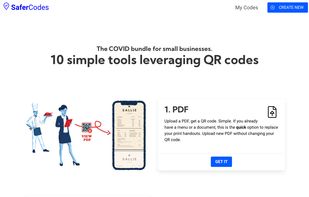
Simple QR code tools for small and local businesses. We leverages QR codes and designed simple yet efficient tools.
Cost / License
- Freemium
- Proprietary
Application type
Platforms
- Online
- Software as a Service (SaaS)


qscreenshot has been discontinued. Similar apps include ShareX, which is free and open source. Other options are Greenshot, Flameshot, N-Studio and Snipping Tool. Screenshot Capture Tools like qscreenshot are a crowded field, with more than 100 alternatives for Windows, Mac, the web, Linux and Android.
Simple QR code tools for small and local businesses. We leverages QR codes and designed simple yet efficient tools.

Capture HD video at 60 FPS, record iOS devices, and edit screen or image content with annotation, voiceover, and advanced file management. Includes fullscreen, selection, and web capture, quick sharing to cloud, FTP, YouTube, and fast search for Mac users.
 India
India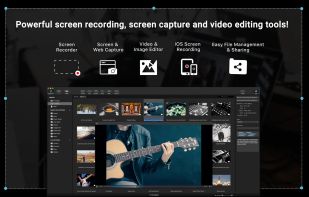
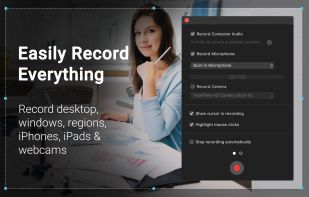
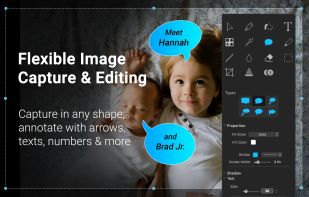
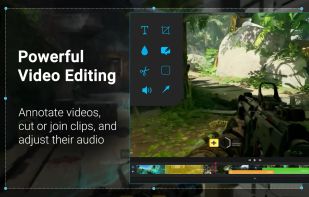


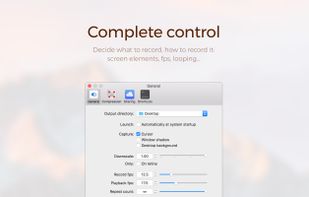
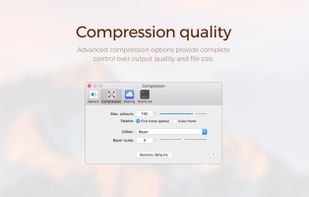
Gifox is a beautifully designed and masterfully crafted app that records your screen into animated gifs – the great alternative between static images and full-size videos. It's your best companion for:
 United Kingdom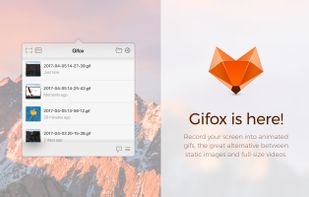



In SnapDraw Free, all the complicated annotation graphics such as Callouts and Magnifier Lens or nice looking effect such as 3D perspective and Reflections - are built-in tools.
 Czechia
 EU
EU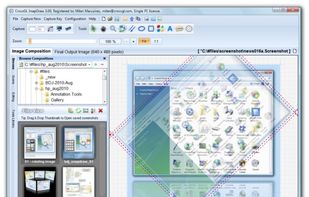


Snip tool is a screen capture tool that lets you capture one or more selected areas on your desktop and save it with optional annotations.
 GermanyEU





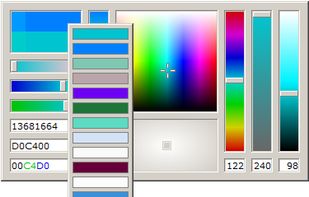
This color picker is an extensive and easy to use color selection tool for web designers, graphic producers and developers. Supported color number formats: decimal, vrml, hexadecimal and RGB hex.


Unique QR Code generator platform already in the 3rd generation of QR Codes and with optional whitelabel super app offer (integrated platform. Create your QR Codes, better, cheaper and with the most innovative standards of the global market. Shortened QRs.
 Brazil




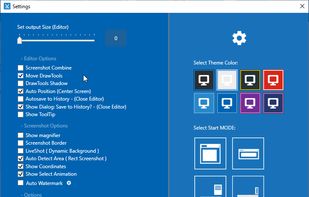
Every annoying feature is consistently excluded. Make a screenshot with a click on the button or by pushing the "Print Screen" key and it will be directly saved as an image - thats it!
GermanyEU
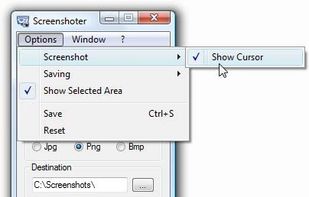
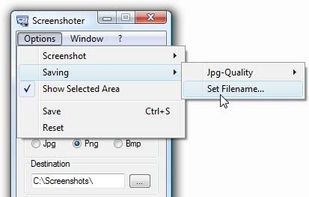


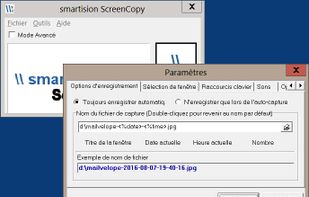
With Smartision ScreenCopy, you can do screenshots all or a part of the screen on Windows in PNG or JPEG formats with a keyboard shortcut.


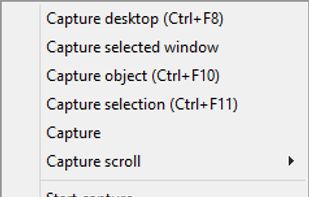
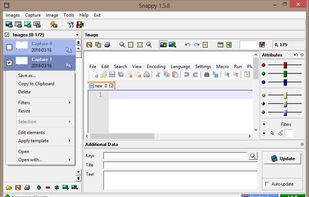
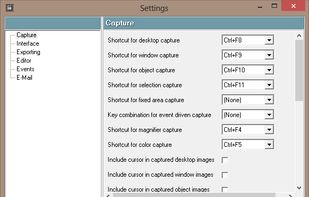
Snappy is a desktop-capture software for Microsoft Windows that allows to capture the screen of your monitor. Compared to other similar applications, Snappy could be less complete, but my purpose is to keep it as immediate as I can. Try it, and let me know if I'm wrong...


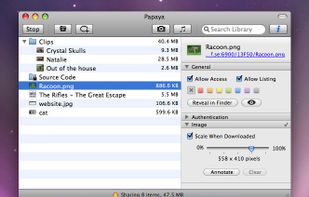
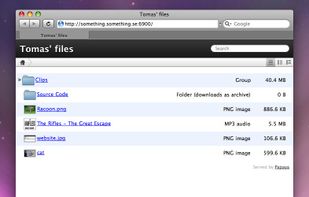
Over the internet, or even a local network, sending files to other computers can be a pain. Papaya solves this problem. Drop a file or folder onto Papaya, and you get back an address through which others can access that item.
 SwedenEU