Cost / License
- Free
- Open Source (GPL-3.0)
Application type
Platforms
- Linux
- Linux Mobile
- Flathub
- Flatpak
- GNOME
 France
 EU
EU
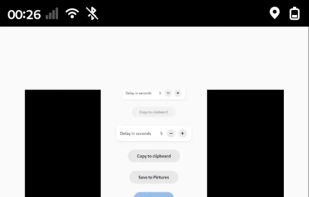


qscreenshot has been discontinued. Similar apps include ShareX, which is free and open source. Other options are Greenshot, Flameshot, N-Studio and Snipping Tool. Screenshot Capture Tools like qscreenshot are a crowded field, with more than 100 alternatives for Windows, Mac, the web, Linux and Android.
FranceEU
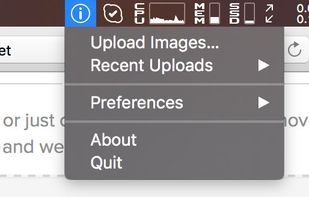
mac2imgur - A simple Mac app designed to make uploading images and screenshots to Imgur quick and effortless


WebSnapperPro (formerly known as Red Snapper) lets you capture web pages - exactly as they appear in your browser. You can send them to a file, as images or vector-based, multi-page PDFs. It captures the whole web page - eliminating the need to cut, paste and crop multiple...
 United States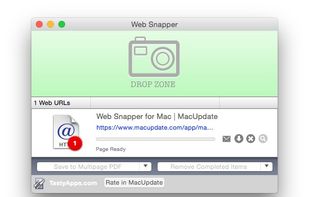


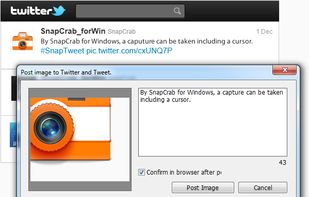
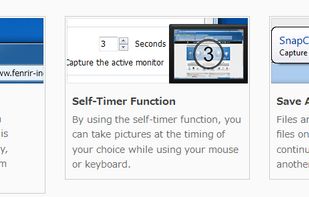
SnapCrab is a photo capture software that can capture any part of your screen. Files are saved in PNG format. Capture the whole screen, specified windows or areas, or wherever you like. With SnapCrab you can directly post captured images to Twitter, or save them to Evernote.
United States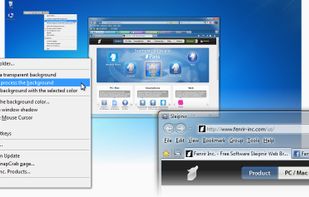


Captures the contents of the screen with a single keystroke. The captured screen can then be sent to the printer, or saved to disk as a file in 6 different graphics file formats. 15 languages.
United States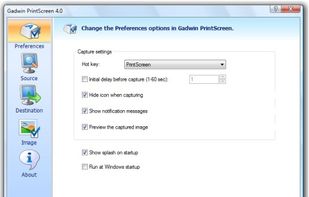


Gemoo's Website Screenshot Screenshot Tool lets you capture high-quality PNG, JPEG or PDF screenshots of entire webpages. You can also use our Bulk Website Screenshot feature to capture multiple screenshots at once, displayed as a slide view and easily shareable via copy...
United States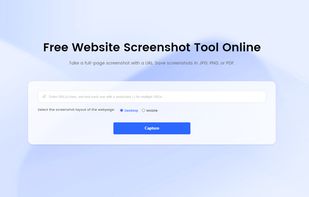


It's a tool for creating animated GIFs from a screen recording. Client-side only, no data is uploaded. Modern browser required.


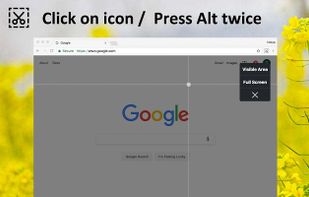
Capture the web page, either part of it or full page. Edit your screenshots in a very user-friendly interface.


HyperSnap is the fastest and easiest way to take screen captures from Windows screen, and text capture (TextSnap™) from places where normal text copy is not possible. HyperSnap combines the power of a first-class screen capture application with an advanced image editing utility...
United States


CutyCapt is a small cross-platform command-line utility to capture WebKit's rendering of a web page into a variety of vector and bitmap formats, including SVG, PDF, PS, PNG, JPEG, TIFF, GIF, and BMP.
 GermanyEU


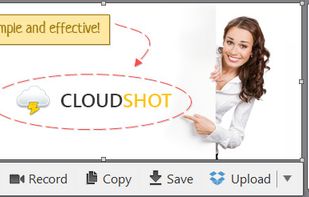
Make a screenshot, add your notes on top and share it instantly. Need to show some action? Record what you do, and share a GIF in a few seconds.


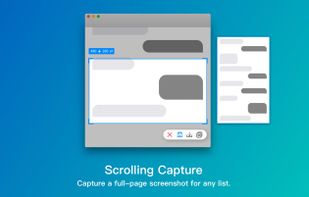
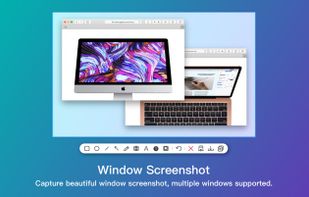
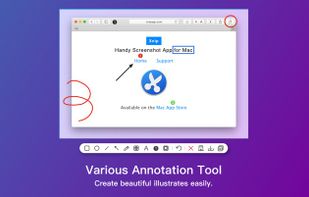
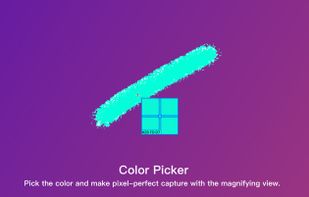
Screenshot app for macOS includes scrolling capture for full-page screenshots, multi-window selection, annotation tools, color picker, shadow effects, object measurement, pixel accuracy, and pinning images—ideal for code, chats, articles, and design references.
 China
China