


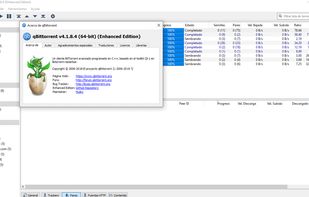
qBittorrent Enhanced Edition
10 likes
A fork of the qBittorrent bittorrent client with enhanced features.

Cost / License
- Free
- Open Source
Application typeApplication types
Since
- Since 2017
Releases
- 3 releases last year3 last year
GitHub
- GitHub stars: 27.1k

Features
Highlights All activities
qBittorrent Enhanced Edition News & Activities
Recent News
No news, maybe you know any news worth sharing?
Share a News Tip
Recent activities
- Info-Aggregator updated qBittorrent Enhanced Edition
- az-doomer liked qBittorrent Enhanced Edition
 Hydra Torrent added qBittorrent Enhanced Edition as alternative to Hydra Torrent
 Themba Ngobeni added qBittorrent Enhanced Edition as alternative to Apex Download Manager
 hackerboost added qBittorrent Enhanced Edition as alternative to RatioBooster Plus
- Paul updated qBittorrent Enhanced Edition
- RemovedUser updated qBittorrent Enhanced Edition
 Paul added qBittorrent Enhanced Edition as alternative to torlink
 Paul added qBittorrent Enhanced Edition as alternative to torrent-tui
 Emin added qBittorrent Enhanced Edition as alternative to Aria2 Next


Developed by
 ?ns??
First released
2017Licensing
Open Source and Free product.Written in
Alternatives
65 alternatives listedBadge
Get an embeddable badge for qBittorrent Enhanced EditionSupported Languages

AlternativeTo Category
File SharingGitHub repository
- 27,060 Stars
- 1,435 Forks
- 167 Open Issues
- Updated



No comments or reviews, maybe you want to be first?