

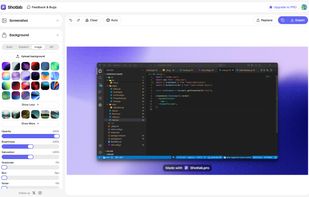
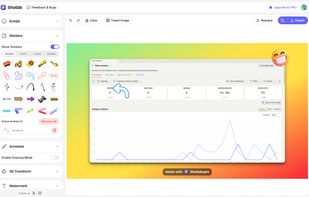
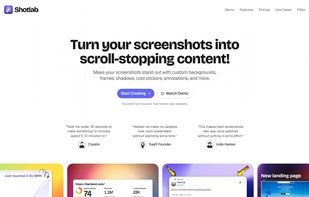
ShotLab is a lightweight screenshot editor built for creators, indie hackers, and marketers who want better engagement without spending hours on design.
Cost / License
- Freemium
- Proprietary
Application type
Platforms
- Online
 India
India




Apps similar to PolyCapture include OBS Studio, which is free and open source. Other options are OpenScreen, Recordly, SimpleScreenRecorder and ScreenArc. Screen Recorders like PolyCapture are a crowded field, with more than 50 alternatives for Mac, Windows, the web, Linux and iPhone.
ShotLab is a lightweight screenshot editor built for creators, indie hackers, and marketers who want better engagement without spending hours on design.
India
Screen recording app providing native Windows and macOS support, adds AI-driven auto-zoom following actions, motion blur, 3D effects, animated backgrounds, captions, keystroke and click highlights, webcam overlays, and fast 4K or GIF exporting without watermark.
 Bangladesh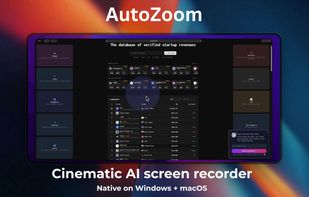


Record macOS screens with smoothed mouse movement, zoomed click highlights, cinematic motion blur, and customizable backgrounds while integrating webcam, microphone, system sound, and easy video editing. Output in HD for instructional and promotional videos.
 Poland
 EU
EU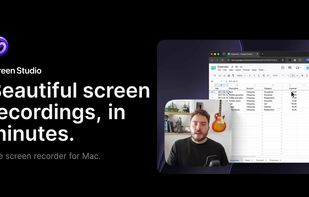
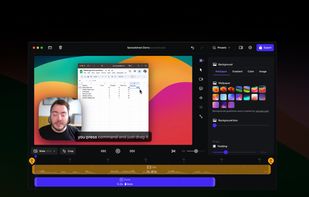
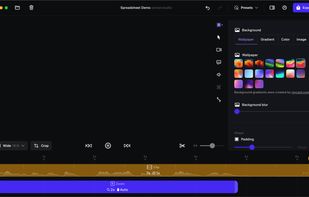


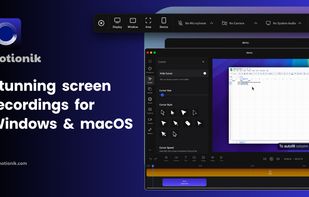
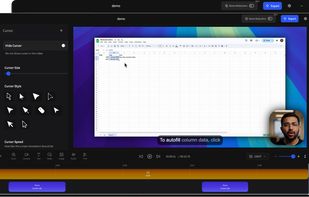
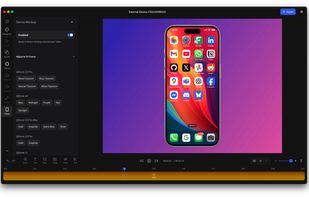
Motionik is a cross-platform screen recorder and editor for macOS (12.3+) and Windows 10+. It combines recording, zoom, cursor effects, and lightweight editing to help you create polished product demos, tutorials, and promo videos in minutes—no complex timeline editing required.


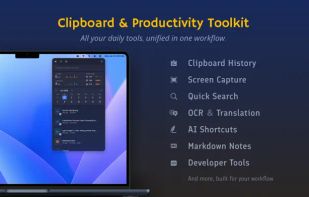
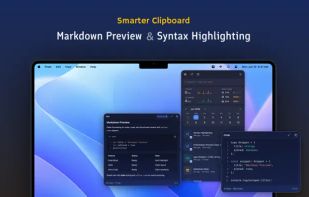
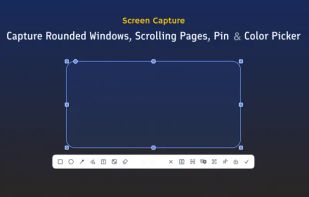
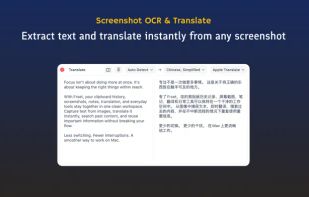
Frset is an all-in-one macOS productivity app combining clipboard management, screenshots, OCR, translation, AI shortcuts, and useful utilities in one place.


Open-source macOS screen recording app with auto-zoom, cursor effects, and timeline editing — Screen Studio alternative.
 South Korea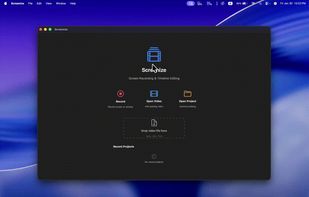


LICEcap can capture an area of your desktop and save it directly to .GIF (for viewing in web browsers, etc) or .LCF (see below). LICEcap is an intuitive but flexible application (for Windows and now OSX), that is designed to be lightweight and function with high performance.
 United States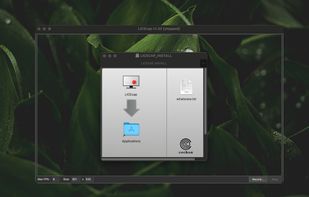


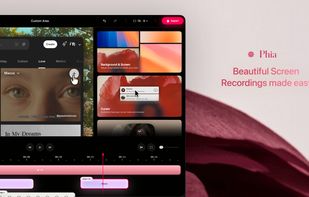
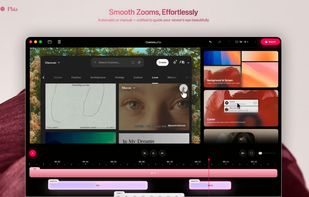
Screen recorder featuring fluid mouse motion, intelligent zoom, motion blur, customizable backgrounds, dynamic title animations, and mesmerizing scene transitions. Instantly share, embed, or edit videos for demos, tutorials, and presentations.
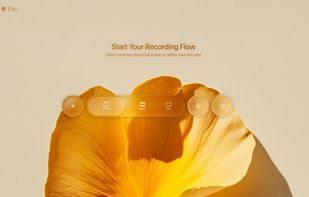
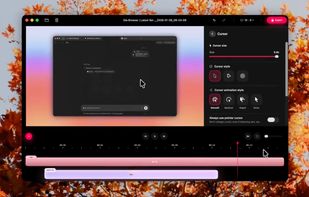


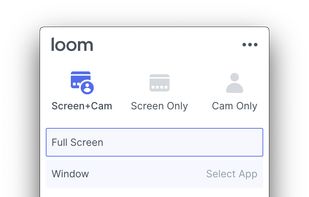
Easy and free screen recorder for Mac, Windows, and Chromebooks. Record your camera and screen with audio directly from your Chrome browser and share the video with your team, friends, and family.
United States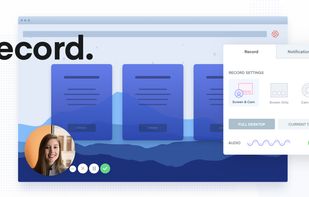
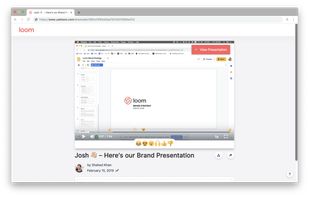


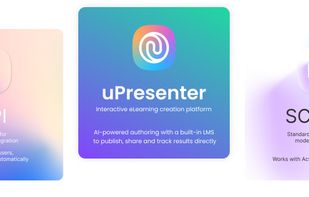
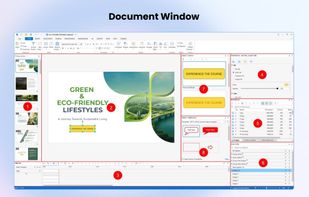
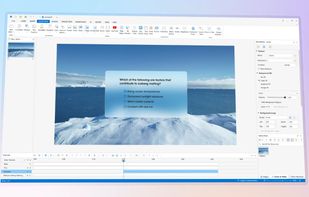
Authoring solution enabling interactive eLearning course creation, flexible project layouts, advanced screen recording, video editing tools with annotation, timeline-based adjustments, and export to video, image, HTML5, SCORM, xAPI, office, or PDF formats.
 Vietnam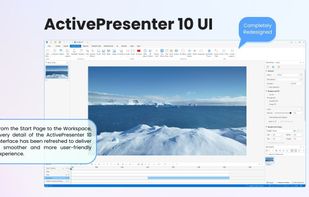


 China
China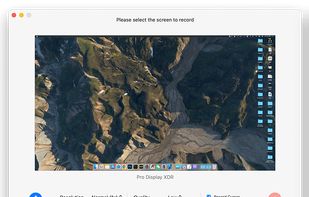
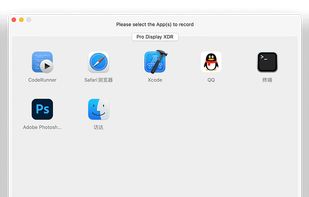
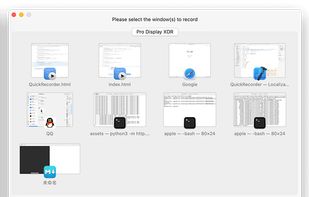


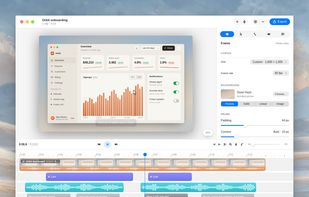
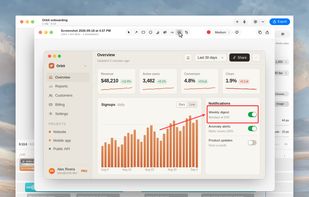
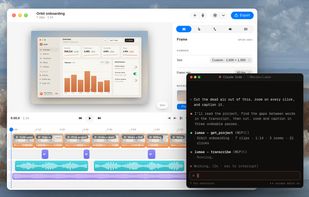
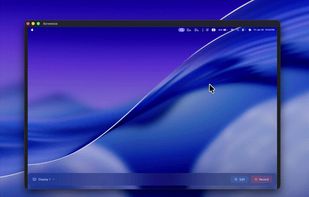
A free native Mac studio for recording displays, windows or areas, then editing with automatic click-based zooms, a redrawn cursor and motion blur. It also creates editable annotated screenshots, transcribes captions locally, records voiceovers, and stitches takes.
 Canada