


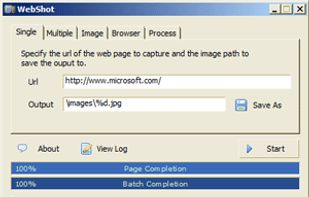
WebShot allows you to take screenshots of web pages and save them as full sized images or thumbnails. Screenshots images can be output in the JPG, GIF, PNG, or BMP formats.
Cost / License
- Freemium
- Proprietary
Platforms
- Windows
 United States


Pixetell has been discontinued. Similar apps include ShareX, which is free and open source. Other options are Greenshot, FastStone Capture, Snipping Tool and PicPick. Screenshot Capture Tools like Pixetell are a crowded field, with more than 100 alternatives for Windows, Mac, the web, Linux and Android.
WebShot allows you to take screenshots of web pages and save them as full sized images or thumbnails. Screenshots images can be output in the JPG, GIF, PNG, or BMP formats.
United States
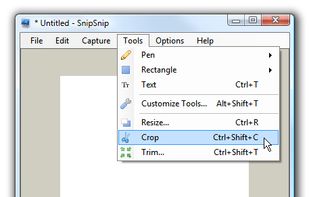
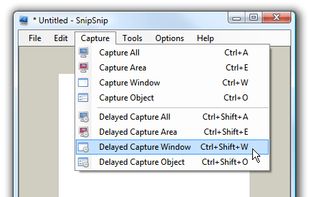
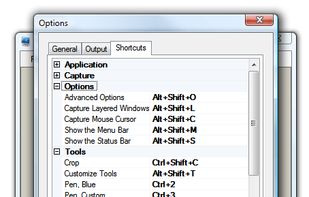
SnipSnip is a screen capture utility, designed for easy capture of some or all of your screen(s). It also allows you to do simple tasks like resizing, cropping and drawing on the capture.


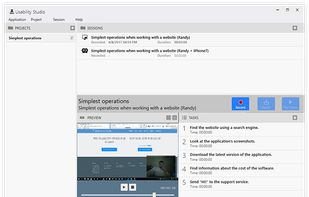
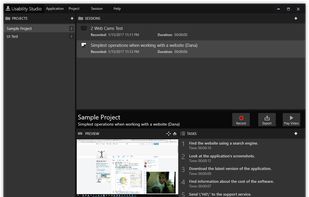
Solution for running affordable usability tests using a web camera. Features:


FlashDemo Screen Recorder captures all screen activity from your Windows Desktop in real time and publishes as a Flash movie. Perfect for creating online tutorial, training & support videos, E-Learning material.
 China
China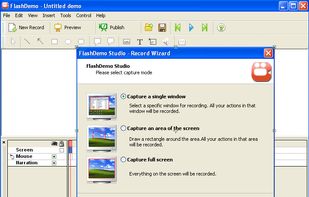

 United States


The all-in-one screen capture production suite. Easily capture on-screen action to a movie from start to finish. It’s the best of both worlds: the power of MediaEdit and ScreenRecord. It includes everything you need to create your presentation.
United States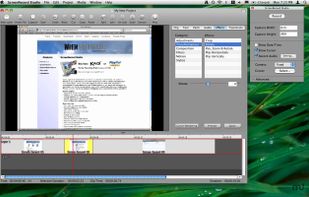


Capture screen and edit screenshot with Annotation Pilot.
This screen capture software allows you to add text and graphics to your screenshot, save your screenshot as a graphic file or send it by email.
With Annotation Pilot you can: Send a photo with annotations to your frie.
United States



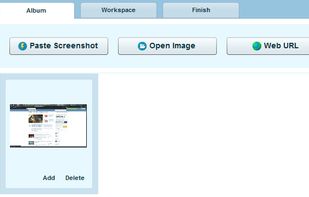
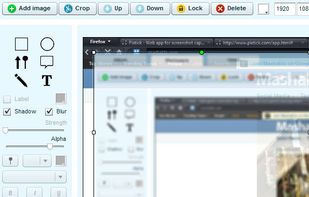
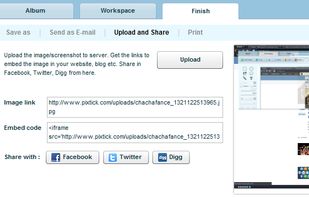
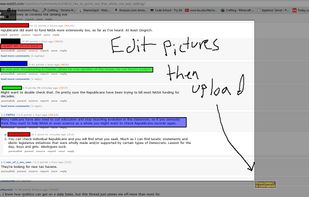
Pixtick, an online application, can capture screenshot from browser. No download or installation required. Its having robust annotation tools to annotate and edit screenshots and images from hard drive or from web.





Screen Grab Pro Is a freeware screen capture tool. It features One click grab of any screen for ease of use, Timer operation, Current window selection list and more. Screen Grab Pro copies a bitmap to clipboard ready for pasting in your favorite Picture Editor.


Capture is a quick-and-easy screen capture utility for Windows (and NT), which allows you to capture the entire screen, at any color depth and resolution, and save it into a Bitmap file for editing. If you are interested in only capturing one window, you can select to capture...


