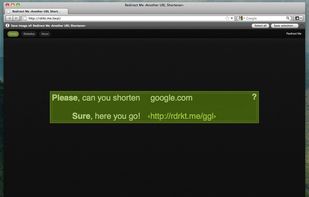
Right click on any web page, frame or iframe, click "Save Page As Image..." and then resize the selection around the piece you want to save.
Platforms
- Mac
- Windows
- Linux
- Firefox




+3


Pixetell has been discontinued. Similar apps include ShareX, which is free and open source. Other options are Greenshot, FastStone Capture, Snipping Tool and PicPick. Screenshot Capture Tools like Pixetell are a crowded field, with more than 100 alternatives for Windows, Mac, the web, Linux and Android.
Right click on any web page, frame or iframe, click "Save Page As Image..." and then resize the selection around the piece you want to save.

Demo Builder is a powerful Flash-based screencasting tool that allows you to create eye-catching and professionally-looking interactive presentations that do not require any programming skills.
 Japan
Japan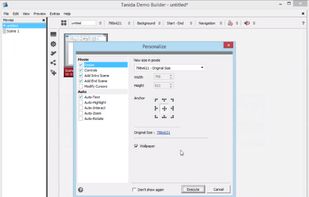


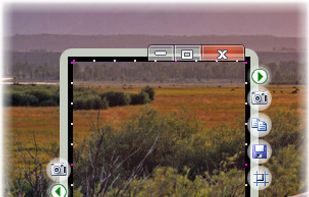
The smallest free tool for taking screenshots of different size. Just open SnapaShot, resize it's window to fit the area you want to save, and press "save it" button.


TeenyGrab is a free alternative to TinyGrab. TinyGrab is a popular application for quickly uploading screenshots, and sharing them. The only problem is, the full version (with features such as uploading to a custom FTP server) costs $$$.
 United States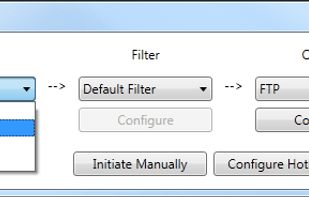


Ybex Clipboard is an easy to use tool and a free web service to capture, annotate and share your screen, texts and images.
 Russia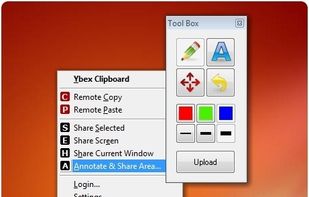


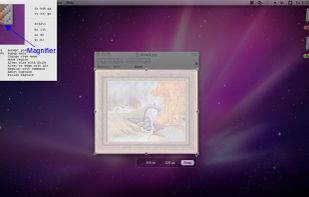
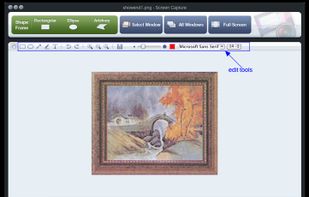
Onde Screen Capture for Mac is currently the most professional and powerful screen grabbing utility running on Mac OS, by which you can easily capture any part on your Mac desktop such as rectangular or ellipse region, freehand region, full screen, active window or all windows...
United States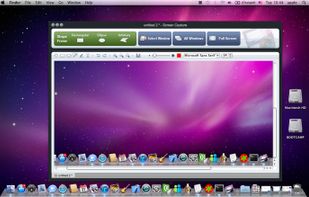


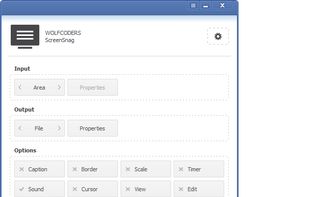
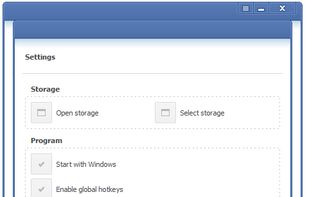
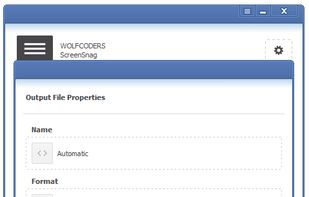
ScreenSnag provides a quick and easy way to take a photo of your computer screen. Capture the entire screen, a region of the screen, a window, or an element on the window with a single hotkey or click. You can also use Timer option to perform captures at intervals that you...


Zebra Screen Recorder captures your PC desktop activity into standard MPEG or AVI video files. It records everything you see on the computer screen, including the entire desktop, windows, menus, cursors - even video with sound.
 Ukraine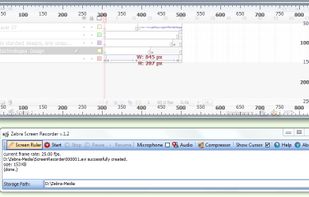


TPUCapture is an easy to use screenshot utility with a small memory footprint that resides in the system tray.
United States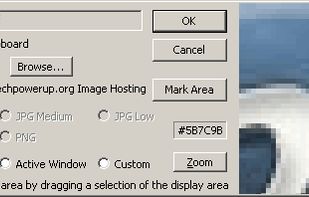


Screen Capturer allows you to instantly capture any area of the screen to a file or email.
United States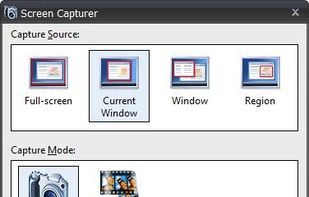


QuickScreenshot is a lightweight and very easy to use application that enables you to take screenshots of your desktop with a few mouse clicks. Just press the wanted screenshot key (or press it multiple times) and your screenshots are done!
 Germany
 EU
EU


This is just a screen-capture toy, nothing more. If you don't know how to take screenshots with the system functions, use this tool :-).
 Serbia