PDFill is described as 'With PDFill you can create, fill, delete and submit PDF form fields; insert new formatted text, check, image, hyperlink, whiteout, highlight, drawing, comment and annotation anywhere in the document; save, print or email the filled and password-protected PDF; save and resume' and is a PDF Editor in the office & productivity category. There are more than 100 alternatives to PDFill for a variety of platforms, including Windows, Web-based, Mac, Linux and iPhone apps. The best PDFill alternative is DottedSign, which is free. Other great apps like PDFill are PDF Arranger, PDF-XChange Editor, PDF24 Creator and Stirling-PDF.


Bluebeam Revu delivers award-winning PDF creation, editing, markup and collaboration technology to Windows desktop and tablet users. Create and navigate smart, information-rich document sets from converted Microsoft Office and CAD files.


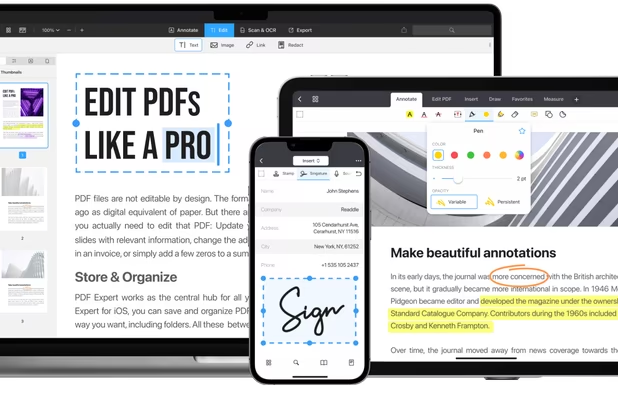
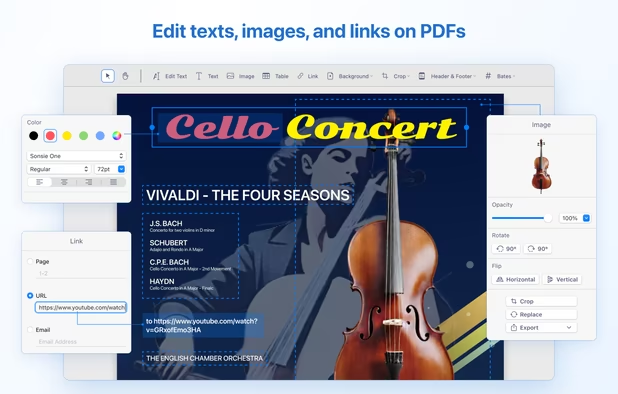
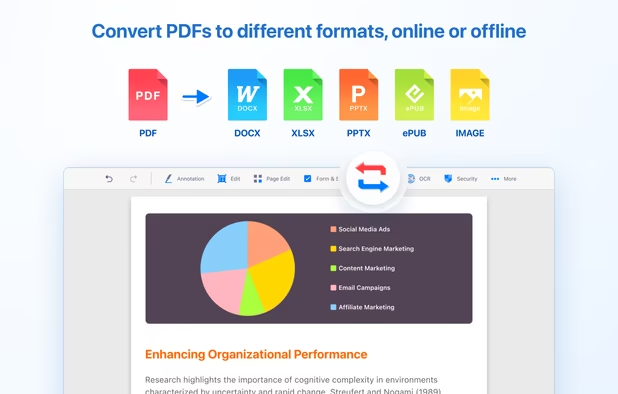
Provides editing of text, images, and objects in PDFs, annotation options, OCR for scanned files, conversion to multiple formats, form filling and signing, page management, merging and splitting, cloud integration, camera to PDF functionality, and sharing tools.


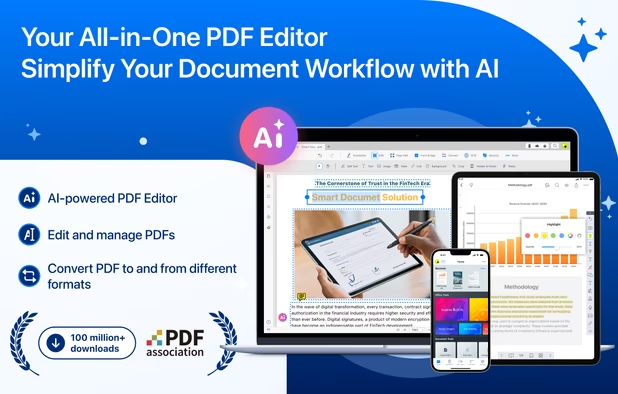
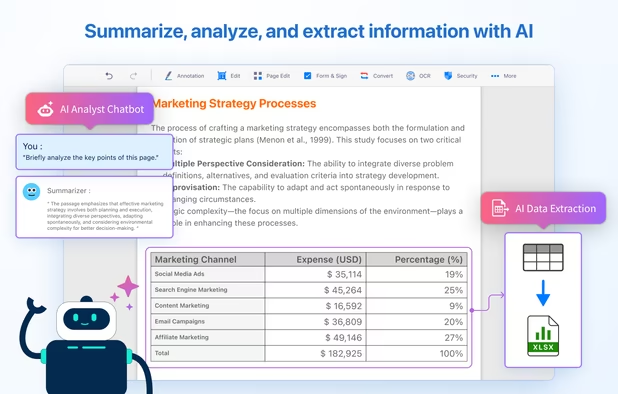
Comprehensive solution for editing, signing, form filling, OCR scanning, commenting, converting, and redacting PDFs, with AI-driven analysis and content extraction, data export to spreadsheets, text-to-speech, seamless use across desktop and mobile, and batch processing.


PDFTK Builder is a free graphical interface to for PDFtk, making it much easier to use. It is a easy to use tool to collate (merge), split, encrypt, decrypt, stamp and rotate (only 90°, 180° or 270°) pdf documents.


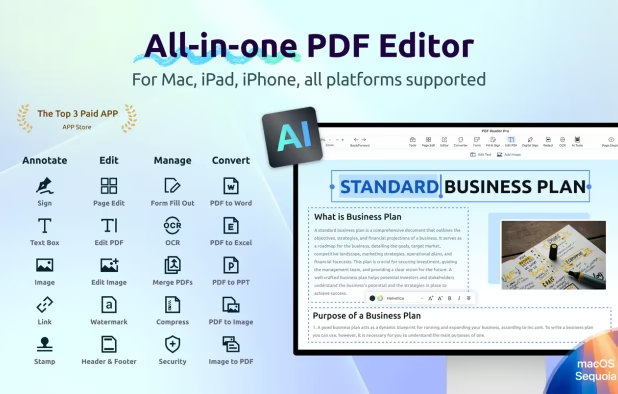
Read, edit, annotate, and sign PDF documents with built-in AI features like summarize and translate, OCR in 50+ languages, fill forms, export to major formats offline, apply watermarks, compress files, secure with passwords, and use text-to-speech on all major platforms.


Edit, fill, annotate, and sign PDFs online, merge documents, request signatures, upload from cloud storage, save locally, share for collaboration, and track workflow with auditing, supporting various file types and mobile access for document management.


Free (and open source) editor for manipulating PDF documents. GUI version + commandline interface. Scripting is used to a great extent in editor and almost anything can be scripted, it is possible to create own scripts or plugins.


Digitally sign and manage documents using legally-binding electronic signatures, unlimited e-signing, PDF creation, annotation, team collaboration, advanced encryption, audit trails, secure archiving, offline access, multi-party signing, and cloud integration.


Looking for methods to edit, merge,split,convert,rotate,annotate and other related manipulate on PDF? SwifDoo PDF will match your needs and handle most of your PDF-related jobs.


PDF Candy is an online PDF toolset of 47 services for successful processing of PDF files. The service is free for single-file operations and does not require an account. A desktop application is also offered,


Edit, annotate, and convert PDFs with OCR capabilities, AI-assisted tools for summaries and translations. It supports file protection and offers 2GB of cloud storage for secure management.