

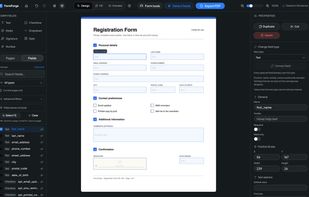
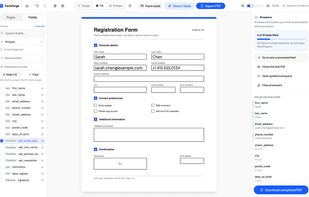
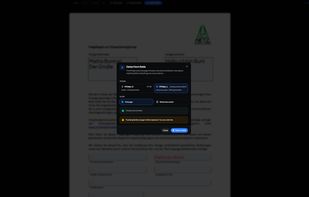
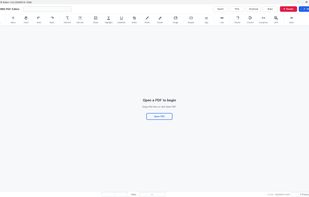
FormForge turns any PDF into a fillable AcroForm in your browser. 7 field types, AI field detection, signatures, CSV batch. Free, no account, nothing uploaded.
 Germany
 EU




The best free alternative to PDF-XChange Editor is PdfCraft, which is also Open Source. If that doesn't suit you, our users have ranked more than 100 alternatives to PDF-XChange Editor and loads of them are free so hopefully you can find a suitable replacement. Other interesting free alternatives to PDF-XChange Editor are PDF Arranger, PDFgear, PDF24 Creator and PDFsam.
FormForge turns any PDF into a fillable AcroForm in your browser. 7 field types, AI field detection, signatures, CSV batch. Free, no account, nothing uploaded.
GermanyEU
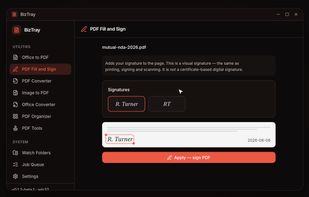
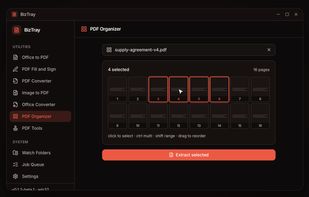
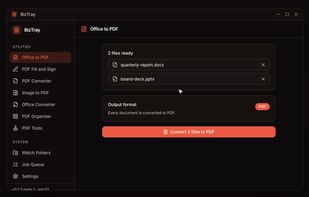
BizTray is a Windows document utility belt that brings every essential file tool into one lightweight desktop app without the upload.
 United States

Free, open-source desktop PDF editor that works entirely offline: edit text, annotate, sign, convert, OCR and encrypt — no cloud, no account, no telemetry.
 FranceEU
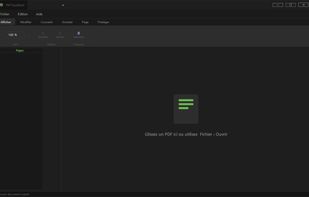
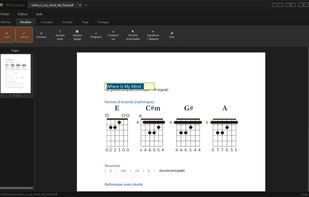
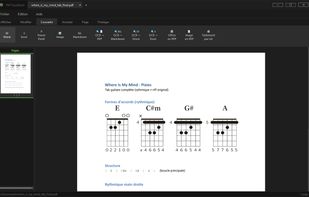
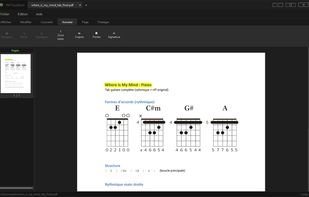

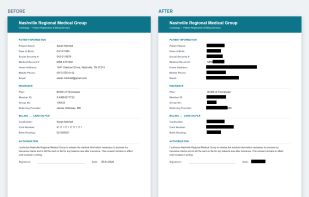
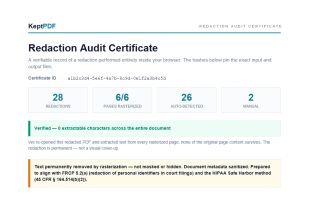
KeptPDF is a set of PDF tools that run in the browser. Files are processed on your own device, so a sensitive document is not uploaded to a server to be edited.
United States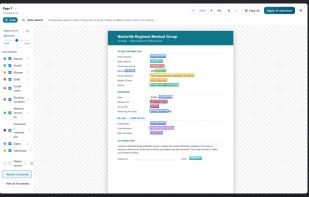


HanFlow PDF puts everyday PDF work in one compact app: read, highlight, add text, merge, compress and convert. Its in-house engine converts PDFs to Word and PowerPoint and recognizes text in scanned pages (OCR).
 South Korea
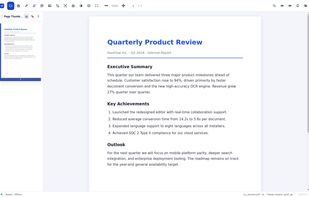
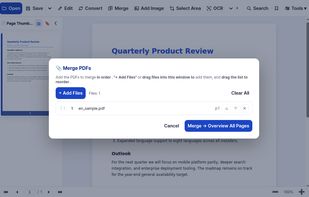
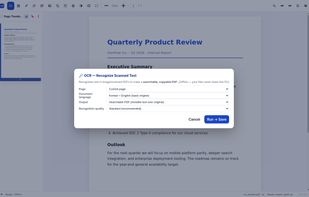
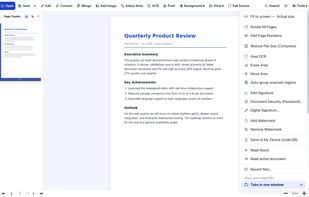

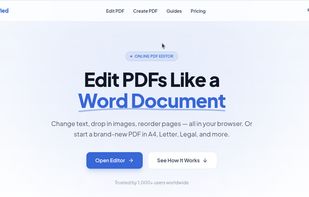
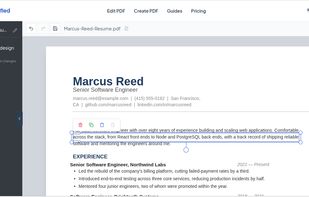
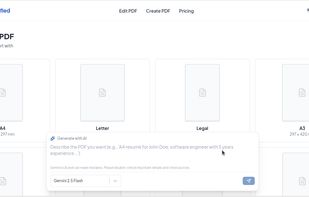
PDFSimplified is an online PDF editor. Edit text in PDF files, create PDFs from scratch or from a prompt, and edit or translate pages with AI.

A free, offline PDF editor for Windows that lets you edit text in place, place images freeform, sign documents, and OCR scanned papers — with a portable build that runs from a USB stick.
 Singapore


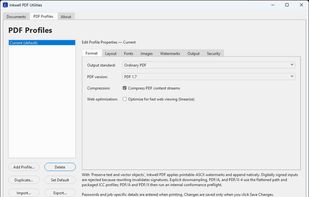
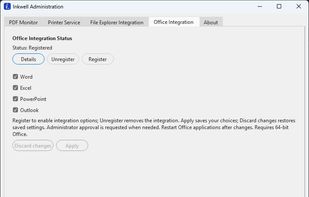
Virtual PDF printer for Windows that saves documents from any app with a Print command as local PDFs, with reusable profiles for compression, metadata and watermarks, PDF/X-4 and PDF/A output, Office export with bookmarks, and print job monitoring.
 Philippines

An on-device scanner converts paper documents and imported PDFs into files with edge detection and perspective correction. It detects sensitive details such as SSNs and account numbers, burns redactions into pixels, flattens PDF layers, and exports tamper-proof PDFs or PNGs.
United States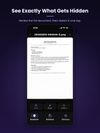




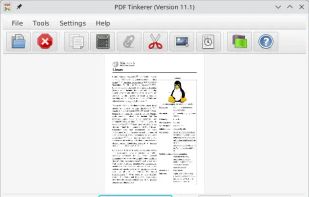
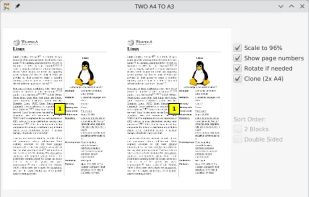
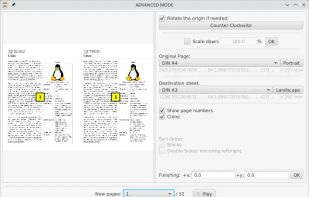
This desktop app reads and writes PDF documents. It was created for a small copy shop in Germany. Features of this application are:
GermanyEU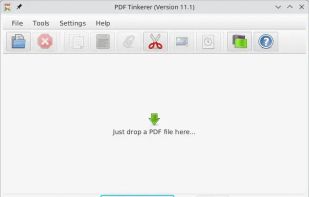

Free, private PDF editor for Windows and Mac: fill and sign, edit text, redact, OCR and organize pages. No account, no ads, no telemetry.
 Puerto Rico
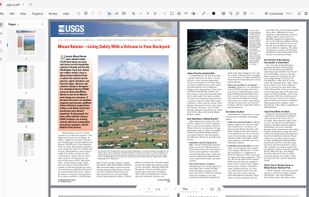
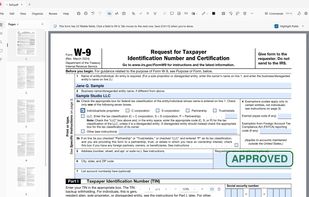
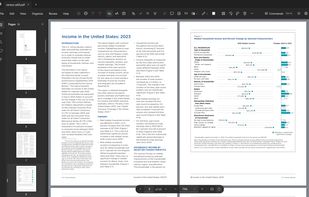

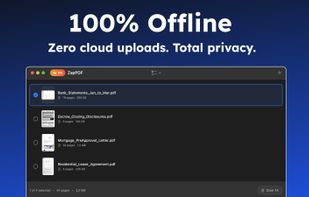
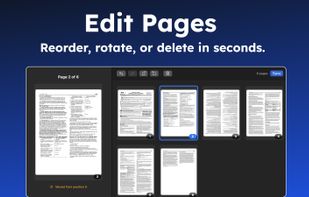
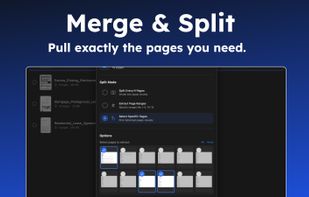
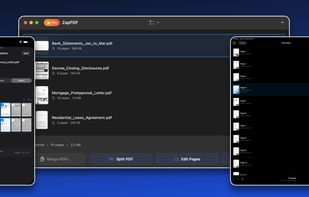
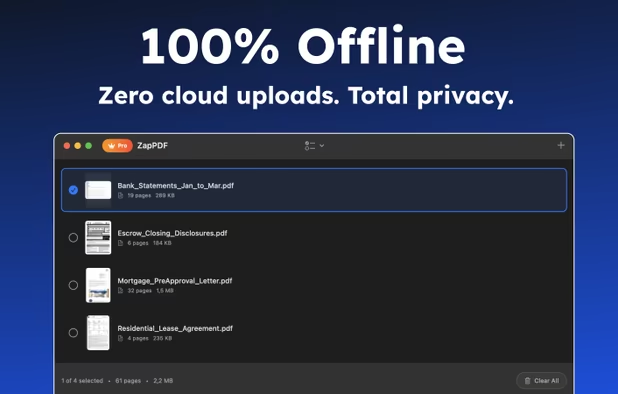
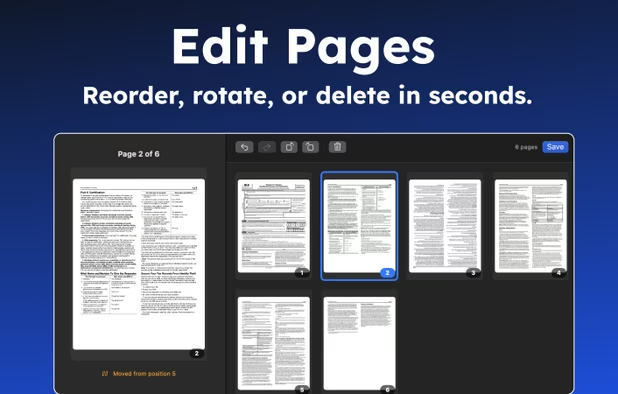
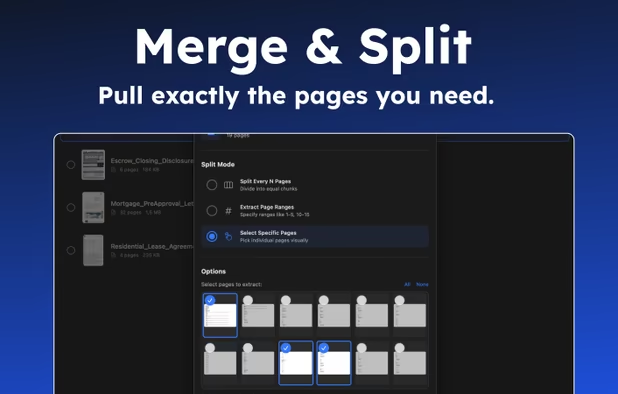
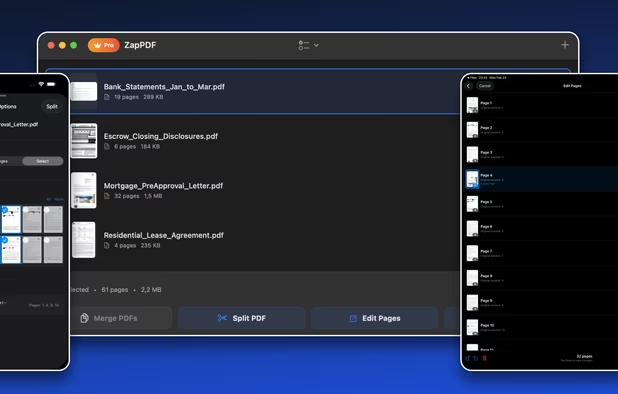
ZapPDF is the ultimate privacy-first PDF utility. Whether you are dealing with sensitive financial documents, legal forms, or heavy study materials, ZapPDF gives you the power to manage them instantly—without ever uploading your private files to a random cloud server.
 Türkiye