


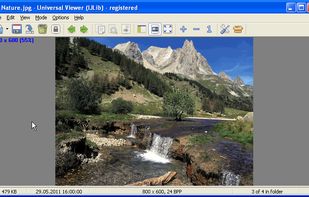
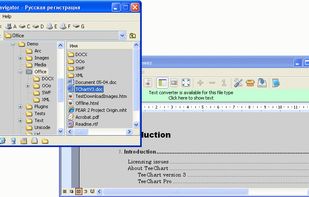
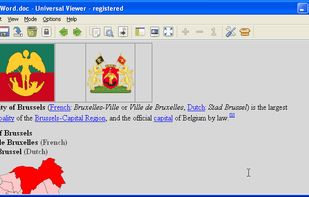
Universal Viewer is an advanced file viewer for wide range of formats. Supported file formats are:
Platforms
- Windows
 Russia



+4


PDF Max Pro is described as 'PDF Max is a desktop class PDF app for reading, annotating or signing PDF documents on your iPhone/iPad. Mark up documents with highlights and handwriting, insert texts and stamps, fill out, sign PDFs and even manipulate PDF pages' and is a PDF Reader in the office & productivity category. There are more than 50 alternatives to PDF Max Pro for a variety of platforms, including Windows, Mac, Linux, Web-based and Android apps. The best PDF Max Pro alternative is SumatraPDF, which is both free and Open Source. Other great apps like PDF Max Pro are Okular, Foxit PDF Reader, PDF-XChange Editor and Evince.
Universal Viewer is an advanced file viewer for wide range of formats. Supported file formats are:
Russia
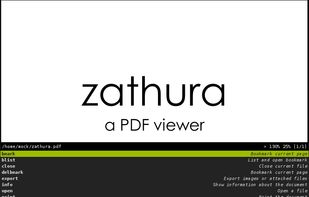
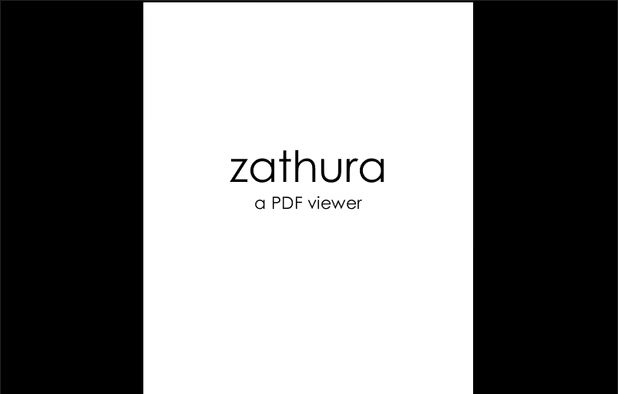
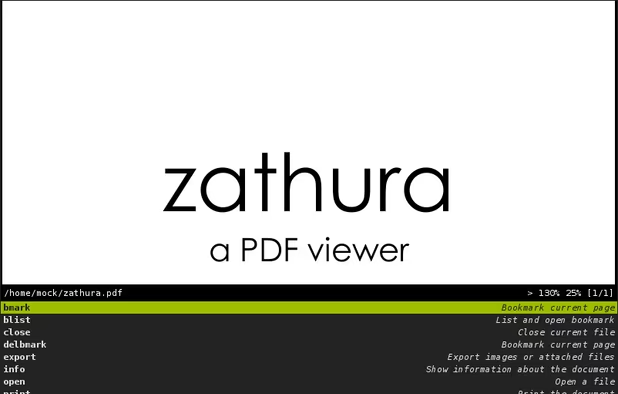
Zathura is a highly customizable and functional document viewer. It provides a minimalistic and space saving interface as well as an easy usage that mainly focuses on keyboard interaction.
 Germany
 EU
EU

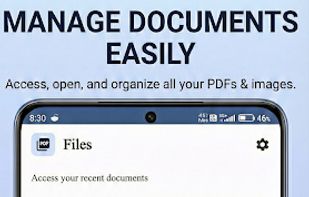
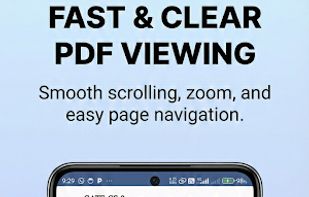
Privacy-first, offline PDF editor for Android. Merge, split, compress, convert and annotate PDFs — 100% on-device, no internet required.
 India
India
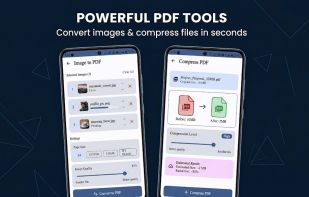




A privacy-first, client-side PDF editor that runs in your browser. Edit, annotate, merge/split, compress to target sizes, OCR scanned PDFs, and convert files—no signup, no watermark.
 Pakistan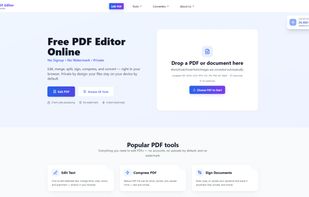
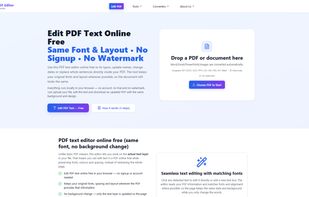
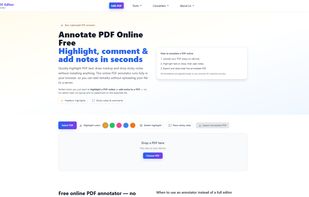
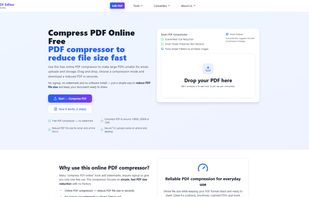


Trevnoctilla lets you edit, merge, split, compress, and annotate PDFs directly in your browser—no downloads or installations required. Fast, secure, and completely free.


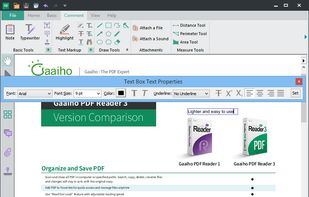
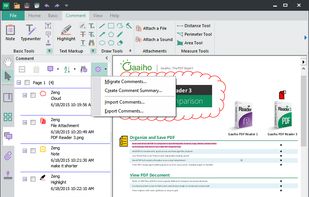
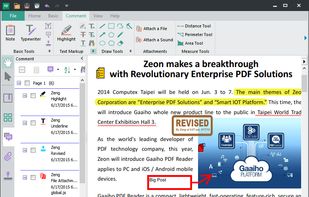
Besides exceptionally fast launching and displaying speed, Gaaiho Reader is reliable in printing, filling forms annotating documents and adding bookmarks.
 Taiwan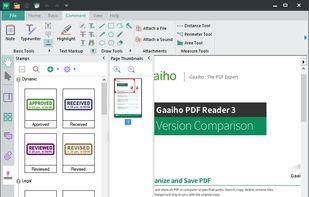


In version 8, Google Chrome introduced a free PDF viewer, installed by default. While this plug-in lacks many features of the Adobe Acrobat Plug-in, it is much faster and lighter, and updates with the browser rather than an external utility.
 United States


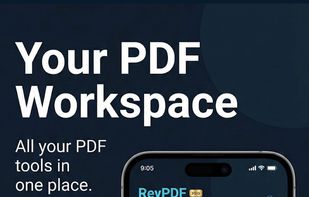
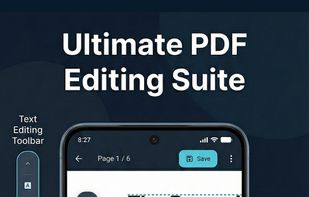
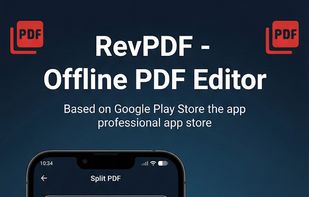
Professional PDF tools without the cloud. 100% offline, native performance, and zero data collection. Your documents stay where they belong: on your device.
India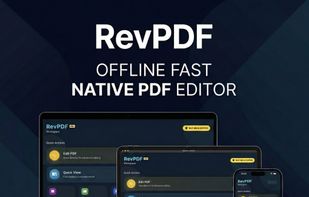


A simple PDF document viewer, in the lines of Evince but without using the Gnome libraries. ePDFView is a free lightweight PDF document viewer using Poppler and GTK+ libraries.


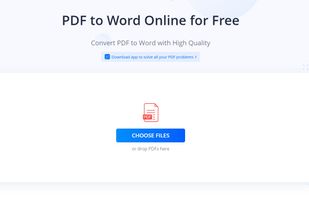
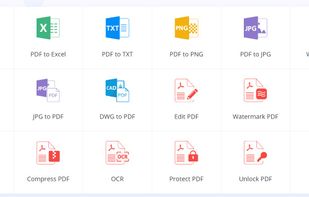
Cloud PDF toolkit provides over 20 tools for editing, conversion, OCR, merge, split, annotation, batch processing, and signatures, with free online access, cross-platform usability, no watermarks, no size limits, and options for mobile and desktop integration.
 Hong Kong SAR China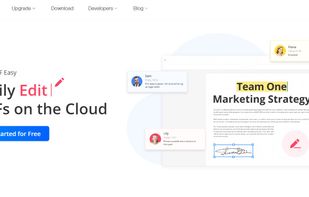


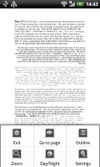
EBookDroid is an open source (GPL'ed) document viewer for Android based on the VuDroid code base.
Russia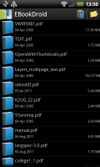




 South Africa


