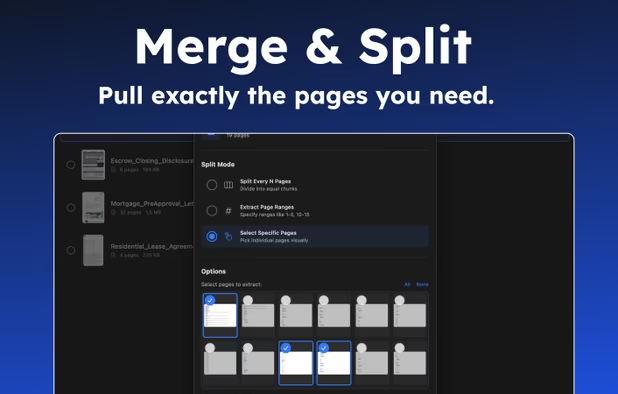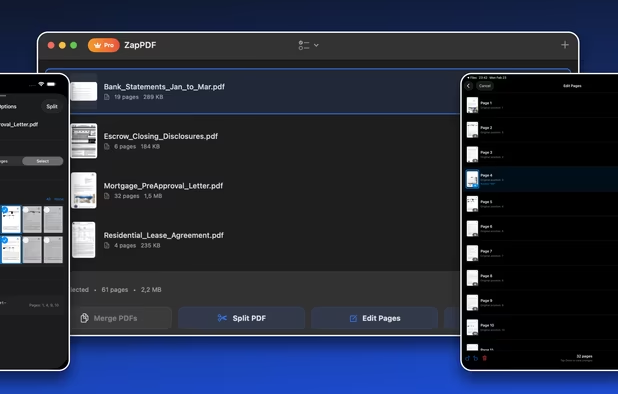


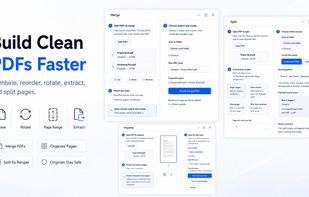
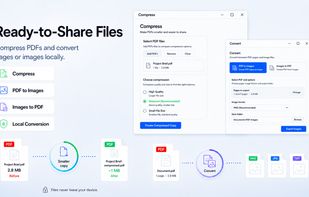
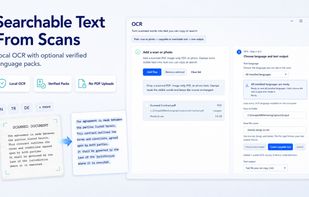
Free local-first Windows PDF tools for merging, splitting, compressing, converting, OCR, watermarking, protecting, and cleaning PDFs.
Cost / License
- Free
- Proprietary
Platforms
- Windows



+3


PDF Arranger is described as 'Small python-gtk application, which helps the user to merge or split pdf documents and rotate, crop and rearrange their pages using an interactive and intuitive graphical interface' and is a very popular PDF Editor in the office & productivity category. There are more than 50 alternatives to PDF Arranger for a variety of platforms, including Windows, Web-based, Mac, Linux and Android apps. The best PDF Arranger alternative is PDF-XChange Editor, which is free. Other great apps like PDF Arranger are Stirling PDF, PDFsam Basic, PDF24 Creator and Adobe Acrobat DC.
Free local-first Windows PDF tools for merging, splitting, compressing, converting, OCR, watermarking, protecting, and cleaning PDFs.

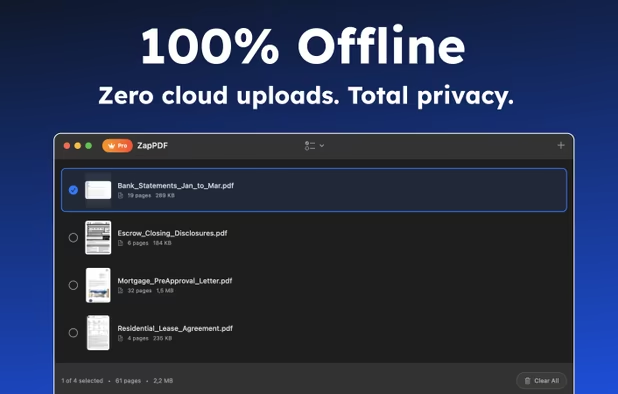
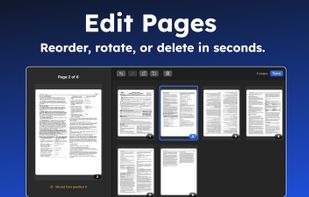
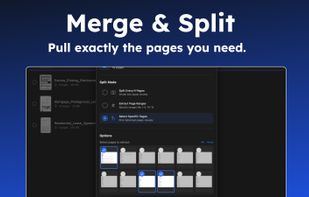
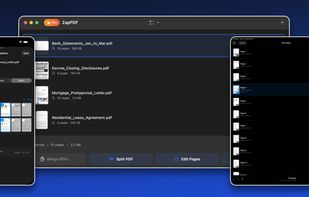
ZapPDF is the ultimate privacy-first PDF utility. Whether you are dealing with sensitive financial documents, legal forms, or heavy study materials, ZapPDF gives you the power to manage them instantly—without ever uploading your private files to a random cloud server.
 Türkiye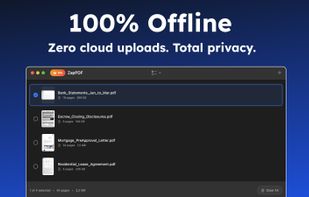

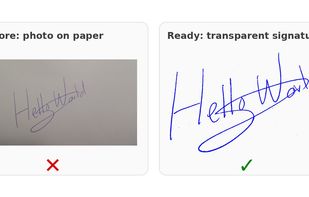
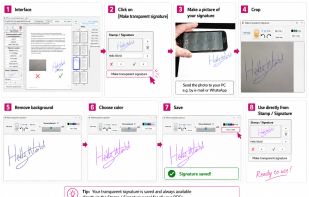
Local Windows tool for adding clean handwritten signatures, stamps, text and quick page fixes to PDF files without cloud upload.
 Netherlands
 EU
EU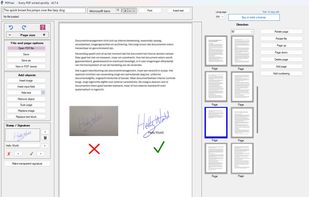


This desktop app reads and writes PDF documents. It was created for a small copy shop in Germany. Features of this application are:
 GermanyEU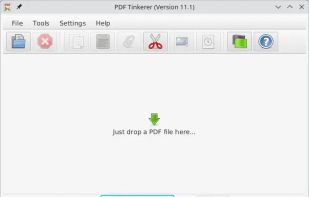
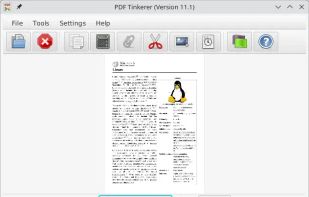
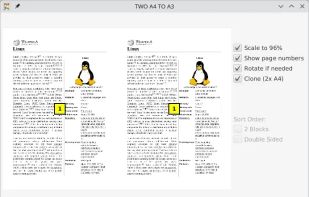
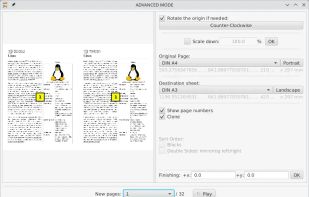


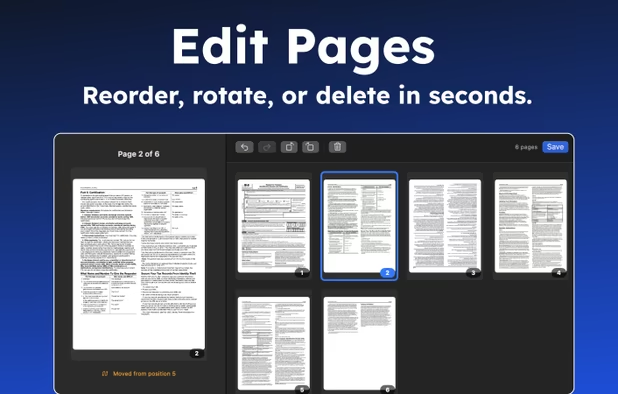
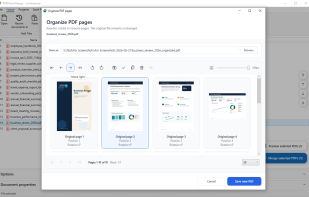
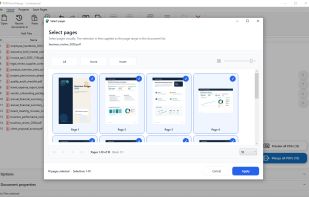
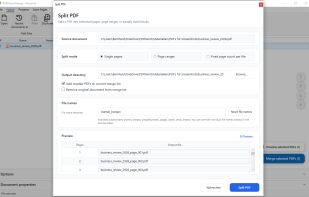
Combine, split and reorganize PDF files locally on Windows with drag-and-drop thumbnails. Reorder, rotate, duplicate, remove or export pages, add page numbers and import images, all offline. No uploading required, making it safe for sensitive documents.
GermanyEU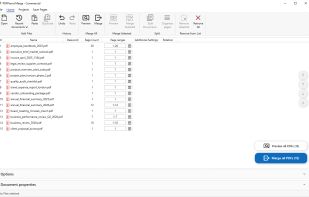


A powerful, privacy-respecting PDF editor built for Linux users. Edit, annotate, merge, and manage PDF documents—without subscriptions or cloud dependencies.
 United States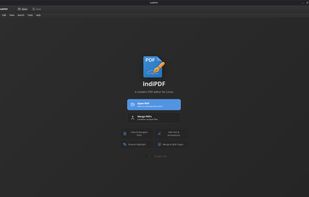
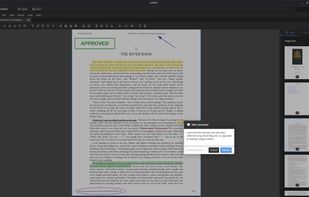
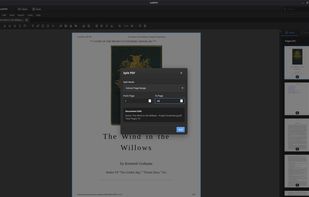


A web-based, all-in-one PDF editor that lets users upload, edit, annotate, sign, merge, split, and convert PDF and other file formats (DOC, DOCX, JPG, PNG), all in a secure, browser-based interface.
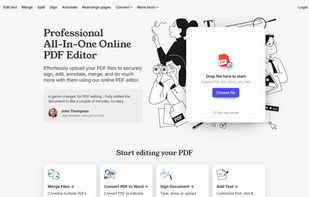


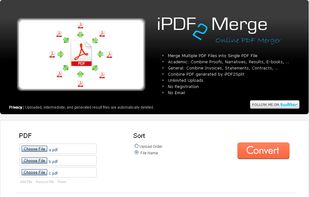
iPdf2Merge is a free online tool that merges pdf files into one file. Merged files are sorted by upload order or file name. Unlimited usage, no registration, and no Email.
United States