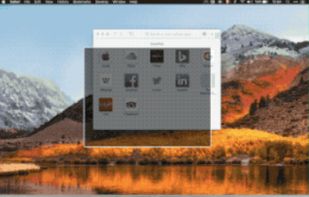
VEEER is a lightweight window manager for your mac OSX - designed for designers & developers and built for a maximum workflow speed.
Cost / License
- Paid
- Proprietary
Application type
Platforms
- Mac


Optimal Layout has been discontinued. Similar apps include BetterTouchTool. It's paid, but SmartSystemMenu and WindowGrid are free. Other options are AquaSnap, Moom, Divvy and RBTray. Window Managers like Optimal Layout are a crowded field, with more than 50 alternatives for Windows, Mac and Linux.
VEEER is a lightweight window manager for your mac OSX - designed for designers & developers and built for a maximum workflow speed.

Make all windows but the active one transparent.
Features:
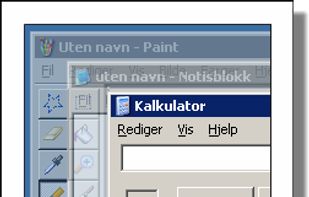


Deskovery is an OS X window manager. Windowshade, align, resize, change transparency of your windows.
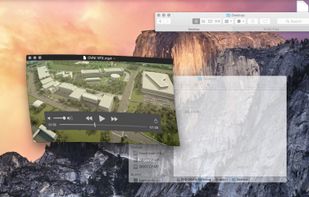
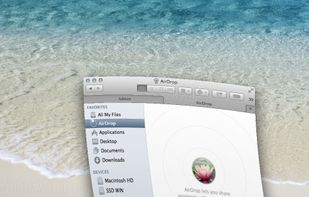
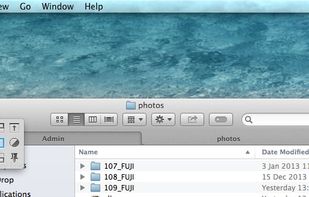
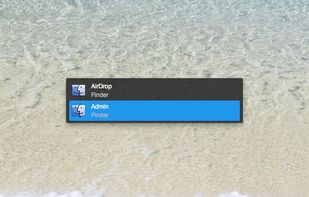


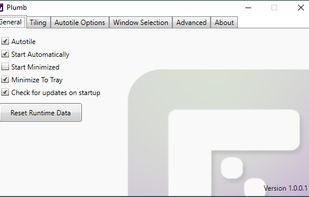
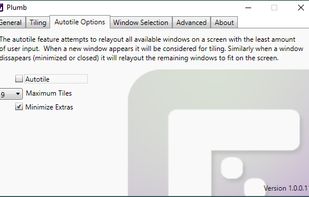
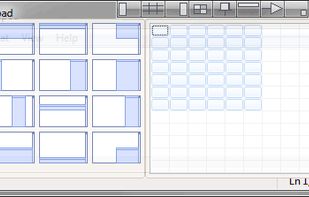
Plumb is designed to reduce the time spent manually moving windows on your desktop. With higher resolution and larger monitors becoming the norm it’s common to have several applications open at any given time — none of which really need 100% of the screen.



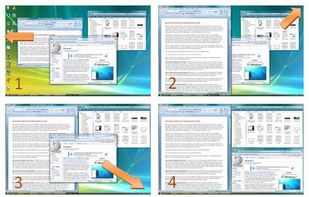
WindowSpace is a powerful desktop enhancement utility for large monitors, widescreens and multi-monitor systems. Once installed, it allows you to manipulate windows in many new amazing ways – snap windows to the screen edges and other windows, move and resize them with keyboard...
 Russia


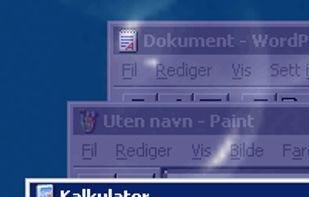
Dims all windows except the active one.
Features:


Taekwindow is a simple, lightweight and free Windows program that allows you to move and resize windows by dragging them with the Alt key, similar to many X11 window managers.


Cinch is Aero Snap for Macs- it offers simple, mouse-driven window management by defining the left, right, and top edges of your screen as hot zones. Cinching to the left or right edges of the screen will resize the window to fill exactly half the screen, allowing you to easily...
 United States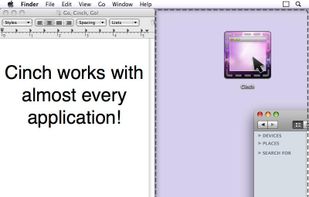


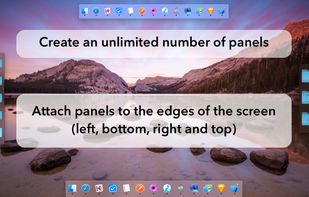
MultiDock is a simple application that allows you to organize frequently used applications, documents and folders using small panels (Dock’s).
 Ukraine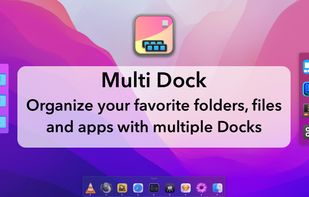


Sometimes a lot of deskop clutter can hide a window (eg, open file, programs, files-explorer, dialogs)
United States


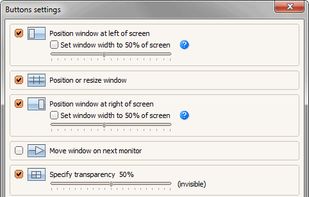
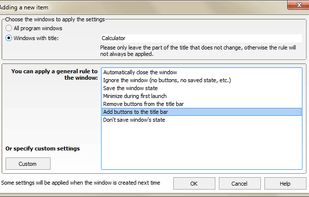
Chameleon Window Manager will allow you to control the windows of your programs using customizable buttons added to the title bars of the windows (Always on Top, Minimize to Tray, Minimize to Caption, Specify Transparency, Position window at left/right of screen).
Russia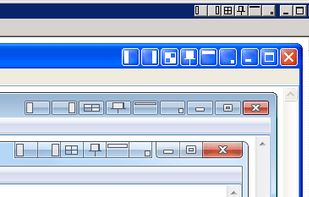


Penc is a window manager app for macOS designed for use with the trackpad. It lets you use trackpad gestures along with the Command key to move, resize and snap windows to the screen.