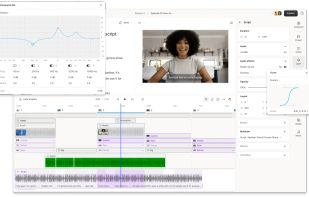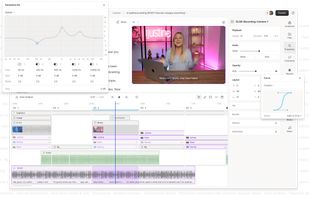

Your all-in-one tool for capturing, editing, and sharing your screen.
Cost / License
- Freemium
- Proprietary
Application typeApplication types
Platforms
- Windows
 Brazil



+1
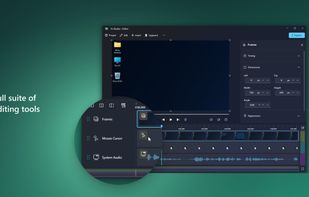




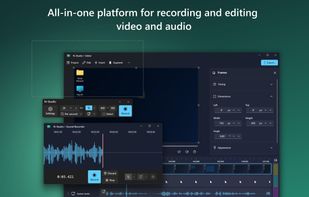
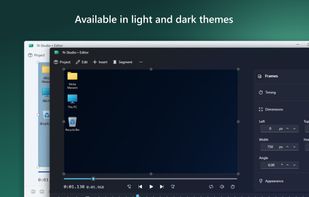
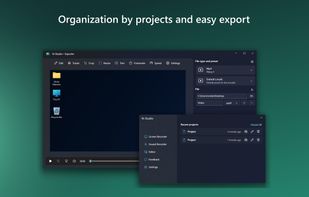
The best Video Editor alternative to OpenScreen is N-Studio, which is free. If that doesn't suit you, our users have ranked more than 50 alternatives to OpenScreen and many of them are Video Editors so hopefully you can find a suitable replacement. Other interesting Video Editor alternatives to OpenScreen are ScreenArc, Screenity, Bandicam and Camtasia.
Your all-in-one tool for capturing, editing, and sharing your screen.
Brazil
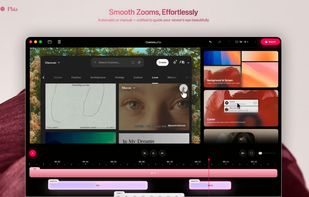
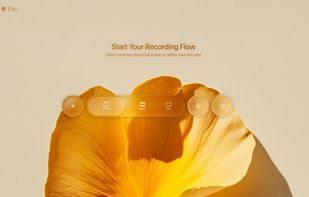
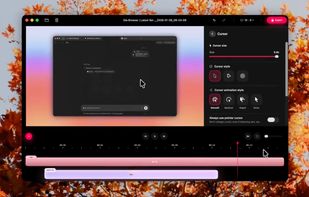
Cross-platform screen recording and editing tool featuring automated cinematic pan-and-zoom on mouse actions, webcam overlay, customizable visuals, timeline editor, multi-monitor support, instant aspect ratio switching, style presets, and 2K output in MP4 or GIF.
 Vietnam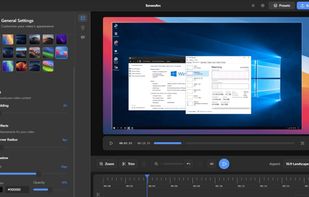
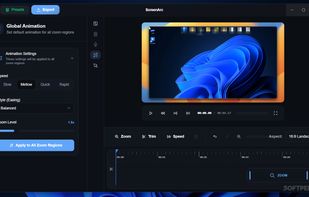
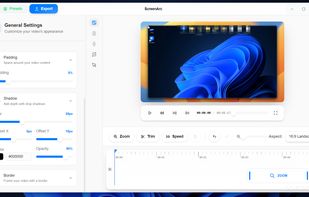


Open source screen recorder and annotation tool for Chromium browsers supporting local and offline storage, screen, tab, or camera capture, audio recording, cursor and click highlights, blur, zoom, countdowns, and UI controls. Source code available on GitHub.
 United Kingdom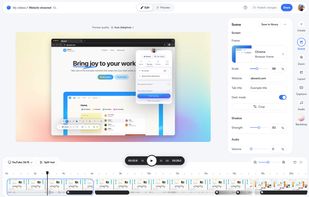
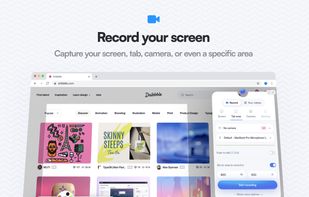
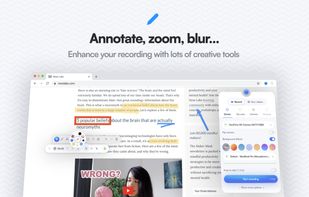
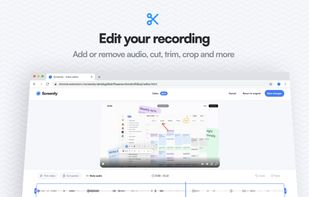


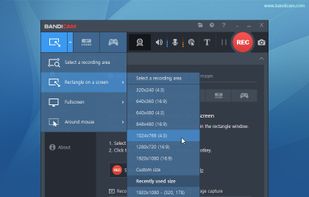
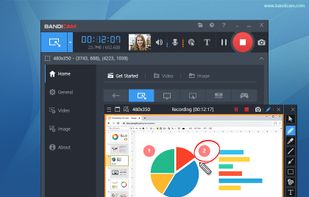
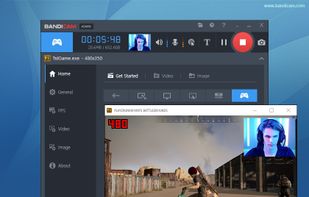
Bandicam is a lightweight screen recorder for Windows that can capture anything on your PC screen. Also, it makes it possible to record a certain area on a PC screen, or capture a game.
 South Korea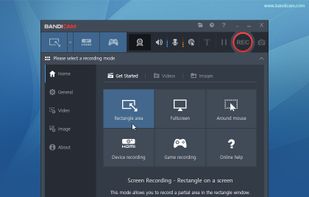


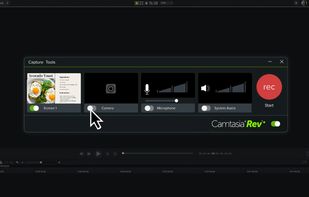
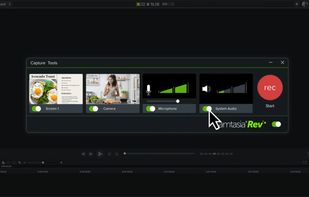
This all-in-one solution offers screen and webcam recording, video editing, and chroma key features, producing stunning HD-quality content easily shareable on platforms like YouTube and Screencast.com. Designed for training, presentations, and more, it supports H.264 format and compact file sizes.
 United States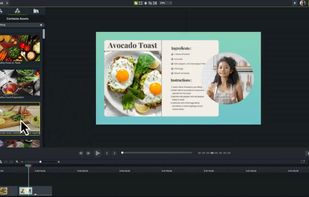



Open-source tool for screen and camera capture with 4K recording, timeline editor, instant sharing via links, privacy controls, no signup, multiple layouts, custom branding, cursor options, threaded comments, self-hosting, and paid AI-powered features available.
United States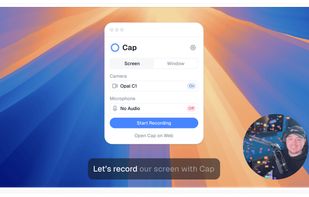
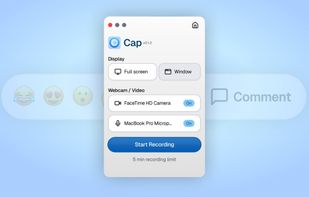
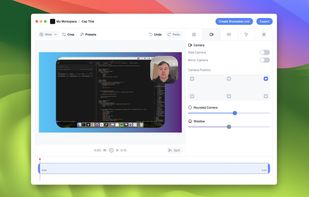
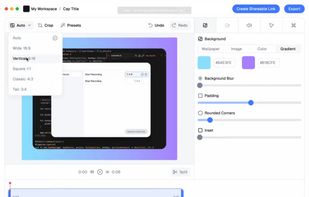


Record macOS screens with smoothed mouse movement, zoomed click highlights, cinematic motion blur, and customizable backgrounds while integrating webcam, microphone, system sound, and easy video editing. Output in HD for instructional and promotional videos.
 Poland
 EU
EU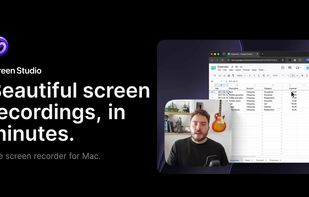
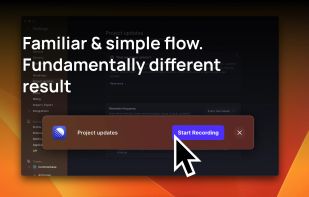
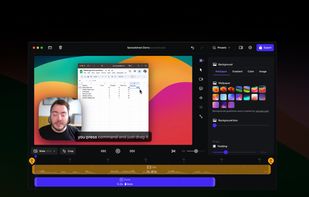
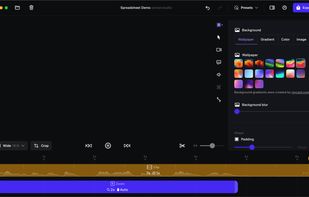


Capture the contents of your entire desktop at the same time as your video camera, microphone and computer's audio. Sophisticated editing tools allow you to create incredible screencasts in no time.
United States


Native macOS recorder offers timeline-based editing, full screen, region, window, and iOS capture, webcam overlay, system audio and mic recording, customizable workflow including FPS and mouse clicks, advanced cursor effects, backgrounds, and high-quality export.
 SloveniaEU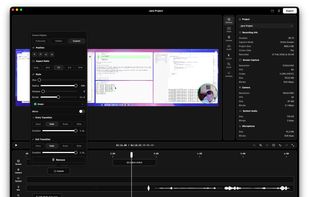
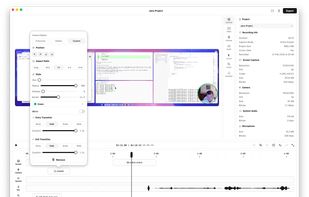


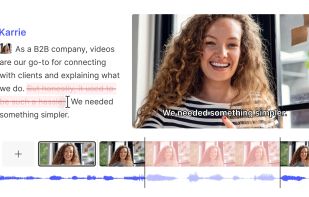
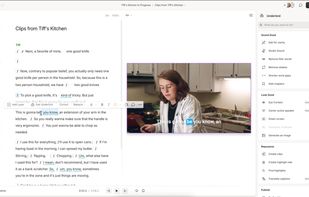
Comprehensive tool supporting all video creation stages with a doc-style editor, separate scene recording, auto-sync, customizable layout, and transcript-based editing.
 ItalyEU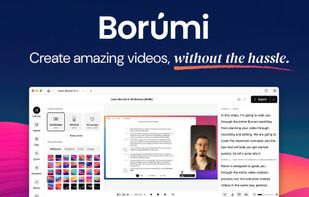
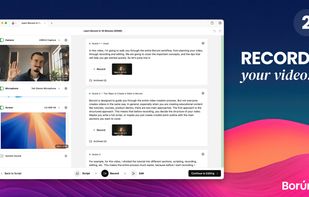
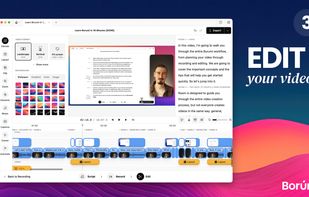
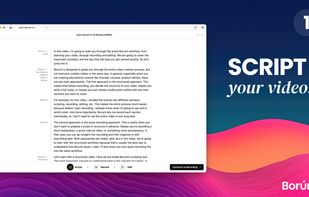


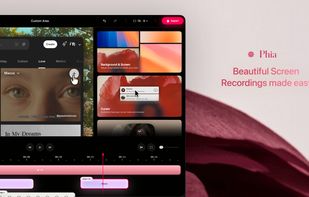
Screen recorder featuring fluid mouse motion, intelligent zoom, motion blur, customizable backgrounds, dynamic title animations, and mesmerizing scene transitions. Instantly share, embed, or edit videos for demos, tutorials, and presentations.


AI-powered tool for editing audio and video by editing transcribed text, featuring transcription, filler removal, captions, background replacement, rapid translation, collaboration, mastering, recording, and viral content identification features.
United States