





OpenGravity
2 likes
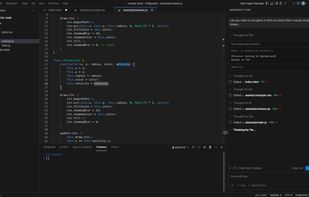
An experimental, lightweight, BYOK (Bring Your Own Key) recreation of the Google Antigravity UI. OpenGravity provides a browser-based, reasoning-enabled IDE with a live xterm.js terminal powered by the WebContainer API.

Cost / License
- Free
- Open Source (GPL-3.0)
Application type
Platforms
- Online
- Self-Hosted


Features
Highlights All activities
OpenGravity News & Activities
Recent activities
 Alaik added OpenGravity as alternative to Thurbox
 AbhayZangir added OpenGravity as alternative to Trans4mers
 Paul added OpenGravity as alternative to fx - Coding Agent
 Paul added OpenGravity as alternative to hax
 Mutant added OpenGravity as alternative to Oh My Pi
- Ben liked OpenGravity
- niksavc liked OpenGravity
- Paul updated OpenGravity
 Paul added OpenGravity as alternative to Sublime Text, VSCodium, Vim, Zed Editor and 47 more
- Paul added OpenGravity


Developed by
UnknownLicensing
Open Source (GPL-3.0) and Free product.Written in
Alternatives
55 alternatives listedBadge
Get an embeddable badge for OpenGravitySupported Languages

AlternativeTo Categories
AI Tools & Services, DevelopmentGitHub repository
- 248 Stars
- 23 Forks
- 11 Open Issues
- Updated


No comments or reviews, maybe you want to be first?