Open Screenshot Alternatives

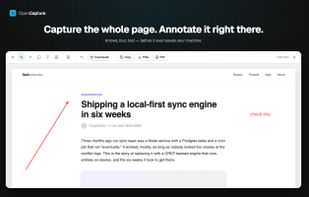
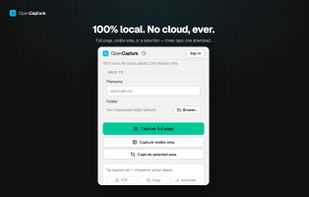
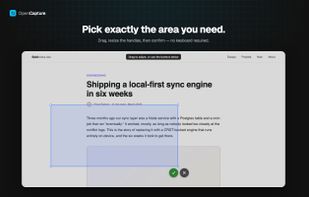
Open Screenshot is described as 'This extension is able to capture 100% of both the vertical and horizontal content appearing on any webpage on the Internet. It is very easy to save the captured file onto your computer or print it / or share it to any social network' and is a screenshot capture tool in the photos & graphics category. There are more than 100 alternatives to Open Screenshot for a variety of platforms, including Windows, Mac, Web-based, Linux and Google Chrome apps. The best Open Screenshot alternative is ShareX, which is both free and Open Source. Other great apps like Open Screenshot are Greenshot, PicPick, Snipping Tool and FastStone Capture.

Copy a direct link to this comment to your clipboard
Open Screenshot alternatives page was last updated

Alternatives list

  1. ClipDesk icon
     Like
    Copy a direct link to this comment to your clipboard

    A tool to capture, save, print images.

    Cost / License

    • Free
    • Proprietary

    Application type

    Platforms

    • Windows
     
  2. MadoPhoto icon
     Like
    Copy a direct link to this comment to your clipboard

    A tool for screen capturing.

    Cost / License

    • Free
    • Proprietary

    Application type

    Platforms

    • Windows
     
  3. Copy a direct link to this comment to your clipboard

    High quality Screen Capture Software by GXDevelopment.

    Cost / License

    • Free
    • Proprietary

    Application type

    Platforms

    • Windows
     
  4. Copy a direct link to this comment to your clipboard

    Capture anything on your PC screen easily. Try it for free! Innovative features like the pop-out toolbar, thumbnail viewer and bi-directional scroller save you time and effort.

    Cost / License

    • Paid
    • Proprietary

    Application type

    Platforms

    • Windows
     
  5. Copy a direct link to this comment to your clipboard

    You grab Screens or Windows using the standard PrtScn and Alt-PrntScn keys and MGrab will intercept the saved data as it is sent to the clipboard and put it into your chosen folder as a BMP or JPG file leaving the clipboard free for you to take another screenshot.

    Cost / License

    • Free
    • Proprietary

    Application type

    Platforms

    • Windows
     
You are at page 10 of Open Screenshot alternatives