Platforms
- Windows
 Russia




Apps similar to OBS Studio include OpenScreen, which is free and open source. Other options are Recordly, GPU Screen Recorder, SimpleScreenRecorder and Bandicam. You're spoiled for choice with Screen Recorders like OBS Studio: we list more than 100 alternatives for Windows, Mac, the web, Linux and Android.
Russia
Built with five screen recording modes, RecMaster will offer you an easies and most efficient way to record your computer screen. Just one click from RecMaster, enjoy every moment and details from your computer screen.
 United Kingdom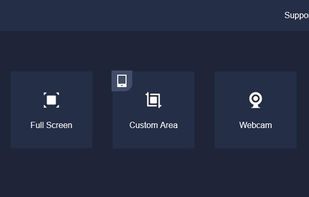
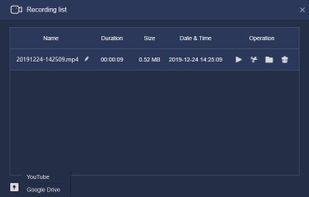
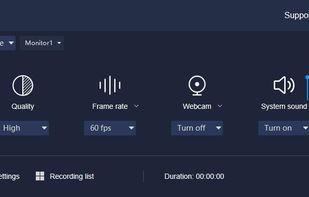
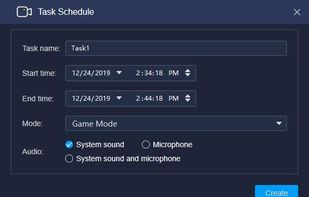


Screencast Capture Lite is a tool to continuously capture the desktop screen, storing this information in video files. The application supports recording from the primary screen, from a chosen window or from a fixed region.
 Brazil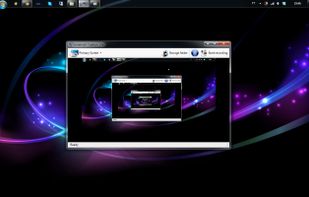


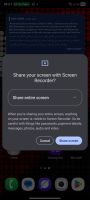
A lightweight, native Android screen recording application built with Kotlin. It leverages Android's MediaProjection API and provides a beautiful, non-intrusive floating pill overlay inspired by Samsung's One UI 8.
 Pakistan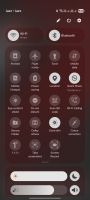


Record screen and webcam in HD videos with no watermark. Simultaneously or separately record from system sounds and microphone. Support recording editing and real-time annotation.
 Philippines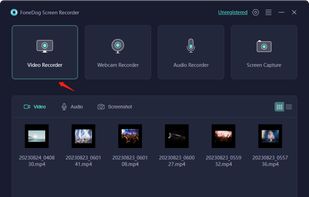
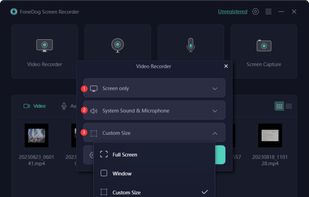
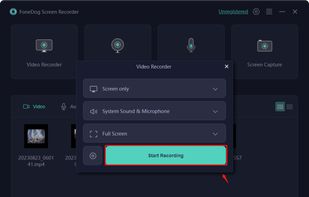
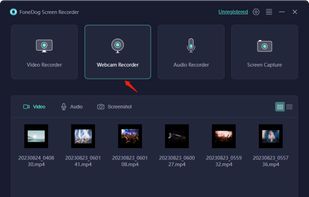


ScreenSage is a macOS screen recording and tutorial creation tool designed for high-quality video capture. It allows users to record their screen with smooth performance, add annotations, and edit directly within the app.
 China
China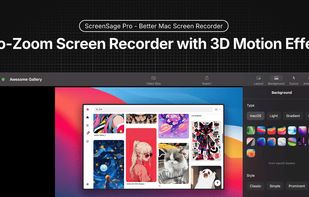
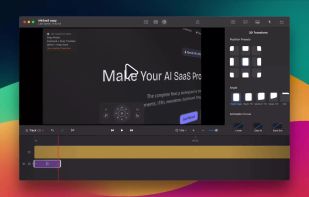
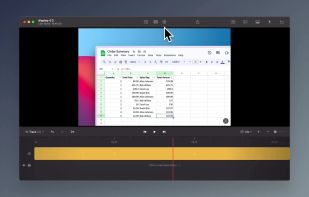
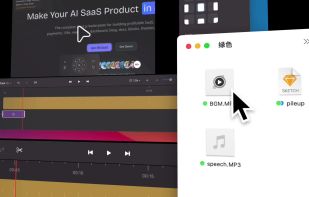


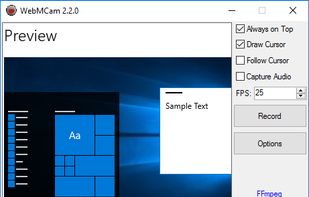
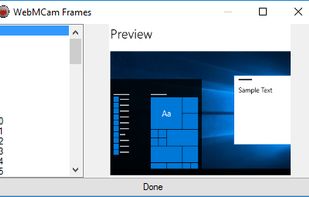
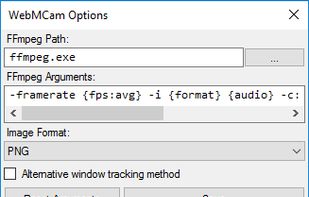


Free screenshot and screen recording tool featuring instant capture, advanced editor with annotation, blur, pixelation, history for re-editing, hotkeys, dark mode, multiple capture types, OCR, GIF/video export, multi-monitor support, and offline use.
Russia


Quick Screen Recorder is a lightweight desktop screen recorder for Windows, built on top of WinForms (C#).
 Canada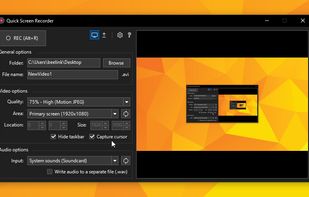




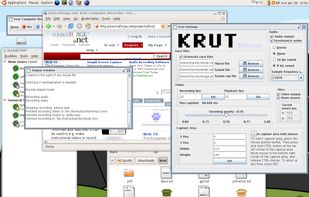
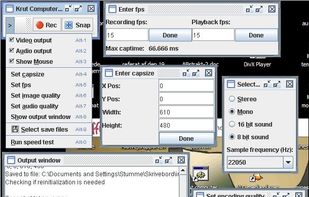
Krut is a screencast tool that is written in Java and well suited for making video tutorials (instructional videos) on most platforms. Krut records movie files, including sound, of selected parts of your screen. The files use the quicktime mov format.
 Norway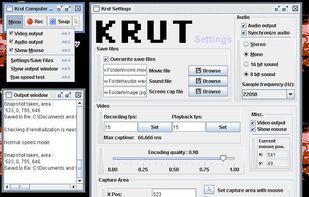


Record what you see on your PC screen exactly as it appears. GOM Cam also records all audio outputs from your PC, allowing you to make more dynamic videos. Record your computer screen, webcam video or games, and share with others on YouTube, Google Drive or Facebook.