







The best free alternative to OBS Studio is OpenScreen, which is also Open Source. If that doesn't suit you, our users have ranked more than 100 alternatives to OBS Studio and loads of them are free so hopefully you can find a suitable replacement. Other interesting free alternatives to OBS Studio are Recordly, GPU Screen Recorder, SimpleScreenRecorder and Bandicam.

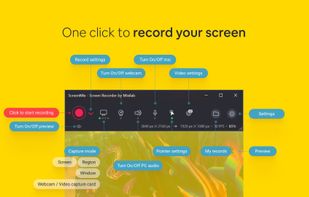
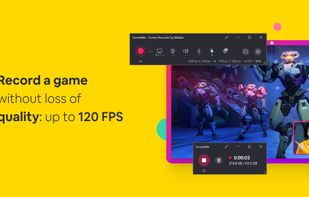
ScreenMix - Screen Recorder provides an easy, uncomplicated way of recording your desktop's screen and webcam sessions. Excellent for games and video stream recording, product demos, tutorials, webcam chats, and more!.
 Ukraine



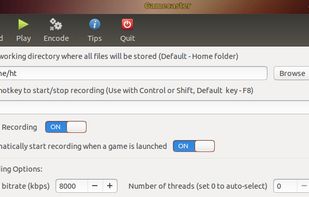
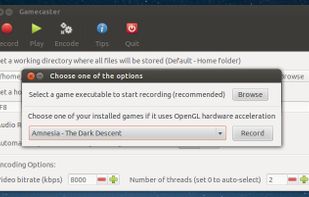
Gamecaster is a graphical user interface for open source framework 'glc'. It can capture real time footage of any game that uses ALSA for sound and OpenGL for drawing. Gamecaster can also encode any captured .glc file into webm video format.


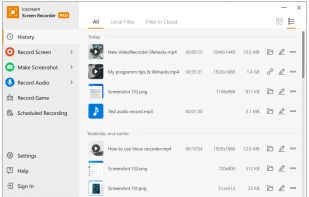
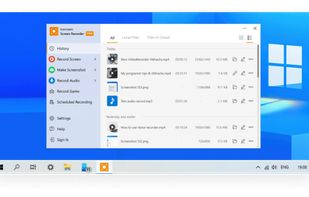
Enables screen video, audio, and webcam capture with support for system sounds, microphone input, annotation tools, zoom, custom watermarks, automated scheduling, screenshot upload, adjustable quality, region selection, and support for over 45 languages.
 Cyprus
 EU
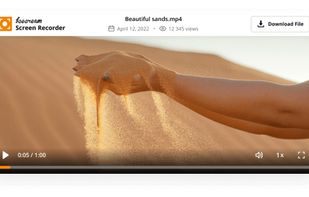


SurFlex is the ultimate screen recording solution for both PC and Mac, providing a seamless experience to effortlessly capture top-notch video and audio from your screen, applications, windows, webcam, and microphone, all without the inconvenience of watermarks.


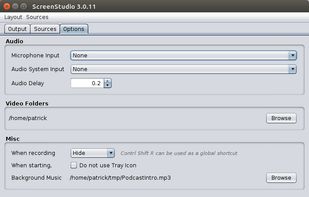
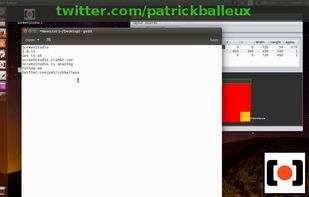
ScreenStudio is an easy screen recording that will let you create screencast or live streaming of your desktop. It does support multiple desktops, multiple webcams and text labels.
 Canada


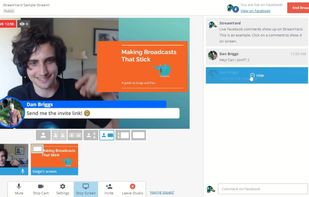
StreamYard is a live streaming studio in your browser. Interview guests, share your screen, and much more. Stream directly to Facebook, YouTube, LinkedIn, Periscope, Twitch or custom RTMP outputs.
 United States


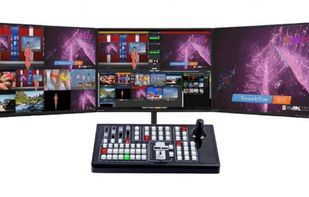
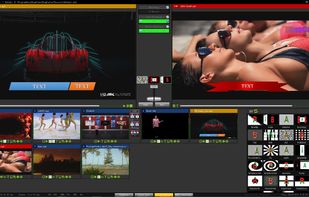
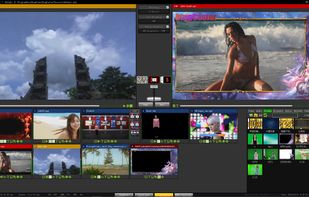
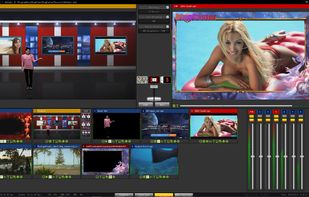
DingCaster is live production & stream software. It is software Video and audio mixer and router and it can publish your live productions directly to the Internet or cable TV network. It supports multi-channel input and output of SDI/HD-SDI/HDMI, network, NDI etc.


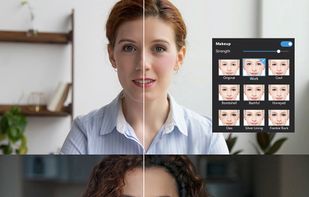
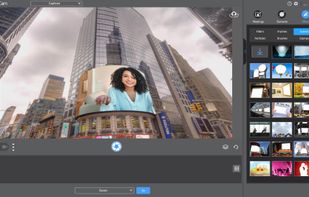
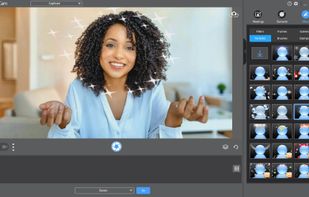
Create engaging webcam videos with real-time AR makeup, over 200 effects, background blur, live streaming to major platforms, face tracking, face login security, capture and screen recording, filters, overlays, stickers, photo modes, brightness controls, and a media library.
 Taiwan



A Chrome extension for capturing, editing and sharing screencasts. Save recordings automatically to your Google Drive or publish directly to YouTube.
United States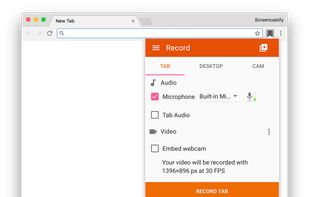
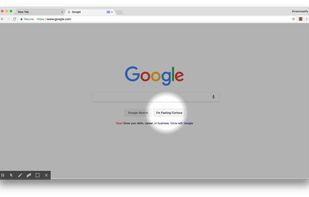
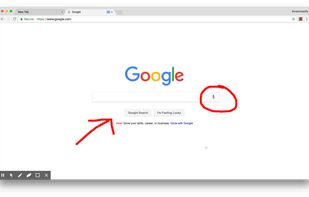
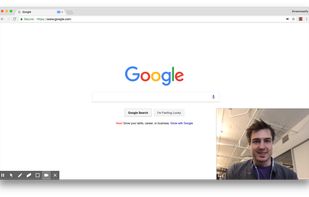


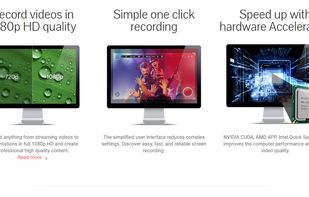
liteCam HD is the most intuitive and powerful professional screen recording software for Windows PC around. Capture and record anything on your computer screen in full HD from streaming videos, webinars, live game play, and more.
 South Korea


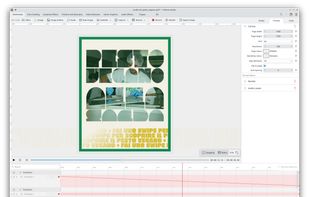
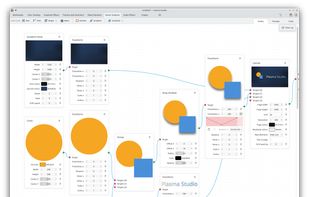
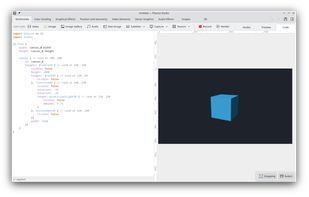
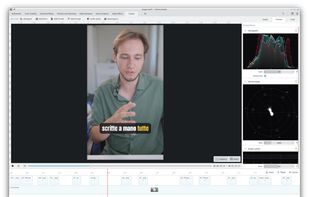
An all in one node-based meta editing program. Features range from raw photo editing, vector graphics, animations to multimedia tools such as video and audio editing. Production features are also included, such as recording, streaming, and 3D modeling.
 ItalyEU





 Hong Kong


