

OFLH icon
OFLH icon

OFLH

 Like

Find which process is using a file, folder, or port on Windows, Linux, and macOS. Fast whole-drive scans, process ancestry, and safe process termination.
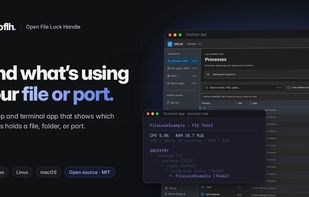
OFLH Social Media Cover Image

Cost / License

  • Free
  • Open Source (MIT)

Application type

Since

  • New

Updated

  • Updated Oct 2026

Platforms

  • Windows
  • Mac
  • Linux
  • Homebrew
0likes
0articles
Save

Features

Properties

Features

Highlights All activities

OFLH News & Activities

Recent activities

OFLH information

AlternativeTo Categories

OS & Utilities, File Management

GitHub repository

  •  8 Stars
  •  0 Forks
  •  4 Open Issues
  •   Updated  
View on GitHub
OFLH was added to AlternativeTo by karimz1 on and this page was last updated .

No comments or reviews, maybe you want to be first?

Official Links

What is OFLH?

OFLH (Open File Lock Handle) is a free tool that lets you unlock locked files and folders as well as free blocked network ports through an easy-to-use interface.

It shows the responsible processes together with detailed information and allows you to close them with one click. If a process cannot be closed normally, OFLH can also force-terminate it.

OFLH can identify applications that are blocking a specific local port. It distinguishes between local TCP listeners and bound UDP sockets and can close the selected processes to free the port again.

The tool provides useful process information such as PID, process hierarchy (parent process tree), memory usage, user account, and working directory. Besides individual files, you can also scan entire folders or complete drives.

Key features:

  • Unlock locked files, folders, and even entire drives with one click
  • Free blocked network ports (TCP listeners and UDP sockets)
  • Shows detailed process information including process hierarchy
  • Integrated search for names, paths, and PIDs
  • Automatic refresh for changing processes and ports
  • Available as desktop app and terminal app
  • Cross-platform (Windows, Linux, macOS)

A practical alternative in the file unlocker and process viewer category when you need more process details and a clear hierarchy view.