

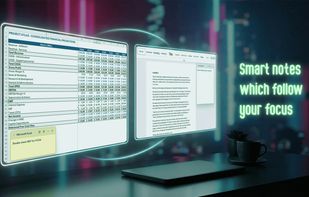
Context-aware true overlay sticky notes which automatically disappear and reappear depending on the currently focused app.
Cost / License
- Freemium
- Proprietary
Application typeApplication types
Platforms
- Windows
 Poland
 EU
EU





+2



Apps similar to NoteGlow include Trilium Notes, which is free and open source. Other options are Fossify Notes, jotty·page, Microsoft To Do and Notefox. There's no shortage of Note-taking Tools like NoteGlow, with more than 50 alternatives for Windows, Mac, Android, Linux and the web.
Context-aware true overlay sticky notes which automatically disappear and reappear depending on the currently focused app.
PolandEU
Built-in quick note: save ideas, contacts, interesting facts
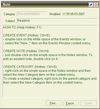
With Exstora, you can write down a thought that comes to your mind as soon as possible. To create a new note, just double-click next to the corresponding section.
Personal organizer software: plans for the future, eve.
 SlovakiaEU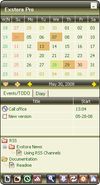
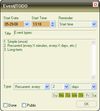


StickyPad is an invaluable, easy-to-use tool that lets you place sticky notes on your desktop. You can type notes to yourself, set meeting and appointment reminders, keep track of a to-do list, and anything else you would do with paper notes.
 United States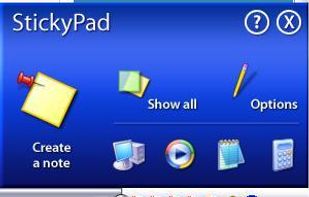


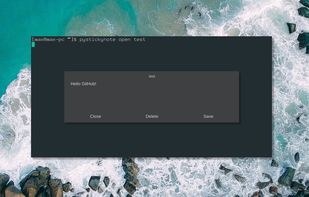

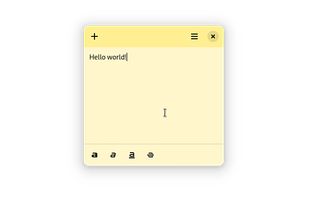
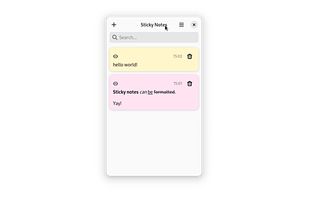
Sticky Notes is a simple sticky notes app for GNOME. It allows you to create notes and format them.

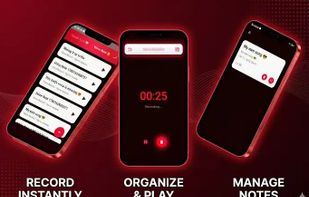
An eye-friendly, secure note-taking app with note Hiding and private voice recording features.




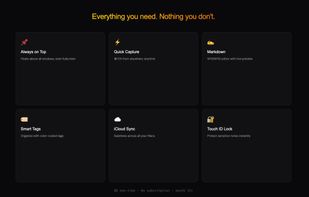
Colorful sticky notes that float above every window. Capture ideas instantly from the menu bar with a global shortcut. Markdown, widgets, iCloud sync, and Touch ID lock.
 BelgiumEU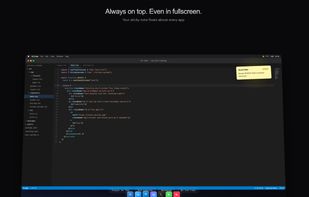
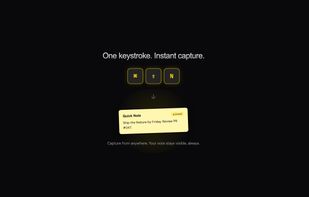


A native macOS to-do list and notes app in one window: Today, Daily, Backlog, notes, goals, timers and analytics — all over one timestamped log. no cloud, no accounts. Open source on GitHub.
 Pakistan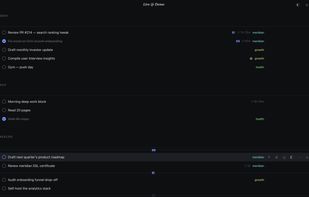
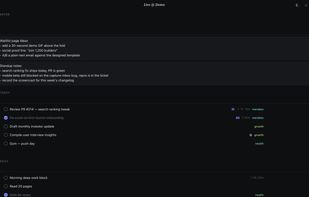


QStickyNotes is a lightweight tray-based sticky notes application for Linux, inspired by indicator-stickynotes but intentionally kept simple.
 Belarus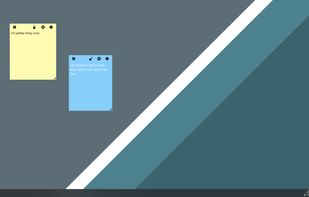

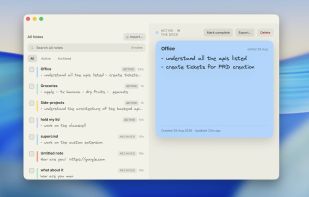
Sticky notes that live at the edge of your screen. Native macOS, SwiftUI + AppKit, local-only with encrypted note bodies.
 Algeria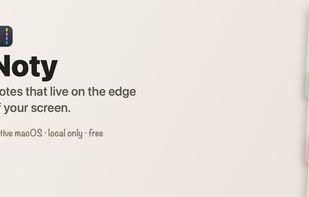




Hold My Notes keeps a deck of sticky notes on the right edge of your Mac. At rest it is a thin pill; move the pointer over and the notes fan out. Encrypted on your machine, no account, macOS 13 or later.
 India
India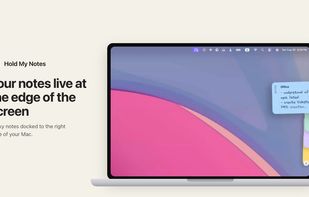




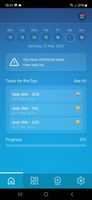
ePlanner is your personal assistant designed to help you manage tasks, reminders, and notes—completely offline and privacy-first.