


Cost / License
- Paid
- Proprietary
Platforms
- iPhone
- iPad
 United Kingdom
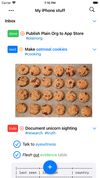

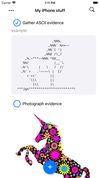

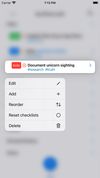


Apps similar to Notebook PEA include Notesnook, which is open source with a free version. Other options are Google Keep, Microsoft OneNote, Simplenote and Zim. Note-taking Tools like Notebook PEA are a crowded field, with more than 100 alternatives for Android, Windows, Mac, the web and iPhone.
United Kingdom
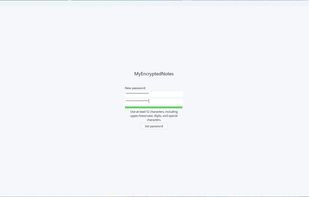
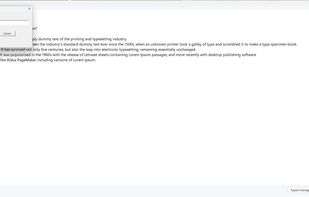
Keep your personal notes truly private with MyEncryptedNotes — a fast, lightweight, and fully offline encrypted notepad for Windows. All data is protected locally using ChaCha20-Poly1305 encryption, ensuring modern, high-performance security without cloud dependencies.
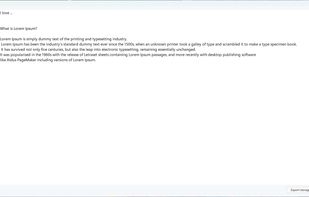


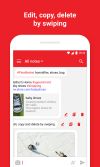
Pickle is a dead simple, note taking app with hashtag support to facilitate searches and sorting.


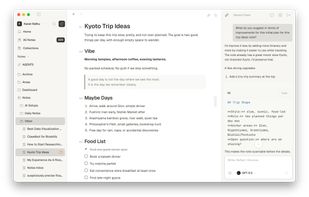
A fast, private Markdown notes app for thinking, writing, and linking ideas for your Mac.
 India
India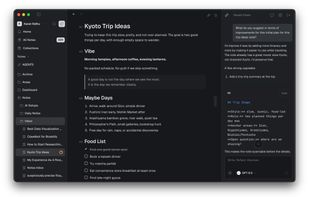


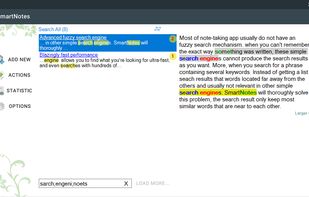
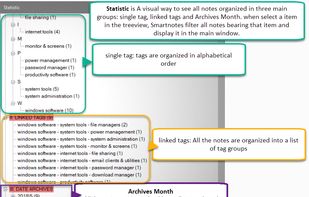
SmartNote is an ultra-ergonomic note-taking app for Windows. It will help you collect, organize, store all pieces of information in a single file and then search through all your data to find what you're looking by smart search technology.


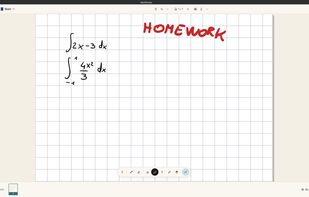
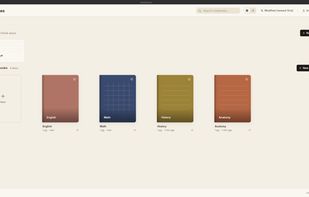
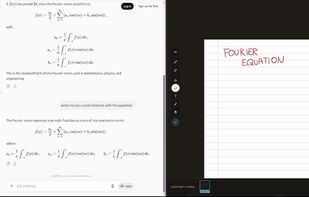
AbelNotes is an open-source handwritten note-taking app built for technical work. It renders LaTeX math natively with searchable source, lets you import and annotate PDFs, and offers eight paper types including Cornell, isometric and music staff, with pressure-sensitive pens.


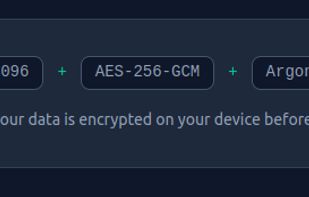
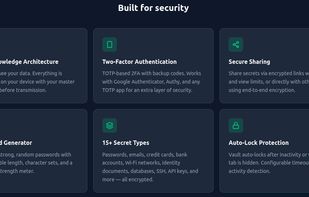
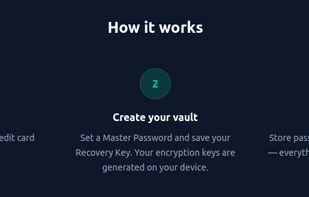
End-to-end encrypted secrets manager with zero-knowledge security using RSA-4096 and AES-256-GCM. Supports passwords, API keys and more, TOTP, password generator, health analysis, dark web alerts, secret sharing, Google Drive BYOS, and multi-language support.
 Palestinian Territories




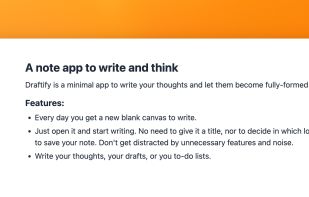
Draftify is a minimal note and journal app (Mac only). It's a place to quickly write ideas and to think.


Start using our Online To Do List ? Free ? No Registration Needed ? Online tool ? Auto Save. Check out Free To Do List Online.
 Australia


Tired of endless to-do and task lists? Meet “What's Your A?” — the best ABCDE-based task management, to-do list, and notes app designed to boost your productivity. With its intuitive UI/UX design, this productivity app makes organizing tasks hassle-free and enjoyable.
United Kingdom


 Cyprus
 EU
EU


